Download and extract the ZIP.
Open the preview of your chosen template. After downloading, extract the ZIP and keep the whole folder. VYNE contains index.html, RECREATE.md and the assets folder.


Download a template with a finished layout, images and instructions. In an AI tool that edits files, describe your name, text or colour. Open the preview and check the change.
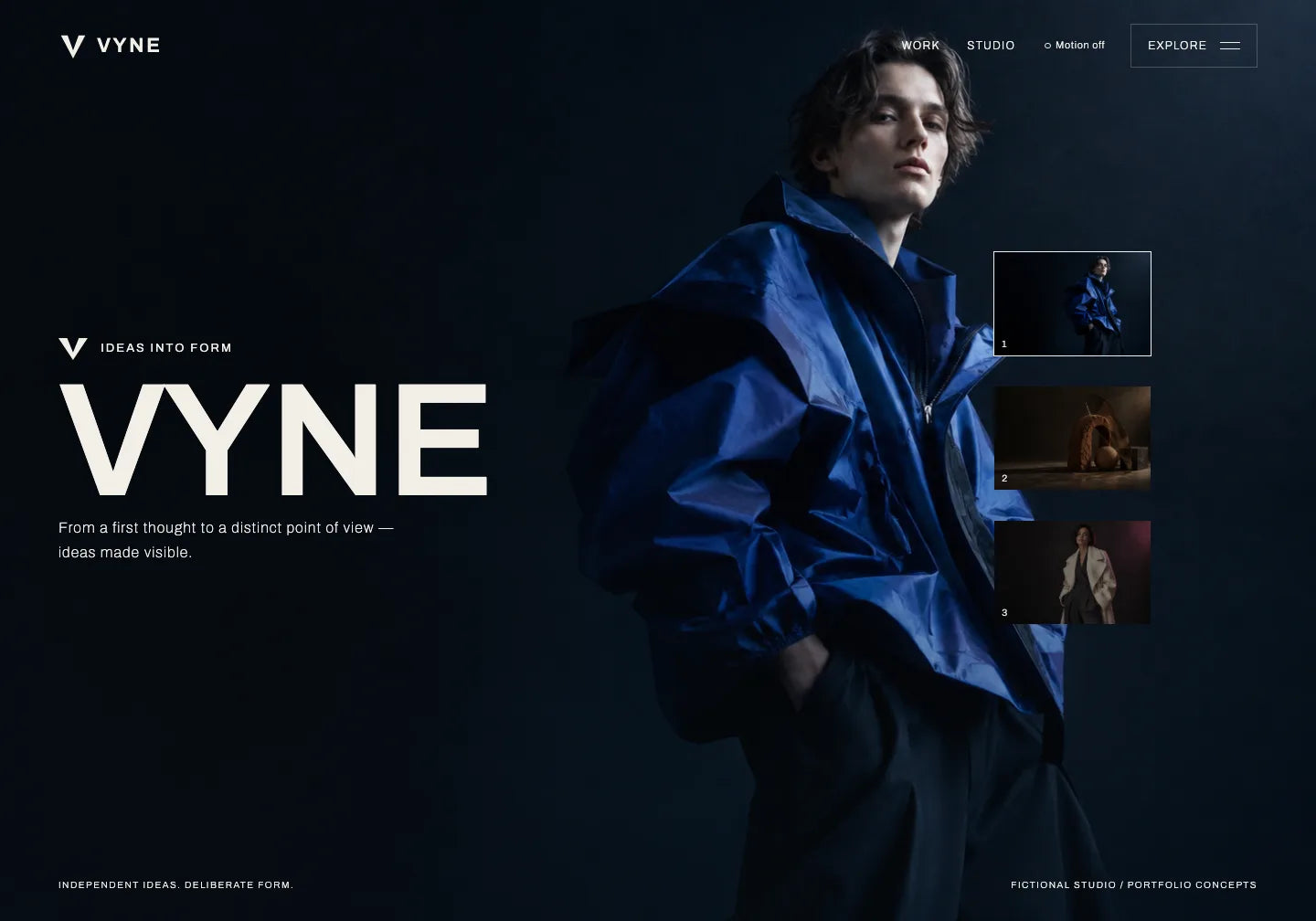
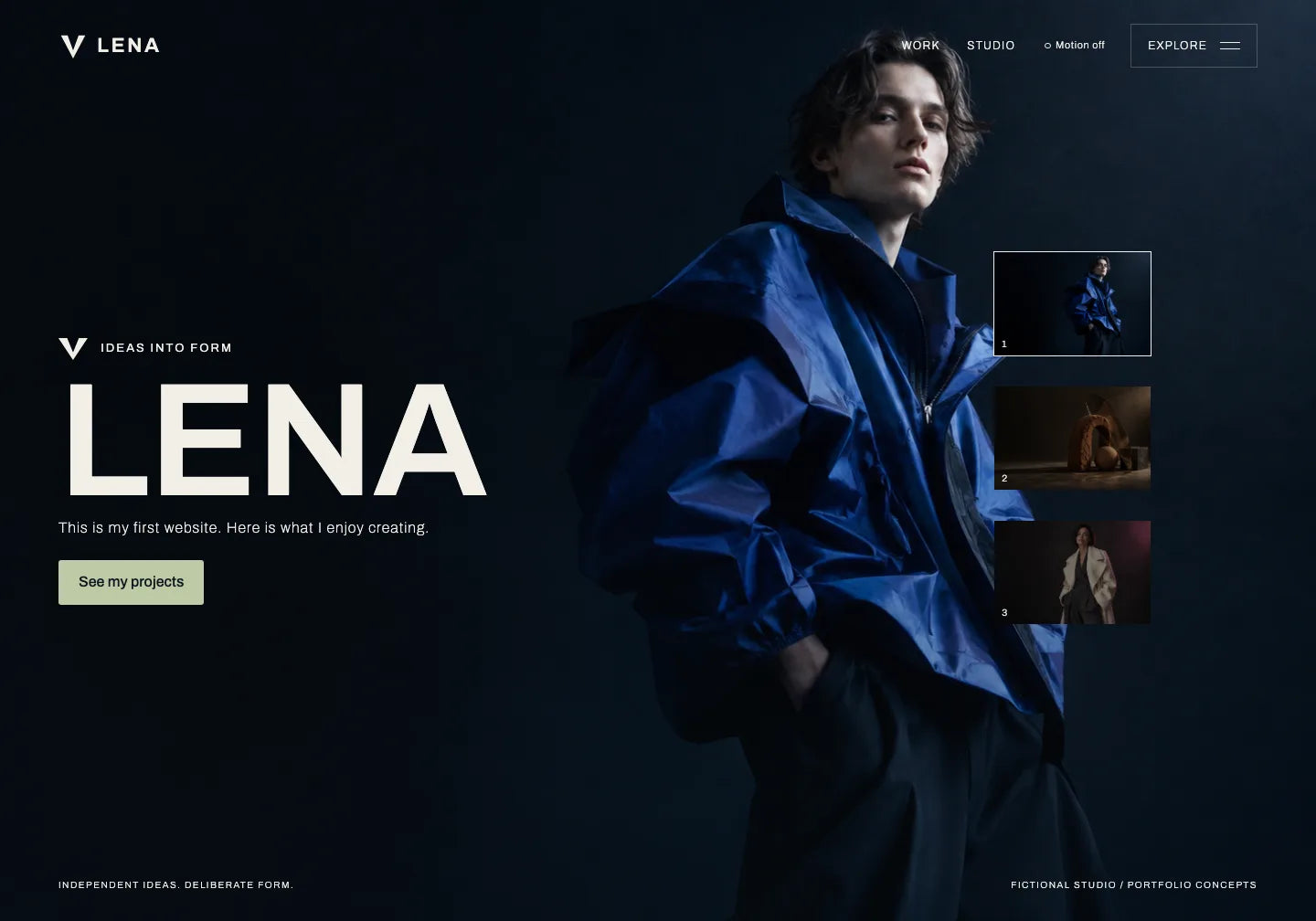
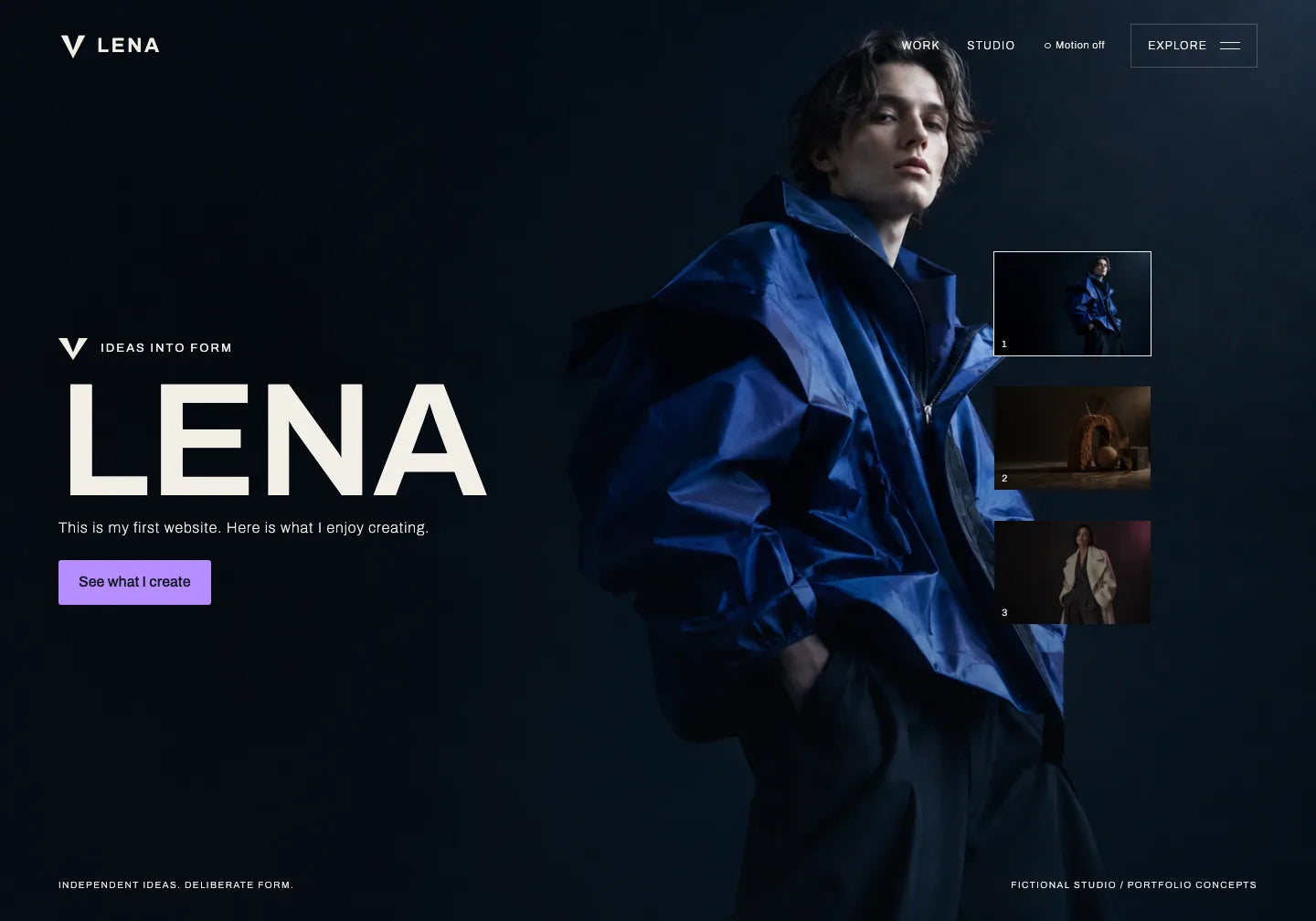
Instruction to copy
Original VYNE and a prepared example of a first edit. The name, sentence and button at the start were changed; the remaining content comes from the fictional design. AI Chat is an example conversation without a live AI connection.
Give your AI the extracted project folder. If the tool accepts attachments, add the files according to its instructions.
For your first try, choose one thing: a name or a short sentence. See how your words change a ready-made website.
Open the preview of your chosen template. After downloading, extract the ZIP and keep the whole folder. VYNE contains index.html, RECREATE.md and the assets folder.
Use an AI tool that edits files. Open the project folder in it or add the files as attachments. Copy the example instruction and write your own name and sentence.
Save the edited index.html in the project folder. Double-click it to open the website in your browser. VYNE needs the internet for images and its font. You can also use your AI’s website preview if it provides one.
Return to the saved website. Pick one button and describe how it should look. Then compare the new preview with the previous one.
Open the full preview. Check the layout, images and buttons. Choose a design you want to add your own name and content to.
A large name, images and ready-made page sections. Start with the change shown in the example. You can download VYNE for free.
View this template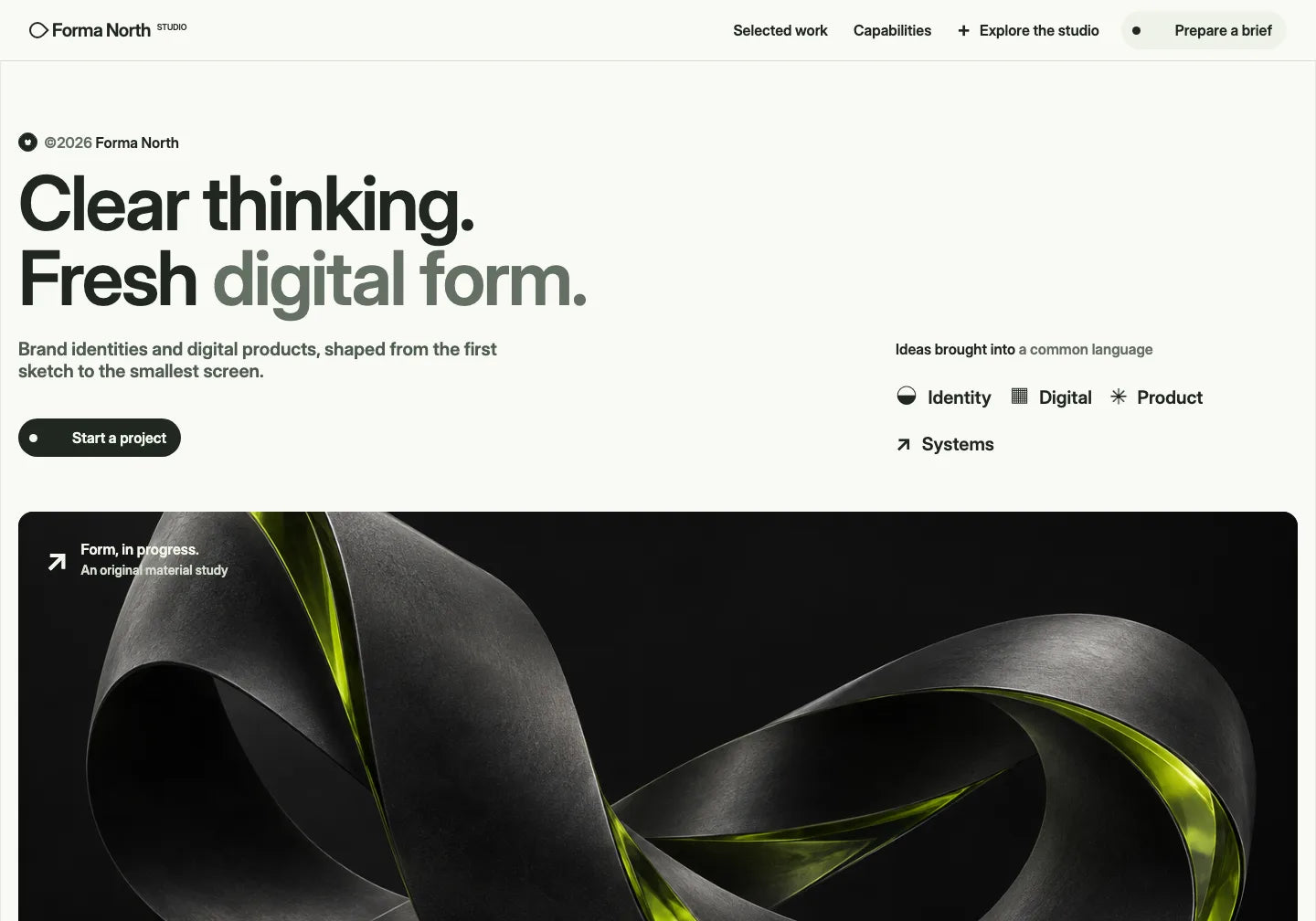
A light website with work, descriptions and expandable answers. Choose it if this is the layout you want to make your own.
View this template
A different layout: a large headline and a sample product view. Look through this design if you want to prepare a website presenting a product or idea.
View this templateDownload the ZIP, extract the files and try the example change. See your name in the preview before choosing your next design.
THE TEMPLATE LIBRARY
Pick a ready-made layout and tell AI your content, name and the changes you need.
82 website templates
 Avenlo
See template
Avenlo
See template
 Aster Works
See template
Aster Works
See template
 Lumenloop
See template
Lumenloop
See template
 Flowline
See template
Flowline
See template
 Avenor
See template
Avenor
See template
 Tandem Airworks
See template
Tandem Airworks
See template
 Rillstone Studio
See template
Rillstone Studio
See template
 Moss & Metric
See template
Moss & Metric
See template
 Asterline Studio
See template
Asterline Studio
See template
 LumenDesk
See template
LumenDesk
See template
 Pivota Workflow
See template
Pivota Workflow
See template
 Relaywise
See template
Relaywise
See template
CHOOSE YOUR ACCESS
Choose one design for your first website or a library when you want to explore more ideas.
One ready-made design for your first website.
$29.00 USD/ template
For your next ideas. The full PRO library while your subscription is active.
$149.99 USD/ year
A library for future ideas. Access to PRO with one payment.
Previous price$599.00 USD
$199.00 USD/ once
Commercial Use pricing. Prices and taxes are confirmed at checkout. Your AI tool, domain and hosting are separate.
Files for a ready-made website and instructions for further work. VYNE contains index.html, RECREATE.md and the assets folder with images. Extract the ZIP and keep the whole folder. Check other templates’ contents on their product pages.
You can describe a name, text or colour change in ordinary words to AI that edits files. The template gives you the layout and design. You choose the change, share the project and check the preview. Download free VYNE to try this way of working with a small edit first.
Choose an AI tool that works with project files and saves edited HTML. Open the extracted folder in it or attach files according to its instructions. For VYNE, use index.html, RECREATE.md and the supplied images. Features depend on the tool and plan; you choose and pay for AI separately.
Save the edited index.html in the project folder and double-click it. The website opens in your browser. VYNE loads images and its font from the internet, so it needs a connection. If your AI provides a website preview, you can use that too. Check the text, images and buttons.
A file open on your computer does not have a public address. To share the website online, choose hosting, publish the files and configure a domain. These services are separate. Check the whole website before publishing; working messages, bookings and payments need implementation or a connected service.
You can view the ready-made design now. Then add your name and first text with AI.
Choose what you want to understand next: files, changes with AI or starting with a ready-made design.
See how to share a design with AI and personalise it.
See how to edit website content and design with AI.
See what an existing design gives you for a first website.
Understand a full design and a library of separate sections.
Use your notes and a ready-made template to get started.
Download a design, share it with AI and describe your changes.
See what you can take from a template for your first website.
Learn to work with a design without writing the code yourself.

OneDollarStock is implementing a project to prepare the platform for entry into the German market under the “Go Global” acceleration track of the “Unicorn Hub Startup Booster” programme, project no. FENG.02.28-IP.02-0013/23. The project is co-financed by the European Funds for Smart Economy 2021–2027 under the priority “Innovation-friendly environment”, Measure FENG.2.28 Startup Booster Poland. Learn more about the project →
