A layout for your content.
Do you need a large photo, a list of services or room for your work? Check the sections and their order in the full preview.


Explore a ready-made website and choose its layout. Then ask your AI to customise colours, copy and images. OneDollarStock gives you editable HTML and project instructions to keep working on the design you chose.
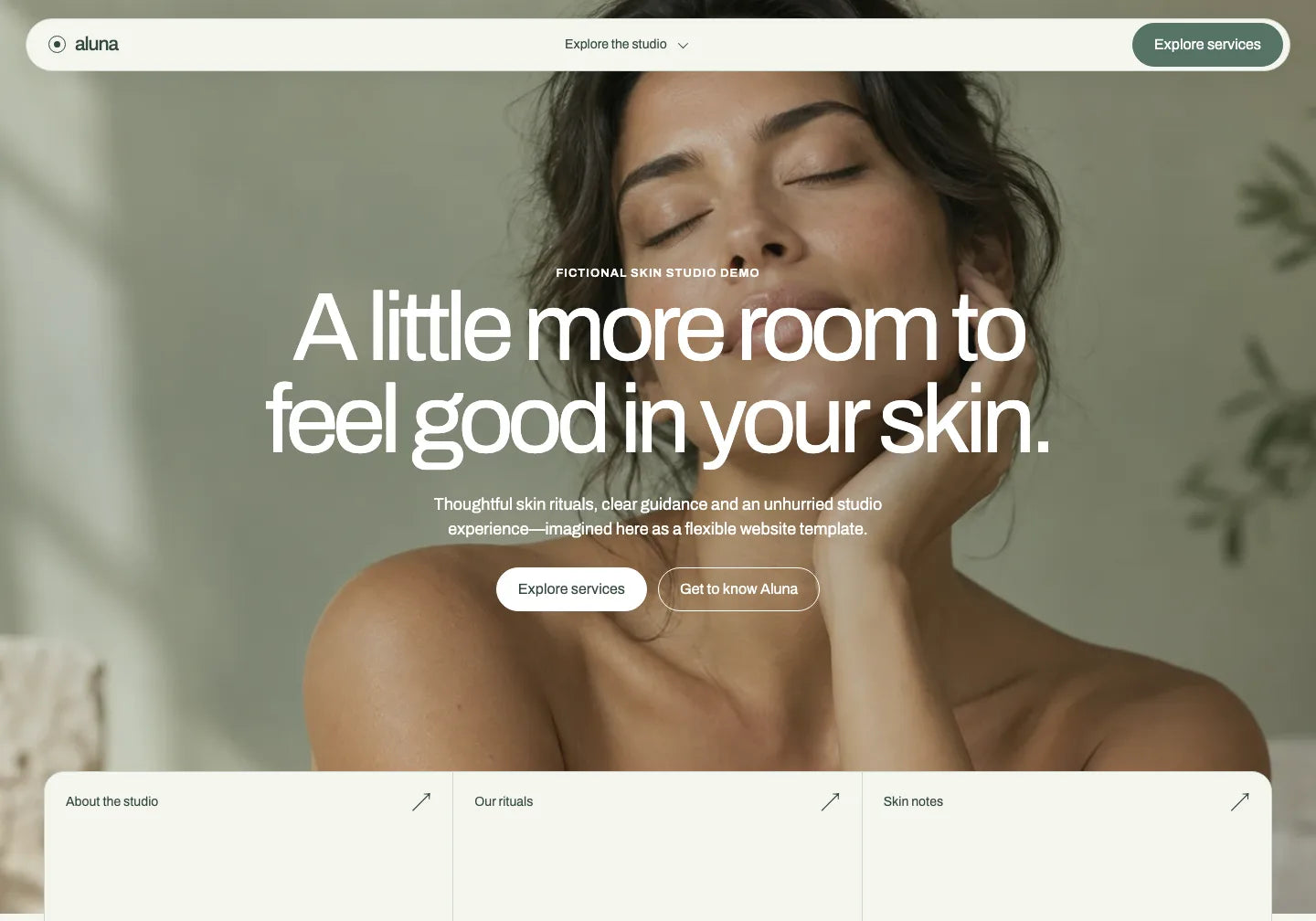
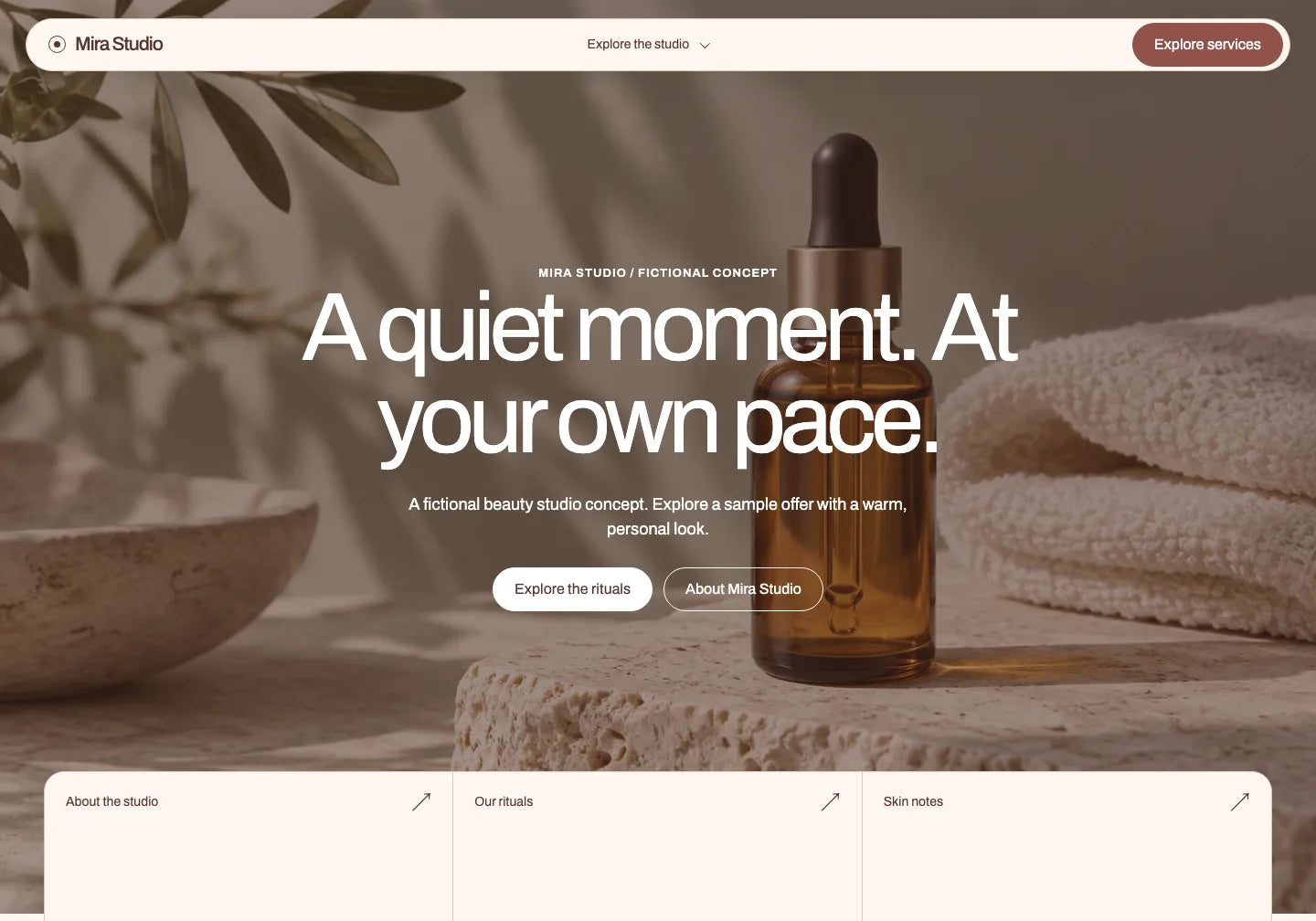
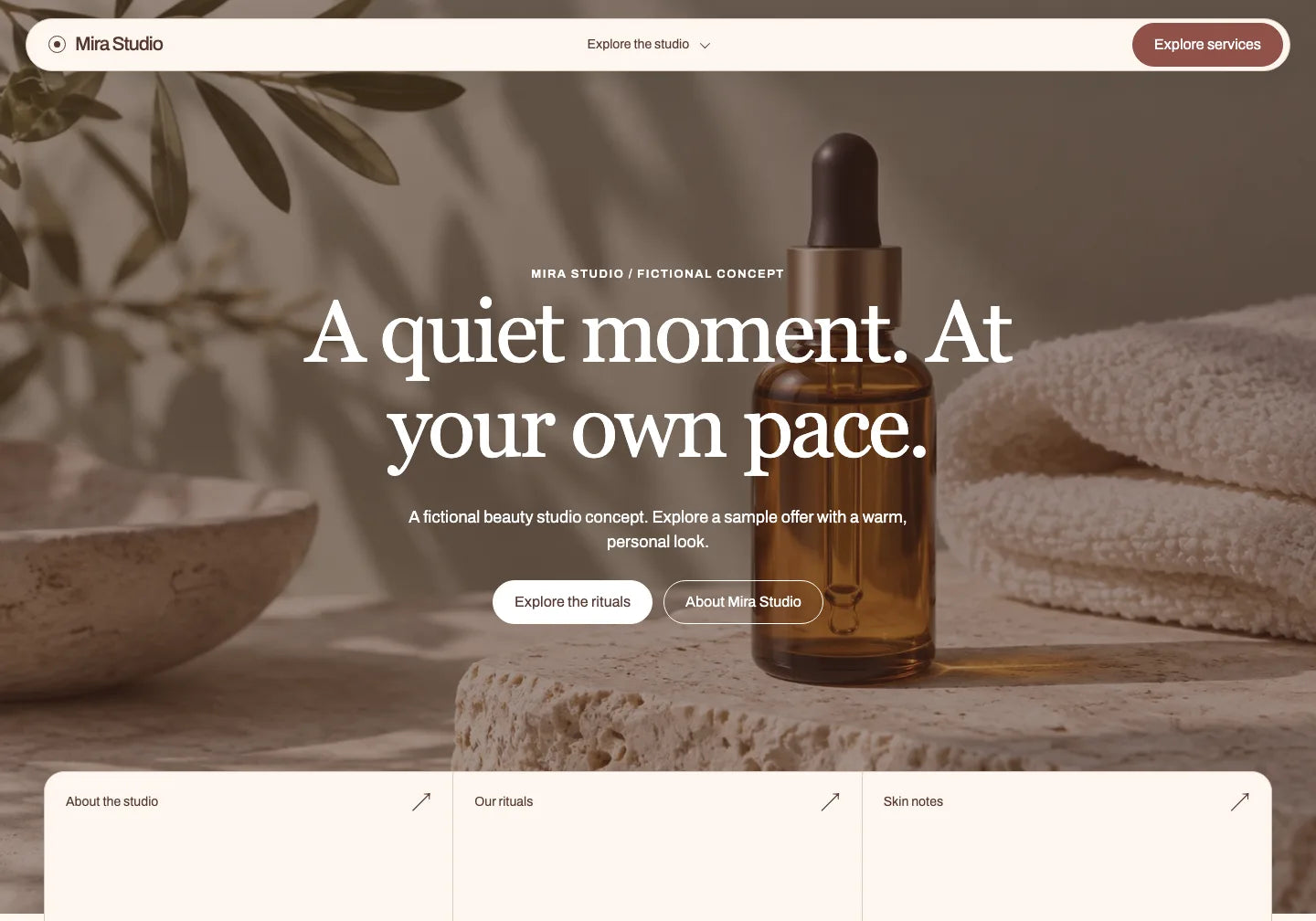
Full request to copy
Aluna and a prepared customisation of the fictional Mira Studio opening. The header brand, hero copy, hero photo and global palette changed. The layout and Archivo font stay. Lower-section copy remains the original Aluna in English; this illustrates a defined edit, not a complete new brand website.
Unzip the project and give your AI the HTML, instructions and included materials.
Open the full preview and picture your own content in the design. Choose the layout you want to keep; customise colours, images and copy later.
Do you need a large photo, a list of services or room for your work? Check the sections and their order in the full preview.
Compare typography, spacing and how images are used. Choose a design where you can already picture your brand.
Open the preview on a small screen. Review the headline, navigation, images and buttons before choosing a template.
The projects shown include editable HTML and RECREATE.md instructions. Check the template page for the exact package contents.
Ask your AI for a specific colour or typography change while keeping the composition. Compare the previews before choosing the version you want to keep working on.
Compare photography, large typography and a dark design with an animated sky. Choose the composition you want to use with your own brand.
A hero photo, sage colours and a services section. Consider this layout when you want your own photography to shape the website’s character.
Explore the full template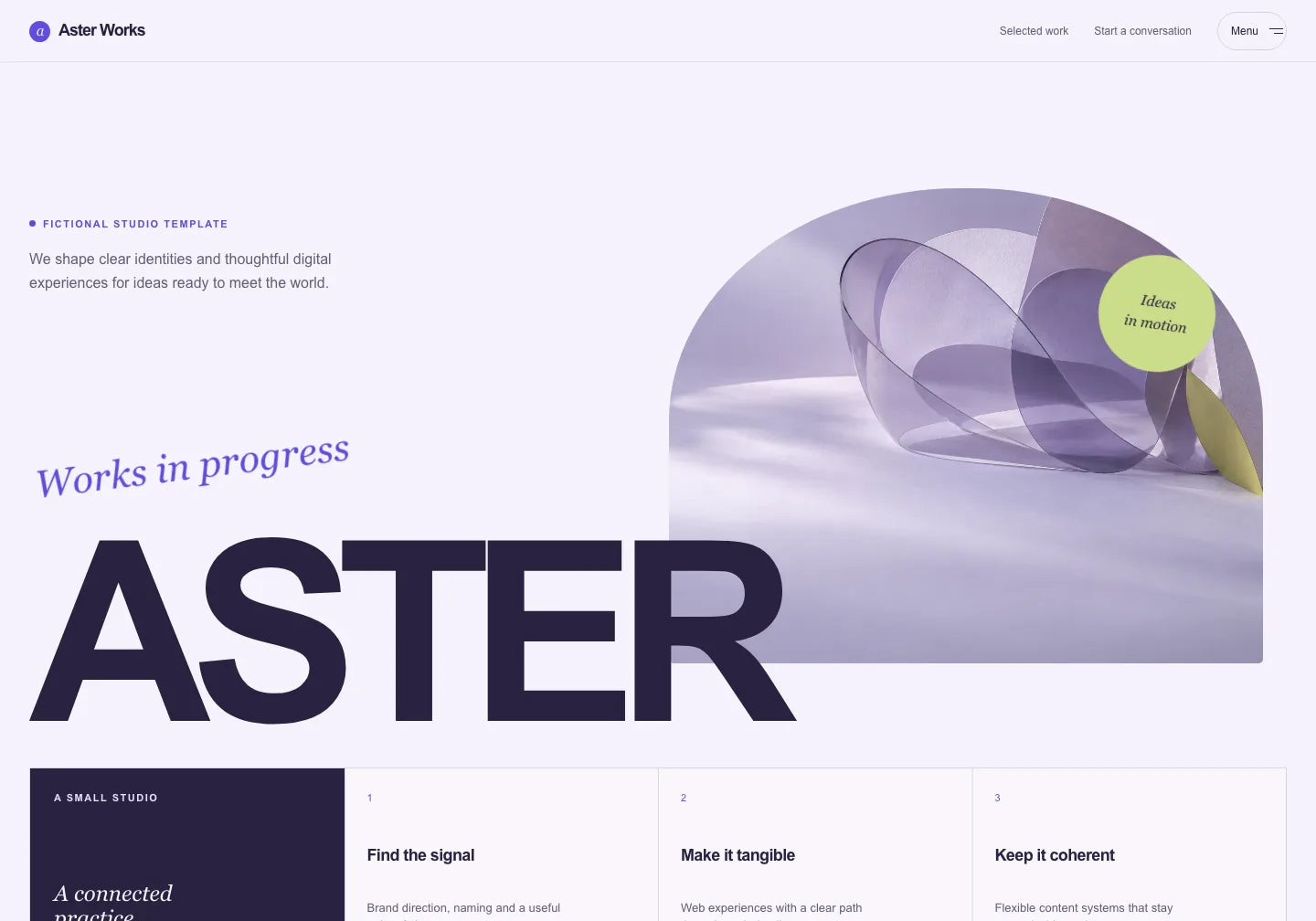
A lilac studio design with abstract artwork and large lettering. Explore it if you want the look to centre on a bold composition.
Explore the full template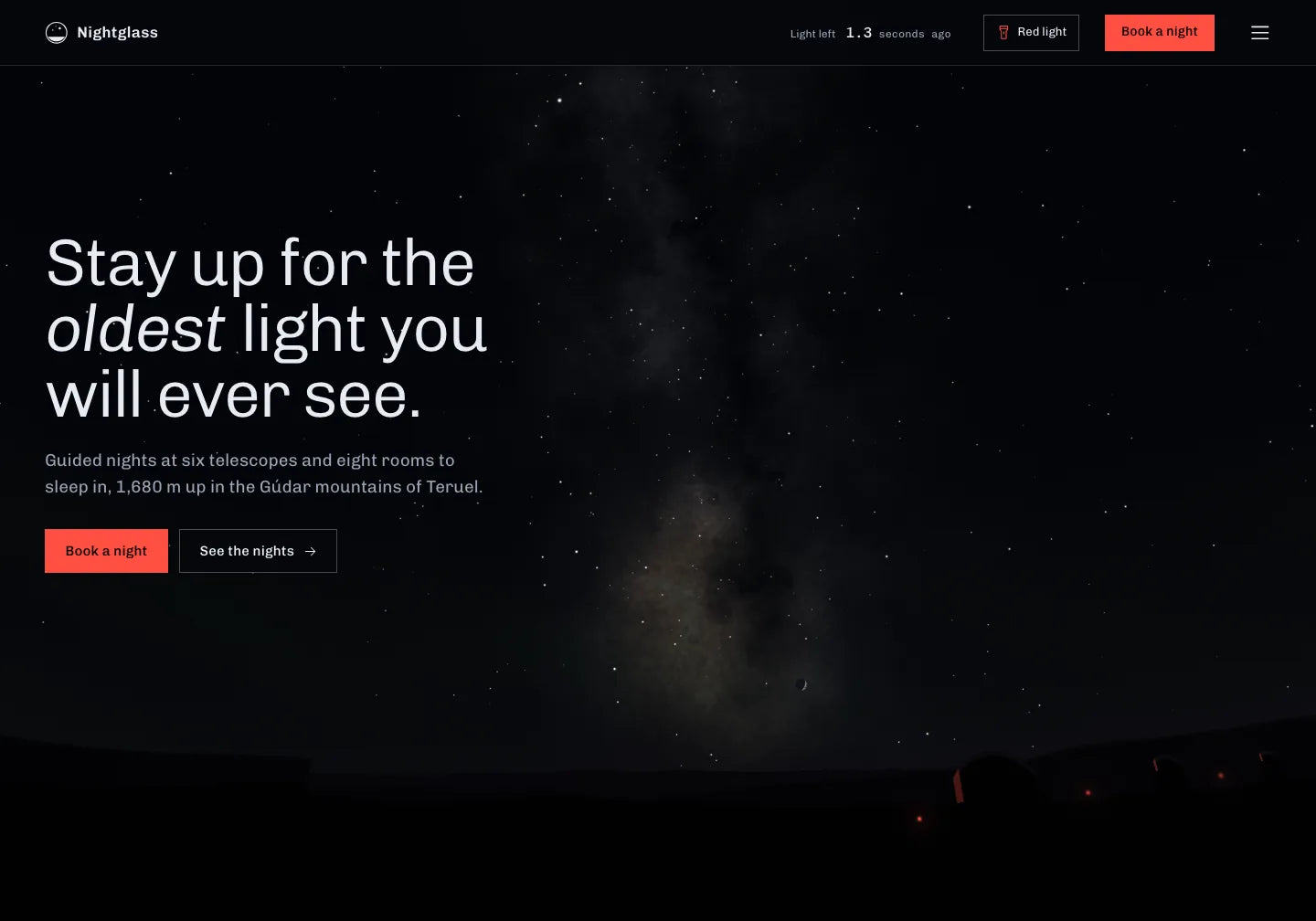
An observatory design with an animated sky. Preview the effect on your own devices and decide whether this character fits your website.
Explore the full templateStart with your own copy and materials. Request changes to the existing website, then check how your brand looks throughout the layout and on your phone.
Explore the full website and choose a design that fits your content.
Unzip it. Share the HTML, RECREATE.md and included materials with a tool that edits files.
Describe your colours, copy and images. Specify which parts of the layout should stay.
Download the project and ask your AI for one colour or copy change. Open the preview and see how working with an existing layout feels.
THE TEMPLATE LIBRARY
Explore photography, typography and layouts. Choose the composition you want to keep and adapt it in your AI.
82 website templates
CHOOSE YOUR ACCESS
Already know which design you want? Get a single template. Want to explore different directions? Choose PRO access.
Your chosen website design and files to adapt to your brand.
$29.00 USD/ template
The full PRO library: compare designs and use creative assets while your subscription is active.
$149.99 USD/ year
Ongoing access to the PRO library when you want more designs and creative assets.
Previous price$599.00 USD
$199.00 USD/ once
Commercial Use pricing. Prices and taxes are confirmed at checkout. Your AI tool, domain and hosting are separate.
Explore the full preview. Check whether the layout has room for your copy, images, services or work. Review the section order and the mobile view. Choose the composition closest to what you want to show; you can then ask your AI to customise the content and look.
The projects shown have editable HTML. You can ask your AI to change copy, colours, fonts and images while keeping your chosen layout. You can also change the composition. Check the saved file and preview after editing; the result depends on your request, materials and tool.
The files for your chosen design. The templates shown include HTML, RECREATE.md with design instructions and included materials. Check the product page for the exact contents. Downloading the ZIP does not publish a website or connect services, accounts or booking systems.
Yes. Open the full template preview on your phone or in a narrow browser window. Check the navigation, text legibility, images and buttons. Check them again after adding your own changes. Nightglass includes a WebGL animation, so preview it on the devices your audience will use too.
Choose a tool that can read and edit the website files you share, such as Claude Code, Codex, Cursor or Gemini CLI. Unzip the project and provide the HTML, RECREATE.md and materials. The button on this page copies a full example editing request; you share the files separately. Capabilities depend on the tool and plan. OneDollarStock supplies the design, and you choose and pay for your AI separately.
Explore the full preview. Choose the composition, then customise it for your brand using the template files.
Explore how to choose a look, use the source files and review your website on a phone.
Choose a look and keep working on its files.
Check your layout on small and large screens.
Adapt colours, copy and images to your business.
Start with a design that includes files for further editing.
Choose a look you want to show and edit an existing website.
Compare the looks and find a design that fits your website.

OneDollarStock is implementing a project to prepare the platform for entry into the German market under the “Go Global” acceleration track of the “Unicorn Hub Startup Booster” programme, project no. FENG.02.28-IP.02-0013/23. The project is co-financed by the European Funds for Smart Economy 2021–2027 under the priority “Innovation-friendly environment”, Measure FENG.2.28 Startup Booster Poland. Learn more about the project →


