Give the design your client’s colours and voice.
Give AI the logo, palette, copy and images. Describe where they belong. Review how the design looks with your client’s materials.
BeforeTemplate with an example brandAfterA design with client content


Choose a design that fits the job. Give your AI the files, brief and client materials. Adapt the website to their brand, make revisions and keep a website project you can continue working on.
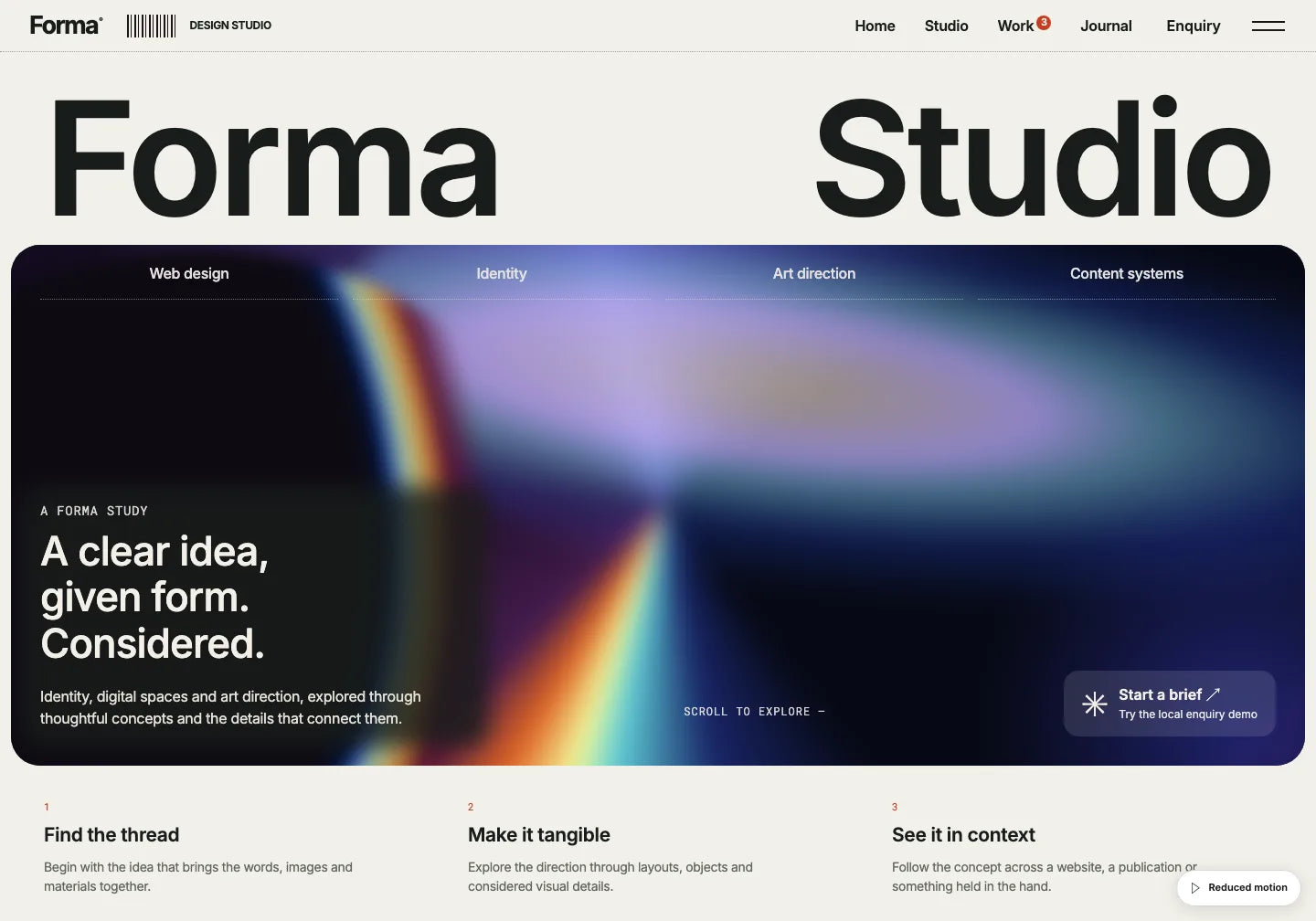
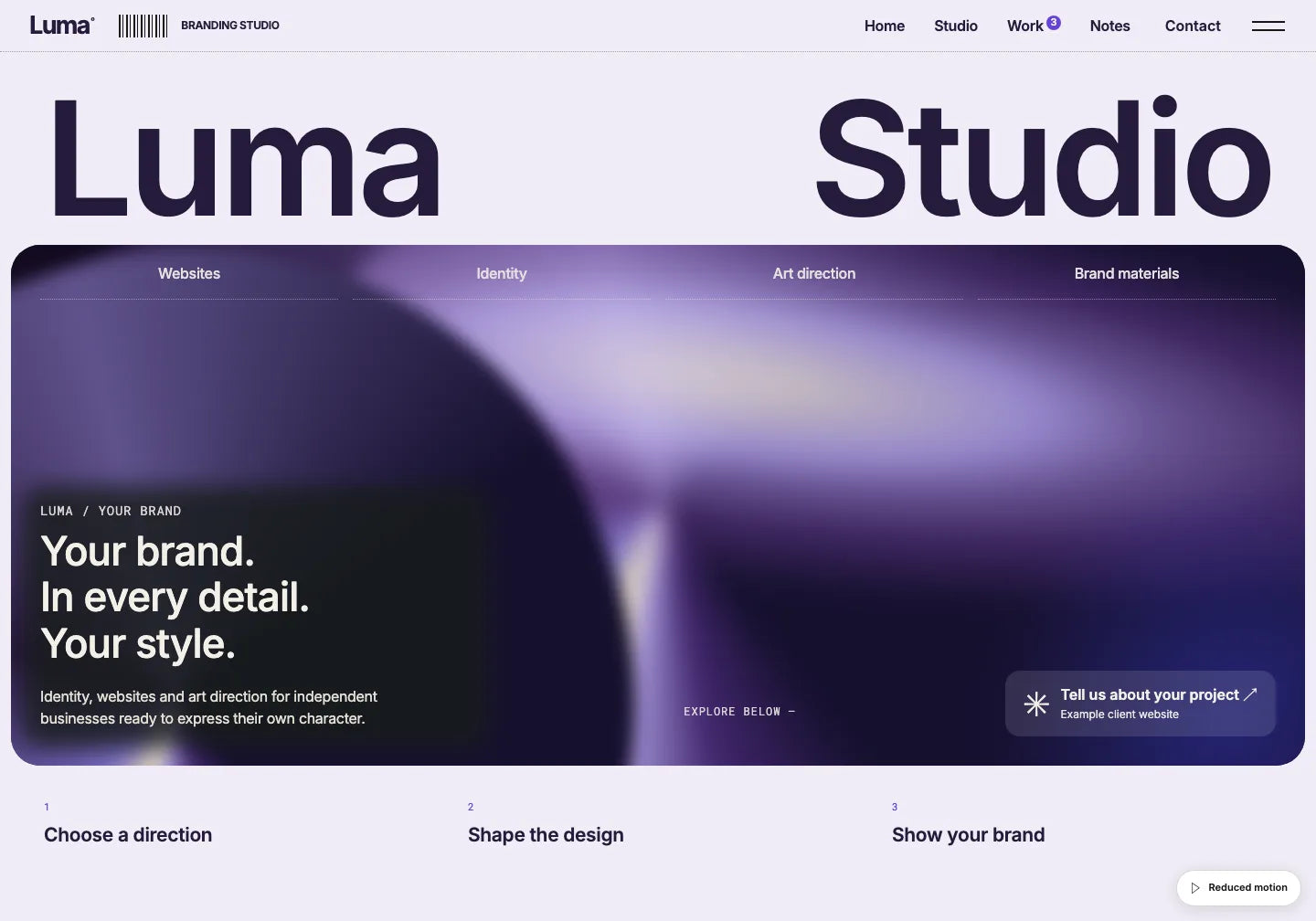
Forma Studio and a prepared adaptation for the fictional Luma studio. The conversation and website versions are examples; this module is not connected to live AI.
Choose the starting point. The brand, content and further changes come from the client’s brief.
Give AI the logo, palette, copy and images. Describe where they belong. Review how the design looks with your client’s materials.
Ask AI to add services, reorder sections or expand the work gallery. The ready website gives you a layout to develop around the client’s offer.
Browse other library designs and choose a style that fits the next client. Use the same process with files and AI, adapting the project to the new brief.
Request specific edits to the current files. Check the new preview and send your client the next version.
“Let’s change the purple to green and cream. The headline should mention websites too. Button: ‘Book a conversation’.”
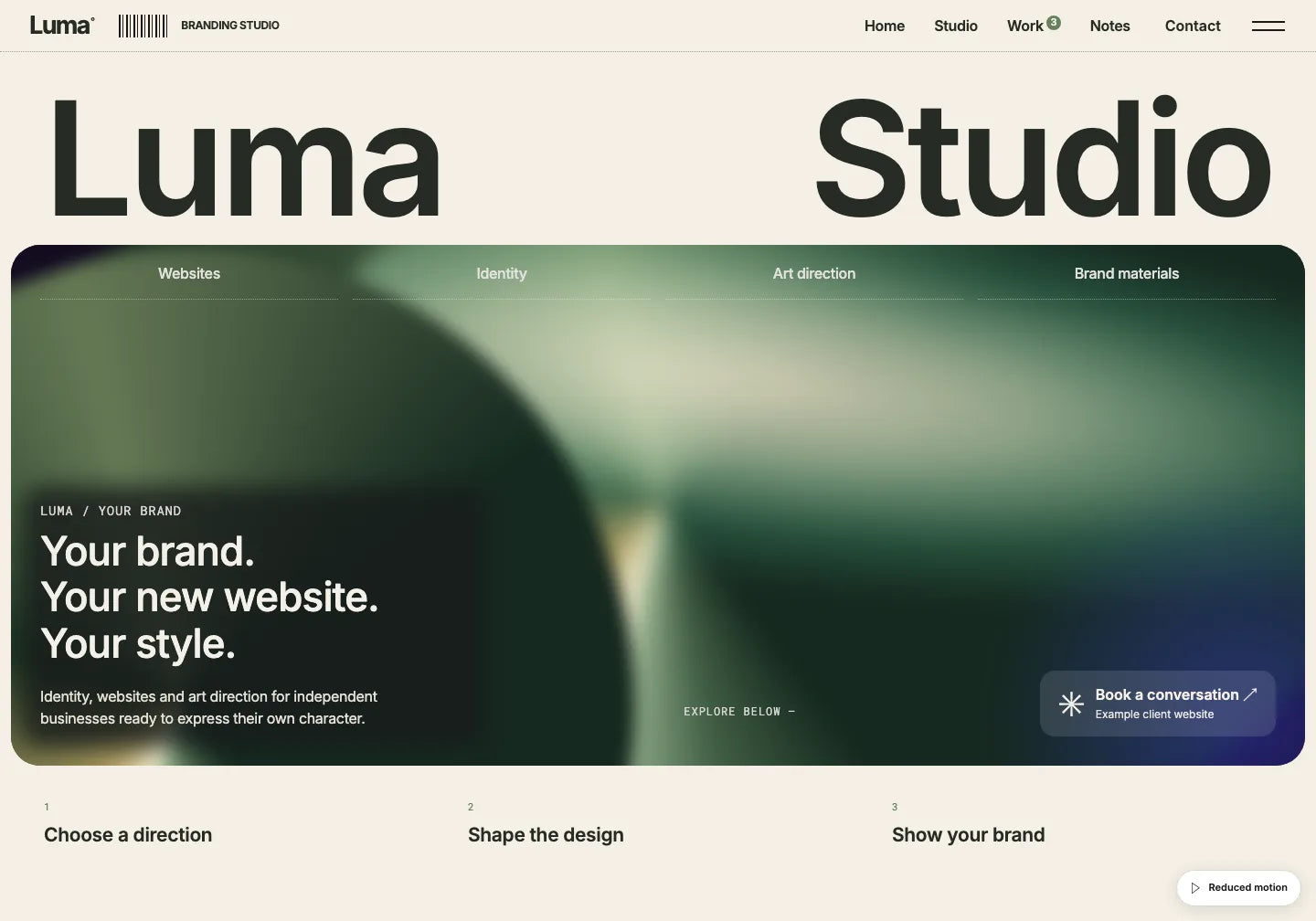
Show your client a finished design and choose the starting point together.
Adapt the large headline, projects and services to a studio’s brand. This is the template used in our Luma example.
Inspect this template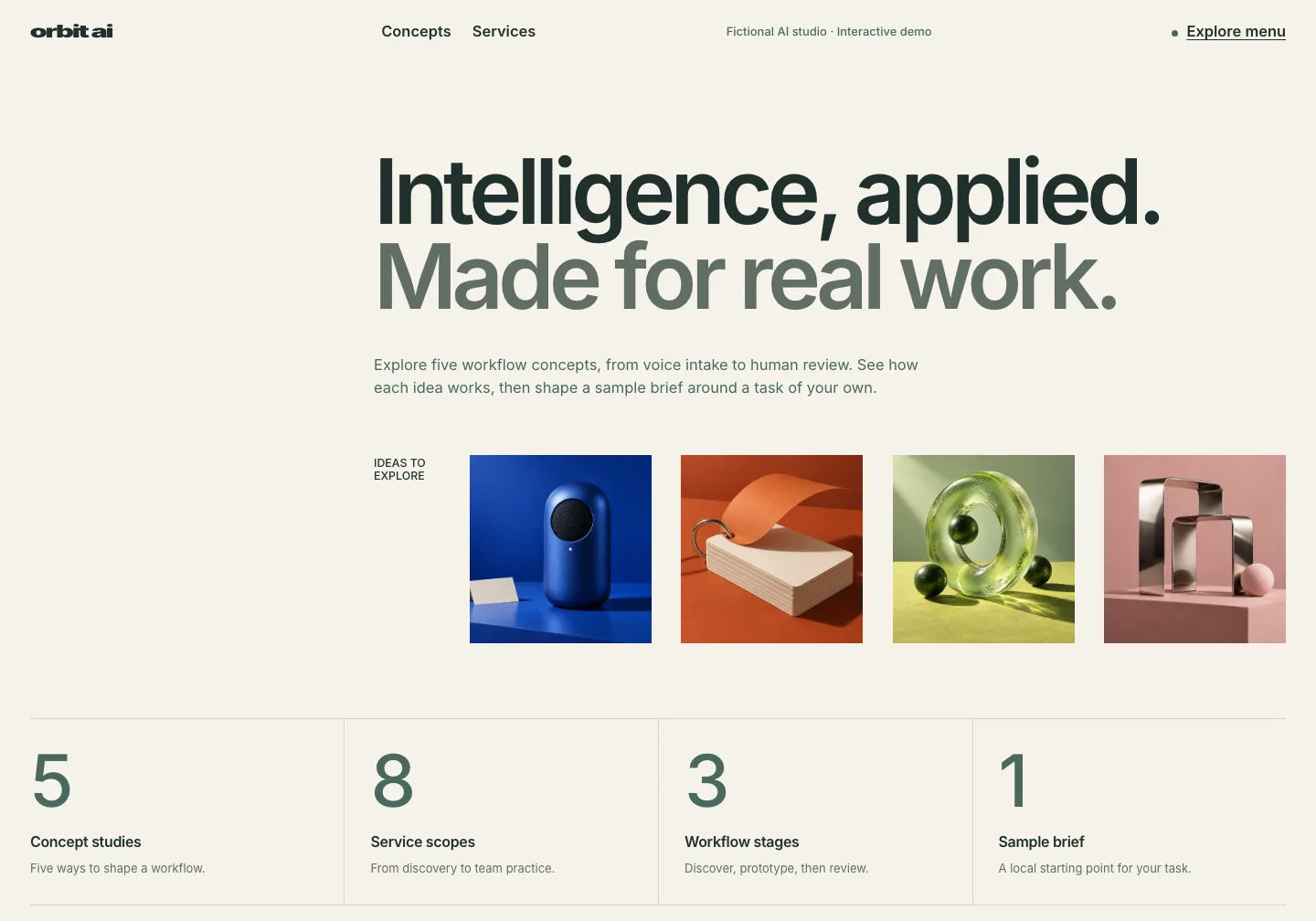
Start a consultant’s or technology company’s website with a layout for its offer and service cards.
Inspect this template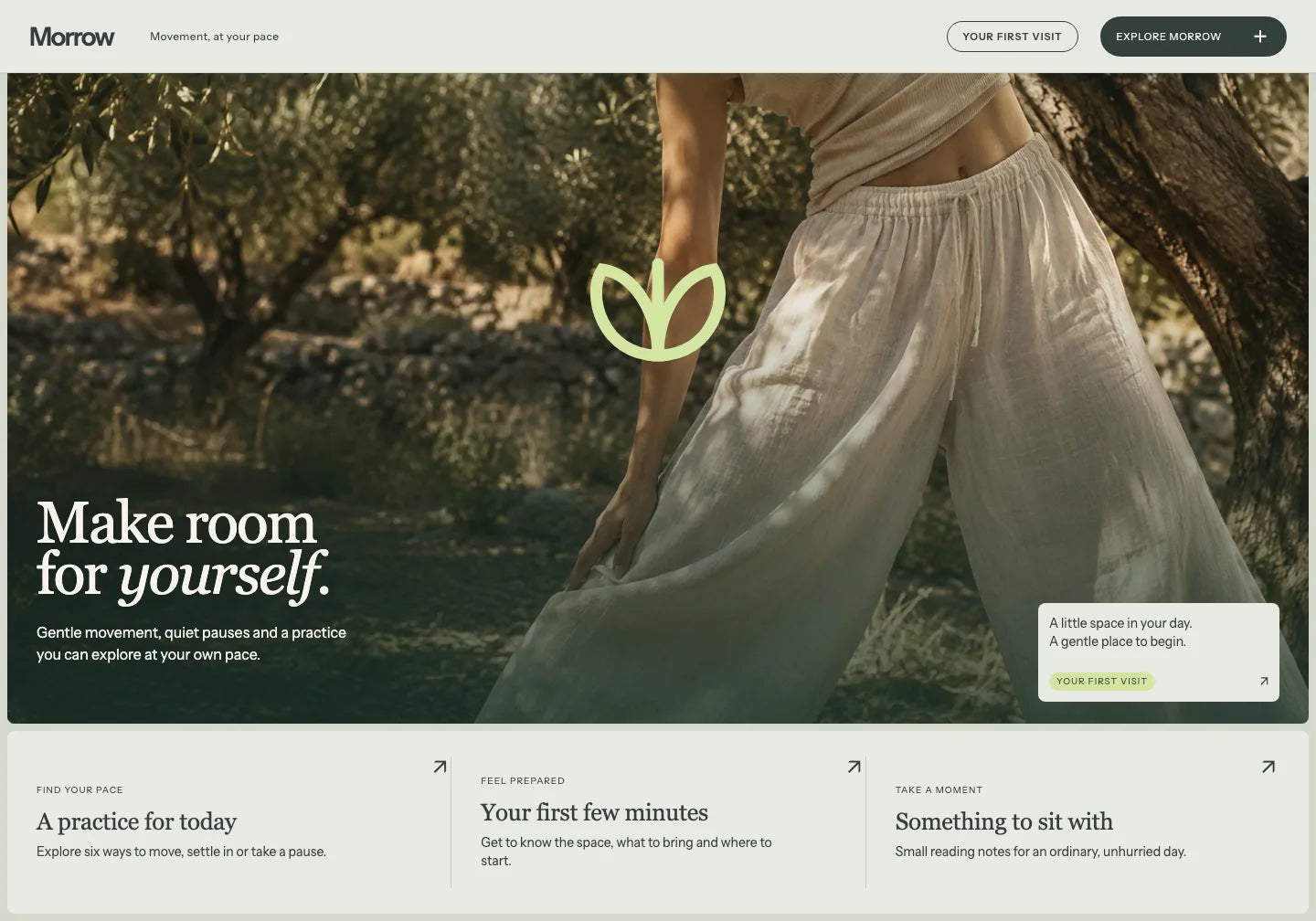
Build a calmer website around your client’s images, offer and brand story.
Inspect this templateThe template gives you a project and instructions. You lead the job: selection, customisation, revisions and handover.
Review the finished design together and check that it suits the website’s scope. Download the selected template files.
Add the project, instructions and client materials. Describe changes to content, colours, images and layout.
Show your client the preview. Request the agreed AI edits and check the result on mobile and larger screens.
Verify links and required services. Save the current files, agree on publishing with compatible hosting and arrange ongoing care.
Check the file scope on the selected template’s product page. Forms, CMS, shops or payments may need separate implementation.
Save the approved HTML, images and instructions. Agree how the website will be published and handed over. When your client adds a new service, keep working from the current project.
Check the Commercial Use licenceDownload free Formwell. Use your AI to adapt it to a sample brief and see what working with the ready-made files feels like.
DESIGNS FOR YOUR CLIENT PROJECTS
Preview ready websites. Choose a starting point for your client’s brand, content and offer.
82 website templates
ACCESS FOR YOUR CLIENT WORK
Buy your chosen template or get PRO access to the full template library plus photos, mockups, presets, LUTs and textures.
Your chosen design for the current job.
$29.00 USD/ template
The full PRO library while your subscription is active. Renews each year.
$149.99 USD/ year
Lifetime access to the PRO library with one payment.
Previous price$599.00 USD
$199.00 USD/ once
Commercial Use pricing. Prices and taxes are confirmed at checkout. Your AI tool, domain and hosting are separate.
The Commercial Use licence covers client websites and projects. Check its terms for your assignment before buying. You cannot resell or redistribute the template itself as a standalone product.
You can change copy, images, colours and layout with AI. Give it your client’s materials and specific instructions. The finished design is your starting point; review the changes in the preview.
Keep the current website files. Agree with your client on the handover, hosting and ongoing care. You can request further edits using a compatible AI tool and the current project. The template itself does not add a client editing dashboard.
Check the product page’s scope. A form design or shop section does not mean a service is connected. CMS, payments, logins and form handling need implementation or a suitable connected service.
A single template gives you the selected project. Yearly and Lifetime include the full template library plus photos, mockups, presets, LUTs and textures. Yearly renews each year; Lifetime is one payment. AI, your domain and hosting are separate.
Start with a ready look. Give AI your client’s materials and adapt the website to their brand.
See how to use ready designs in freelance work, an agency and your service offer.
Use ready designs and AI to start offering website creation.
Choose new designs and customise them for each client brief.
See how to work with a client using a template and AI assistance.
Show the finished look, agree on changes and continue with the chosen starting point.

OneDollarStock is implementing a project to prepare the platform for entry into the German market under the “Go Global” acceleration track of the “Unicorn Hub Startup Booster” programme, project no. FENG.02.28-IP.02-0013/23. The project is co-financed by the European Funds for Smart Economy 2021–2027 under the priority “Innovation-friendly environment”, Measure FENG.2.28 Startup Booster Poland. Learn more about the project →


