Lifetime PRO $299.00 USD Get Lifetime Access →
Lifetime PRO $299.00 USD today 50% off, regular $598.00 USD

Professional LUTs for cinematic color grading and precision light control.

Color grading LUTs for editors, filmmakers, photographers and creators who want a repeatable cinematic look faster. Use OneDollarStock Creative Marketplace to shape footage, match scenes, test moods and build campaign visuals without buying another LUT pack every time you need a new grade.

$299.00 USD Lifetime PRO now with 50% off. Regular price: $598.00 USD.
.CUBE LUT files for video editing and color grading workflows.
No caps No tokens, credits, quotas or expiring download limits.
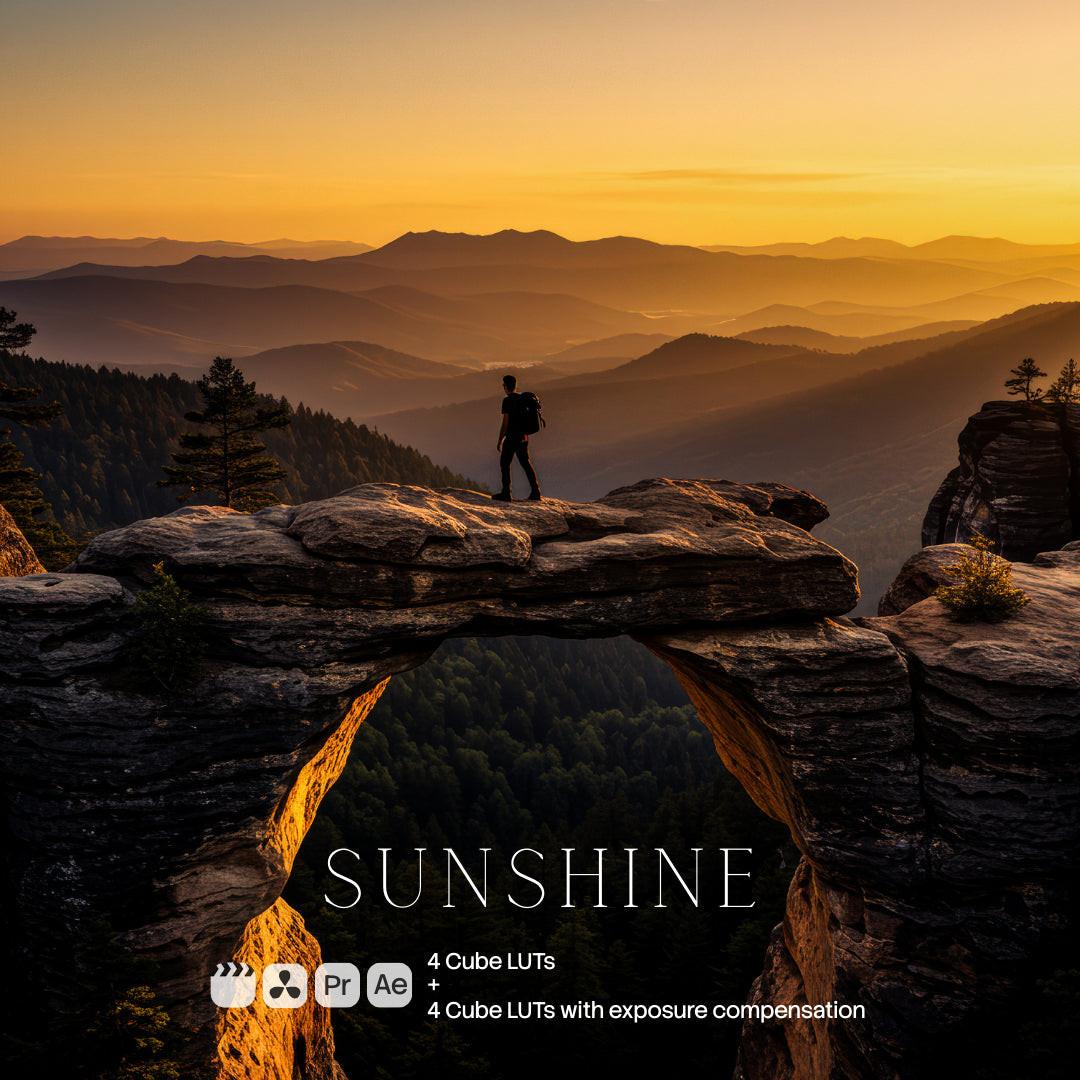
Film PRO LUT preview
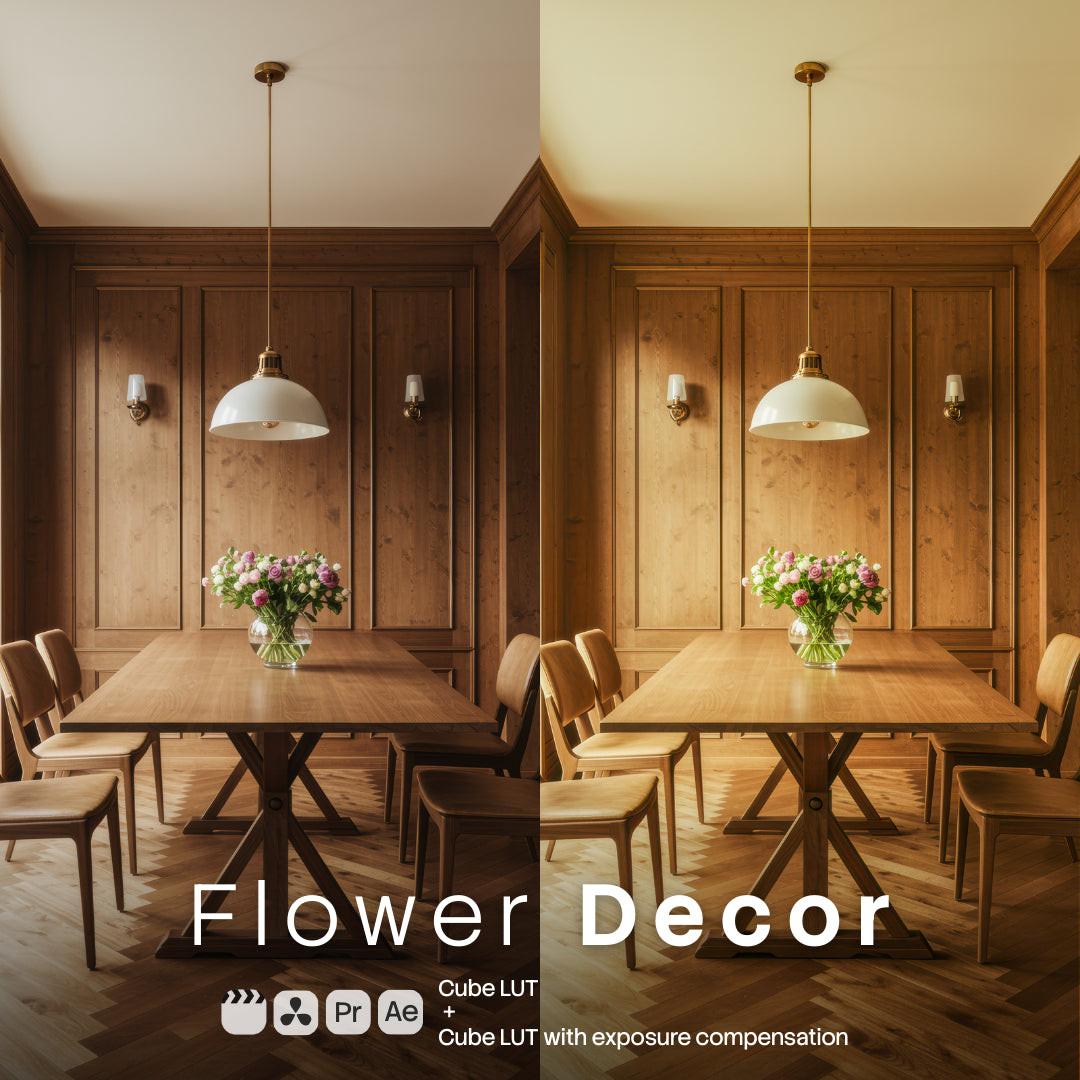
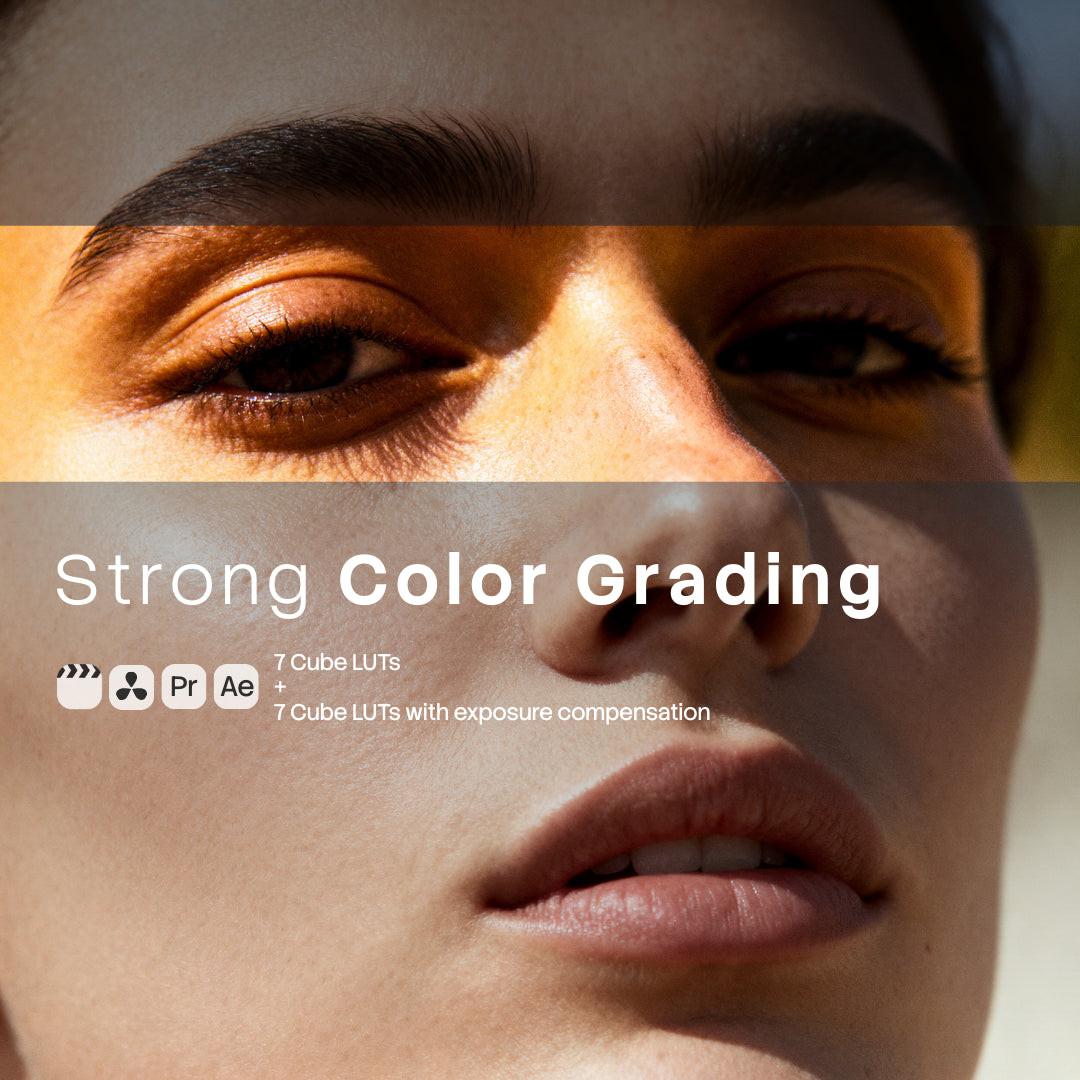
Warm fall color grading LUT preview
One grade. Many scenes. Use LUTs to speed up color grading, keep footage consistent and test cinematic directions without rebuilding every look from scratch.

Color grading should make the story stronger, not hold the edit hostage.

Editors and creators do not only need color. They need speed, consistency and control. LUTs give you a strong grading direction so footage, reels, ads, product videos and campaign edits can feel coherent faster.

The slow way

Start every grade from zero and keep rebuilding the same look by hand.

When every clip needs manual grading from scratch, edits slow down. Scenes drift. Campaign footage feels inconsistent. Creators lose time matching color instead of finishing the story.

  • ×Spend too much time recreating looks clip by clip.
  • ×Buy isolated LUT packs that solve only one mood, camera style or campaign direction.
  • ×Lose consistency across edits, ads, reels, product videos and social cuts.
OneDollarStock + LUTs

Apply a cinematic direction, tune the footage, keep the grade moving.

Choose a LUT direction, apply it in your editing or color grading software, adjust exposure and light, then carry that look across a full edit, campaign or content series.

  • Speed up grading for cinematic footage, reels, ads, travel, product videos and creator content.
  • Use LUTs as a controlled starting point, not a locked final result.
  • Keep downloading future eligible LUT packs under your Lifetime PRO access.

From flat footage to repeatable cinematic direction.

A practical grading workflow starts with a faster first look, better scene consistency and more visual directions to test without rebuilding every grade manually.

01

Choose the LUT direction.

Film looks, warm portraits, winter lights, wildlife, water tones, vintage, urban soft colors or seasonal cinematic grading.

02

Apply and balance.

Use the LUT as a starting point, then fine-tune exposure, contrast, temperature, skin tones, saturation and scene balance.

03

Export consistently.

Carry the look across reels, commercials, YouTube edits, product films, campaign videos, social cuts and client deliverables.

LUTs help when the same visual direction has to work across many clips.

The value is not a single click. It is a faster path to a coherent grade, with enough control left for the editor or colorist to finish the footage properly.

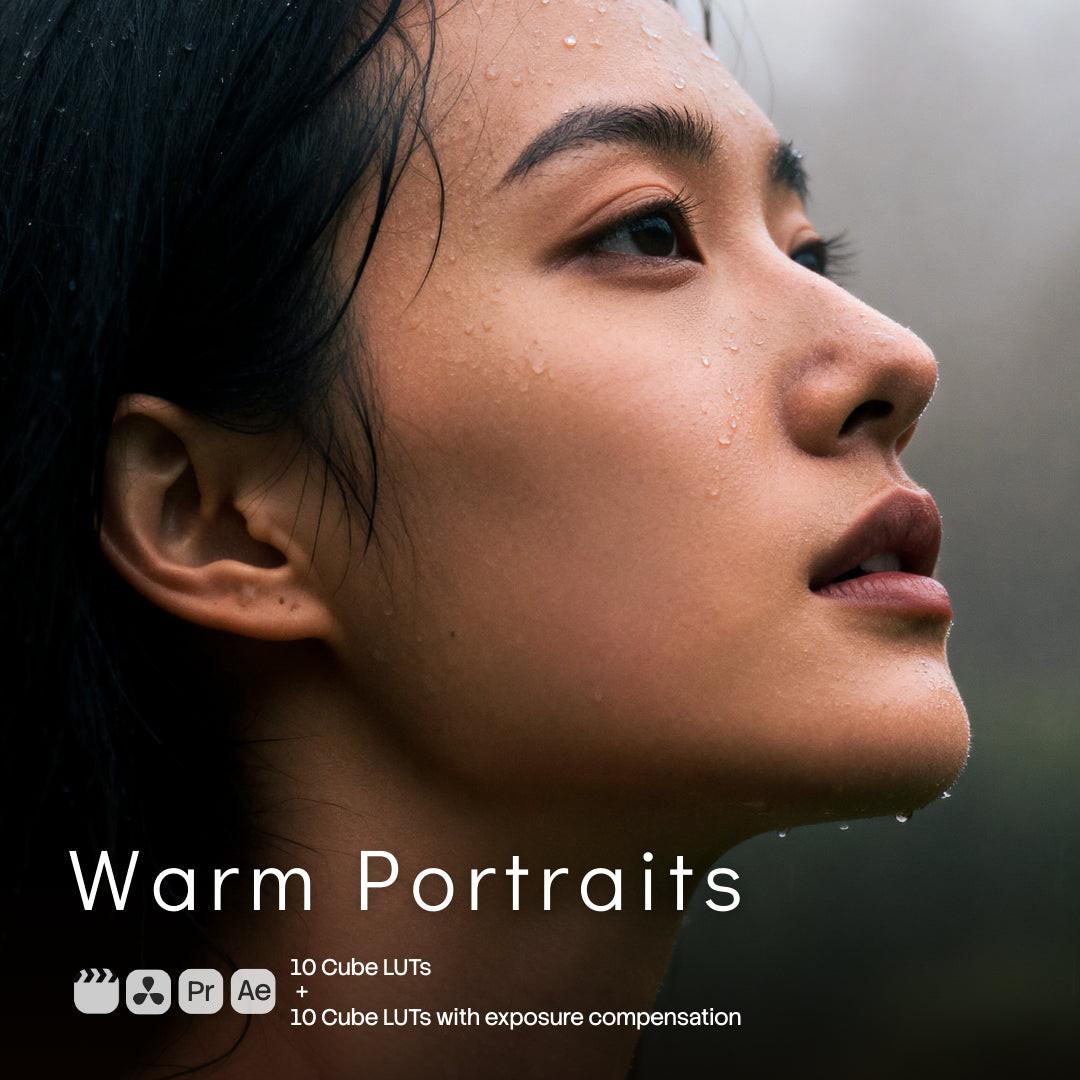
Warm portrait LUT preview

Portrait sessions

Build a consistent warm, editorial, clean or moody direction across the full edit.

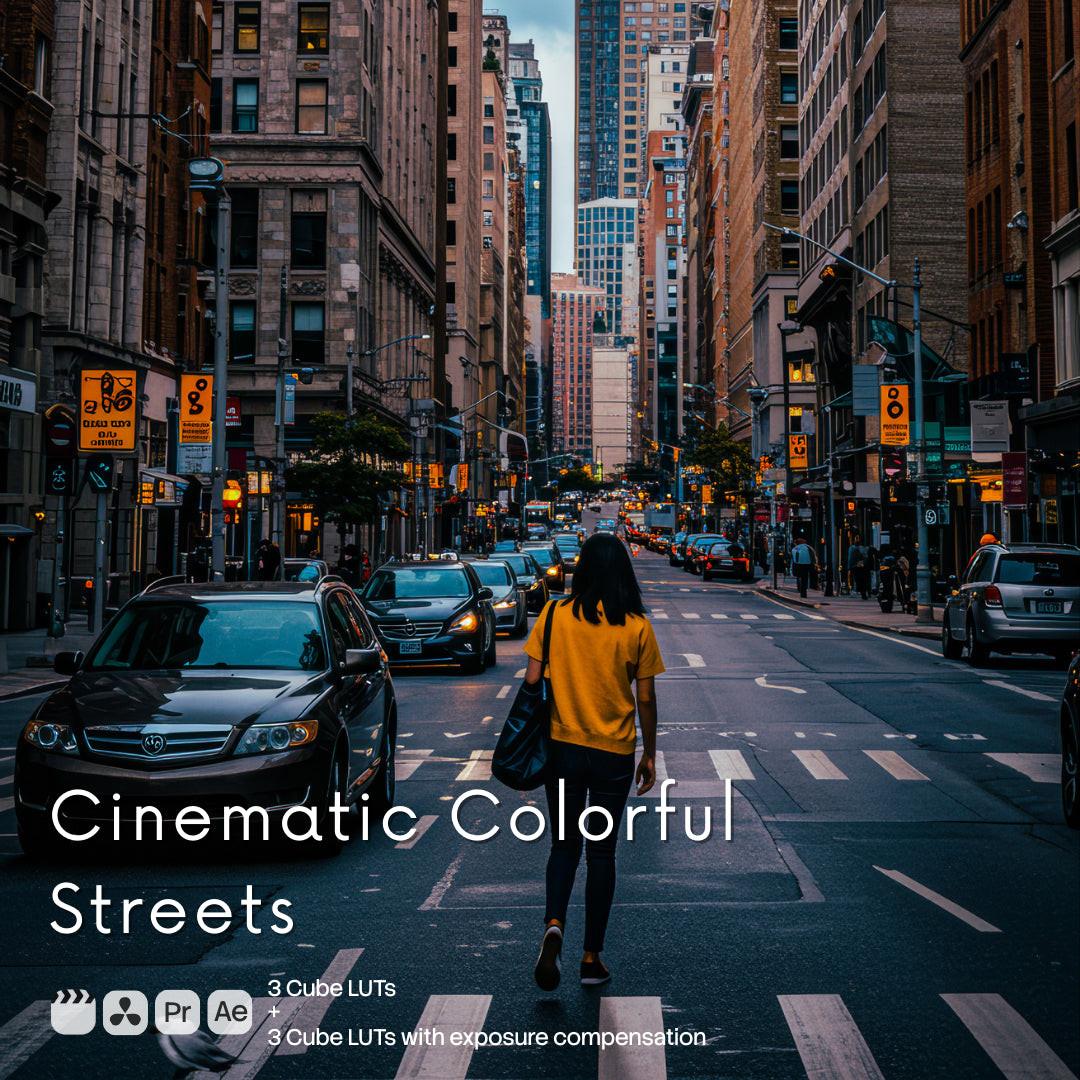
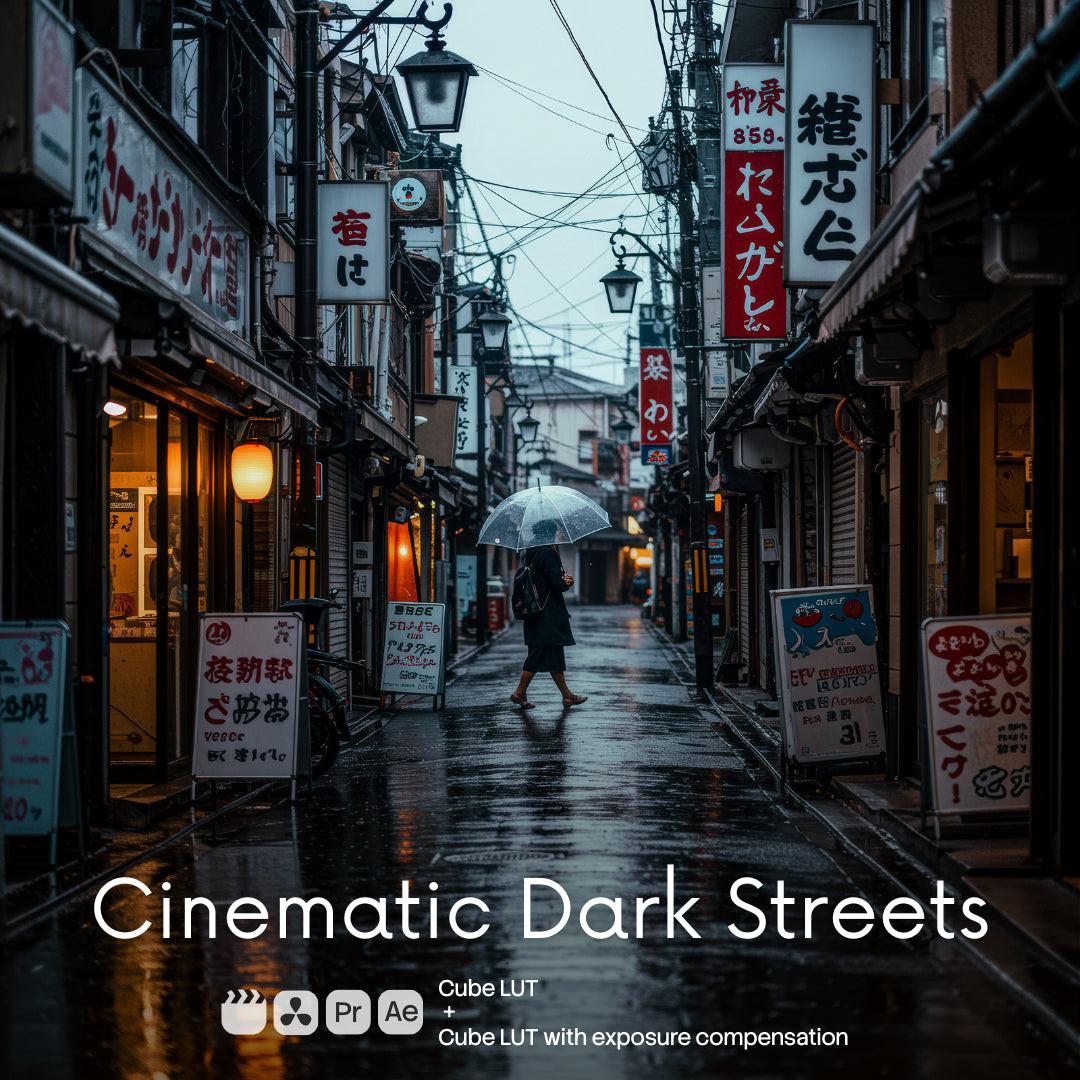
Urban soft colors LUT preview

Commercial and social edits

Speed up punchier contrast, soft color and campaign-ready grading for short-form video.

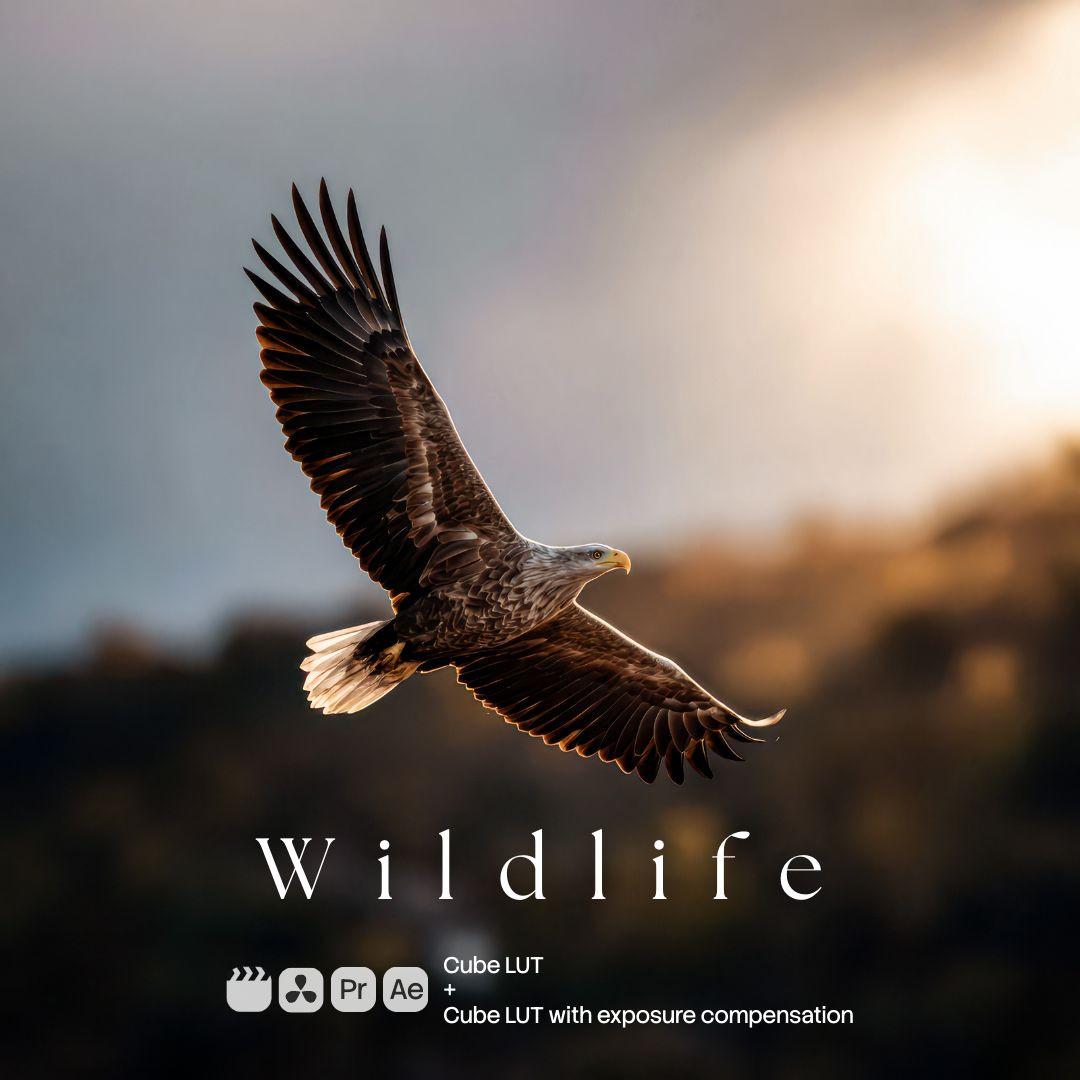
Water tones LUT preview

Travel and outdoor

Create stronger color direction for nature, water, wildlife, travel and outdoor footage.

Warm kitchen LUT preview

Creators and brands

Keep food, product, lifestyle and social video aligned with one repeatable grading base.

LUTs are useful when speed matters but the footage still needs your taste.

A LUT should not replace grading judgment. It should get you to a strong direction faster, then let you refine the final footage with control.

Lifetime PRO makes that workflow reusable. You are not paying for one look. You are building a growing creative base for edits, campaigns, clients and content series.

For filmmakers

Reduce repetitive grading work and keep scenes, reels and client edits visually coherent.

For creators

Move faster from footage to publish while keeping a recognizable look across social, YouTube and campaigns.

For marketers

Test more cinematic directions for Ads, landing page videos and launch campaigns without rebuilding every grade.

Choose the LUT direction that fits your next edit.

Explore relevant examples, choose the assets that match your workflow, and keep Lifetime PRO in mind as the marketplace grows. The current $299.00 USD price is expected to rise as OneDollarStock keeps adding eligible assets.

Browse LUT examples

What Lifetime PRO gives you for LUT work.

Lifetime PRO is not one isolated LUT pack. It is one-time access to the eligible OneDollarStock creative stack: professional color grading LUTs, presets, overlays, images, mockups, textures, graphics, Framer templates and future eligible PRO assets.

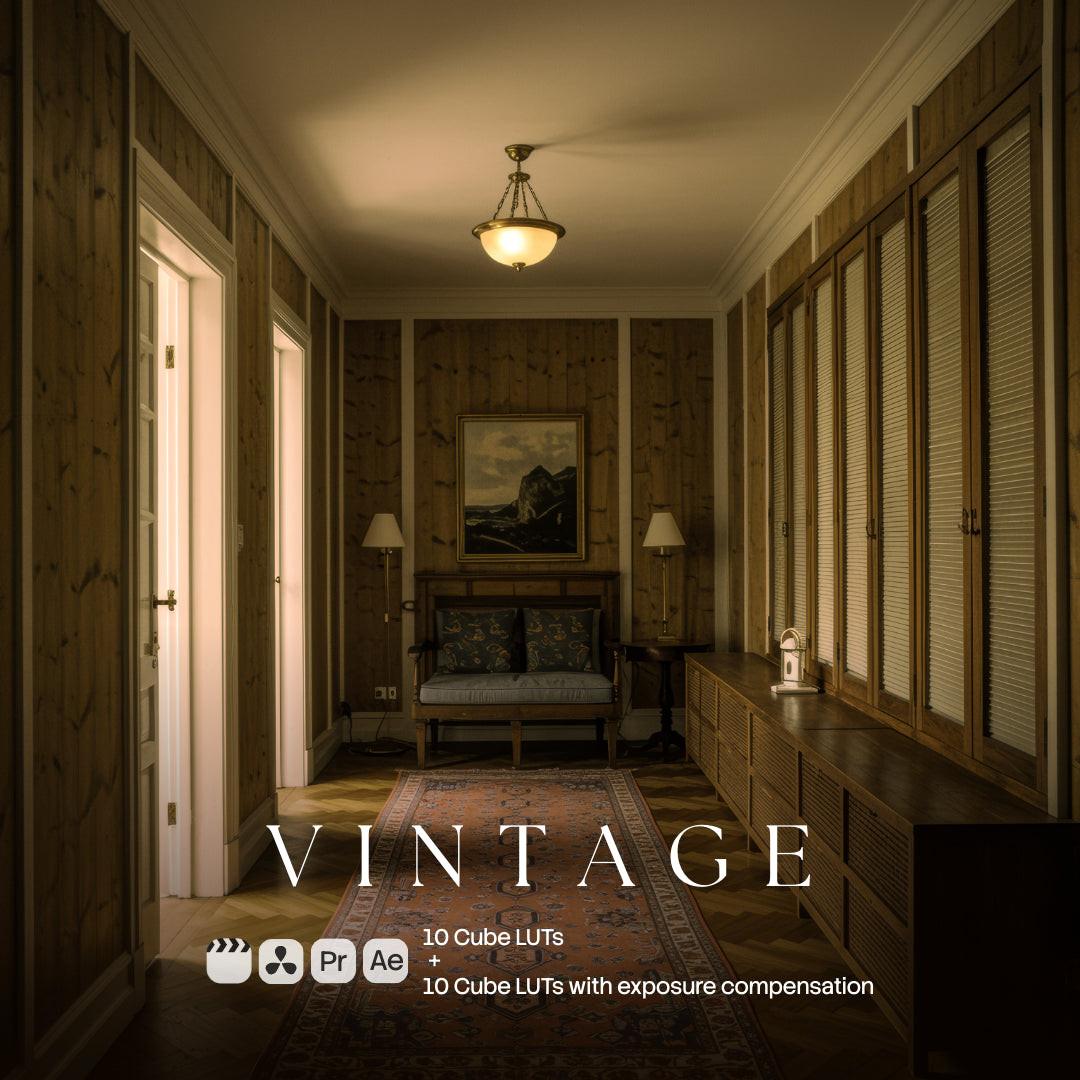
Vintage LUT preview
01

.CUBE LUTs for editing and grading software.

Use LUT files as fast starting points for cinematic color grading, scene matching and repeatable visual direction.

02

Built for speed, not lazy grading.

Apply a look quickly, then fine-tune exposure, contrast, temperature, saturation and light control to match the actual footage.

03

The supporting asset library around them.

Combine LUTs with presets, overlays, textures, mockups and Framer templates to build fuller campaigns and consistent content systems.

Included for the fast editing workflow.

The point is not to collect random looks. The point is to speed up color grading, keep visual consistency and give creators more cinematic directions to test.

Core category

Camera and video LUTs

.CUBE LUT files for cinematic color grading, fast look development and consistent creative control across many video styles.

Winter Lights LUT preview

Cinematic and seasonal looks

Film, winter lights, warm fall, vintage, portrait and atmospheric color directions for story-driven footage.

Style range

Wildlife, water and urban tones

LUT directions for outdoor footage, travel, water, wildlife, urban edits, product films and social campaigns.

Creative stack

Presets, overlays and textures

Use surrounding PRO assets for video grading, photo atmosphere, backgrounds and campaign compositions.

Vintage warm LUT preview

Mockups and Framer templates

Build pages, social posts and product visuals around graded footage, stills and campaign scenes without leaving the OneDollarStock Creative Marketplace.

Future value

Future eligible PRO assets

As OneDollarStock grows, eligible future products increase the value of Lifetime PRO. The current $299.00 USD price is not expected to stay this low.

Pay once. Keep editing with a growing creative base.

Lifetime PRO is currently available for $299.00 USD with 50% off. The regular price is $598.00 USD. As the LUT library, preset catalog, Framer templates, mockups and broader asset database grow, this lifetime price is expected to go up significantly.

No tokens Do not count credits while testing cinematic looks and grading directions.
No limits Download eligible products under your plan without download caps.
No renewal One-time payment for Lifetime PRO access, not another subscription.

Use LUTs where speed and consistency matter most.

Good LUTs help creators move faster without giving up judgment. Apply the look, adjust the footage, then keep a consistent direction across the whole output.

Commercial edits and reels

Move faster through short-form and campaign edits while keeping a consistent visual mood.

Creator content

Keep social video, YouTube content, reels and campaign footage aligned with a recognizable style.

Brand and product videos

Use LUTs as a starting point for product, lifestyle, ecommerce and launch video imagery.

Ad and landing page assets

Create more cinematic directions for Ads, landing page videos and marketing tests.

Works in editing and color grading software that supports LUTs.

OneDollarStock LUTs are designed for workflows in tools such as DaVinci Resolve, Adobe Premiere Pro, Adobe After Effects, Final Cut Pro, Avid Media Composer and Vegas Pro.

Compatibility

DaVinci Resolve, Premiere Pro, After Effects, Final Cut Pro, Avid and Vegas Pro

Use the LUTs anywhere your editing or color grading software supports LUT import and application.

Premiere Pro step 1

Open Lumetri Color

Open Adobe Premiere Pro, then go to Window and choose Lumetri Color. The Lumetri Color panel should appear on the right side of the screen.

Premiere Pro step 2

Browse for the LUT

Go to the Creative section, click Browse, navigate to the LUTs you downloaded, select the desired LUT and click Open.

Premiere Pro step 3

Apply and adjust

The LUT should be applied to your footage. Adjust intensity, exposure, contrast, white balance and saturation to fit the shot.

Good practice

Use LUTs as a starting point

A LUT gives you the grade direction. Final balance still depends on the camera, lighting, exposure and creative target.

Need the latest app-specific steps?

Software workflows change

If an app moves its LUT menu or color panel, use the latest documentation for that software and keep the OneDollarStock LUT as the creative source file.

OneDollarStock vs the usual way of buying LUTs.

The usual model makes you buy another pack for every style or keep paying for access. Lifetime PRO is built as a growing creative base.

Single LUT pack
Monthly creative subscription
OneDollarStock Lifetime PRO
One useful style, but the next shoot, niche or campaign direction needs another purchase.
Access often depends on active billing, credits, quotas or monthly usage anxiety.
LUTs plus presets, overlays, textures, images, mockups, graphics, Framer templates and future eligible PRO assets.
Hard to build a repeatable editing system from isolated style packs.
Useful while active, but cost returns every month or year.
Reusable creative base for many shoots, content batches, campaign visuals and client projects.
Every new visual direction becomes another search and checkout.
The subscription model keeps charging whether you edit heavily or not.
$299.00 USD now, one-time payment, regular $598.00 USD, no tokens, no credits and no download limits.

LUTs are made for real creative workflows.

Use eligible OneDollarStock assets inside your client edits, campaigns, websites, landing pages, ads, ecommerce pages, social posts and portfolio work according to your selected license tier.

  • Commercial use available according to your selected license tier.
  • Use assets inside your own projects, campaigns and client work.
  • No attribution required for normal commercial usage.

The raw files stay protected.

The license gives you usage rights inside your finished work. It does not let you resell, redistribute, share or repackage raw LUT files as standalone assets.

This keeps the marketplace sustainable while still giving photographers, creators, marketers and agencies the freedom to build and publish faster.

View license details →

Questions, answered.

The short version: LUTs are color grading files for editing and grading software that supports LUTs, Lifetime PRO is currently $299.00 USD, and the price is expected to rise as the library grows.

Yes. Lifetime PRO is a one-time payment for lifetime access to eligible OneDollarStock products under the PRO plan. No monthly billing and no yearly renewals.

Lifetime PRO is currently $299.00 USD with 50% off. The regular price is $598.00 USD. This price is expected to increase as the OneDollarStock library, LUT catalog, presets and PRO assets grow.

The LUTs are delivered in .CUBE format and are built for editing and color grading workflows in software that supports LUT files, including DaVinci Resolve, Adobe Premiere Pro, Adobe After Effects, Final Cut Pro, Avid Media Composer and Vegas Pro.

Use LUTs for cinematic color grading, precision light control, faster video editing, campaign footage, creator content, product videos, social posts, client work and landing page visuals.

No. There are no tokens, no credits and no download limits for eligible products under your plan.

Yes, commercial use is available according to the license tier selected. You can use assets in websites, ads, social media, client work, campaigns and other real creative projects.

No. You can use the LUTs inside your own work, but you cannot resell, redistribute, share or repackage the raw files as standalone assets.

Edit faster now. Keep the creative base for future shoots.

Get Lifetime PRO for $299.00 USD while the 50% discount is active. The regular price is $598.00 USD, and the lifetime price is expected to rise as OneDollarStock adds more LUTs, presets, templates, assets and PRO tools.