


Single template
For the website you’re building now.
$29.00 USD/ template
- Your chosen website design
- Source files and AI instructions
- One payment


Looking for an alternative to WordPress, Webflow or Wix? Start with a website whose design you already like. Download the project and instructions, then describe your changes in Claude Code, Codex, Cursor or another AI tool that edits files.
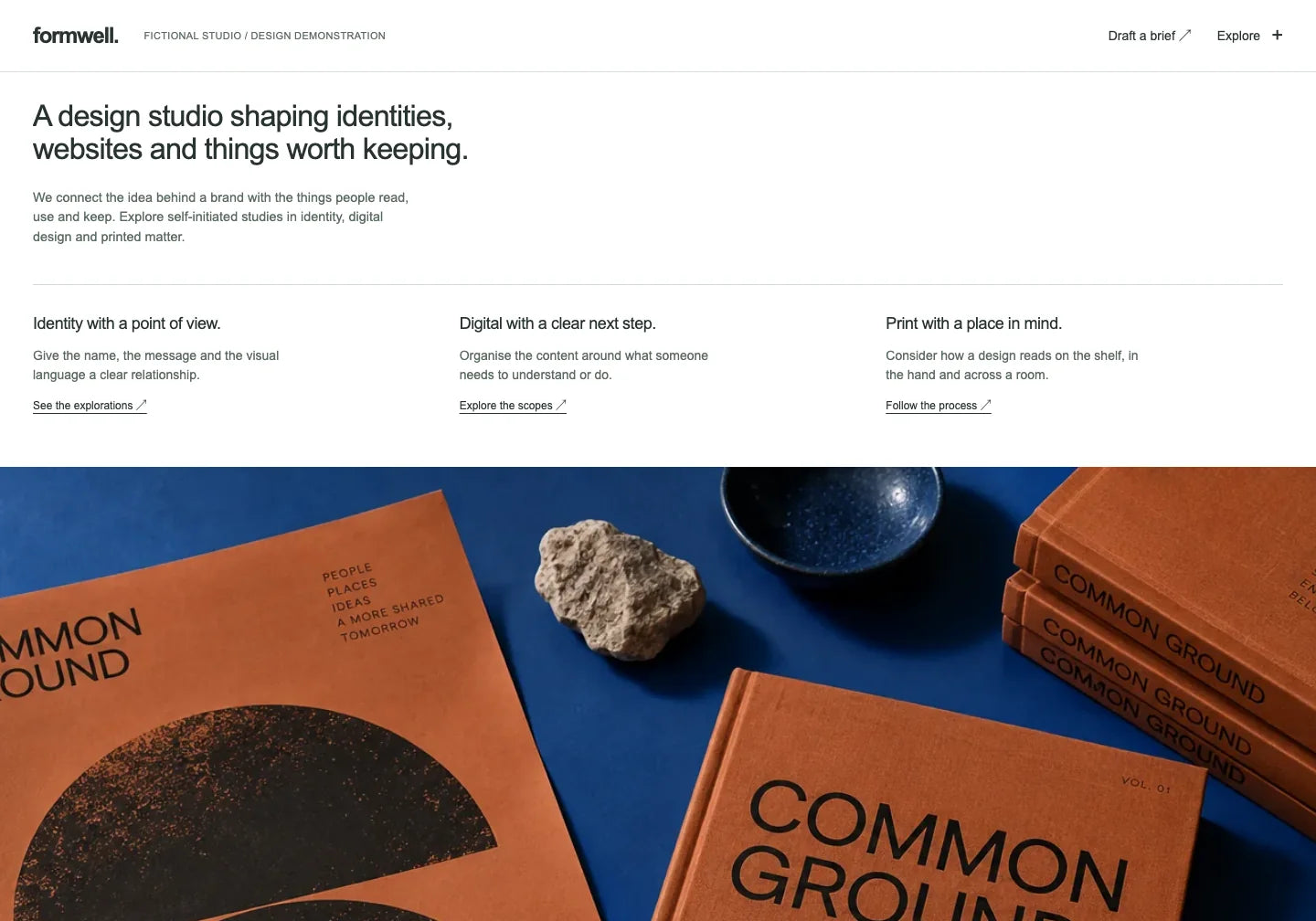
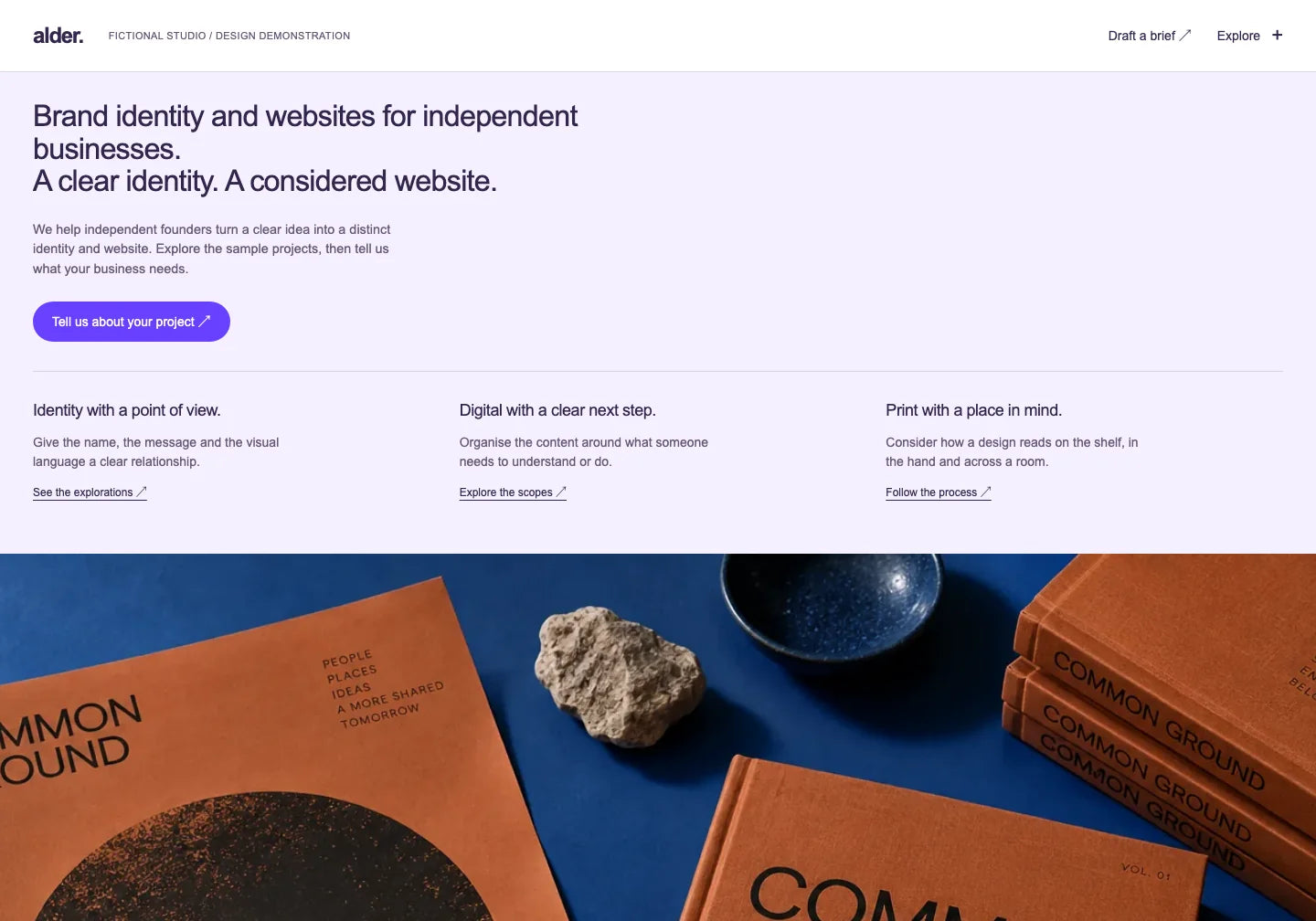
Formwell and a prepared example of an edit. The conversation illustrates how to give instructions; it is not a customer session. Run the edits in your own AI tool.
Choose the reason you’re looking for an alternative.
Open a ready-made project in your chosen AI and describe what to change. You work from the existing layout. You need a tool that can read and edit the files, plus a preview to check the result.
Preview the finished websites before choosing. When you find a suitable one, give your AI that exact project and your own content. You have a design you can judge before making your first edit.
Download the website source and save your updated versions. You can give the current project to another AI tool that supports its files and publish it on suitable hosting. Service and domain setup are still part of going live.
Give your AI the new template, your current text, original images and important URLs. The agent can adapt the content to the new layout. Check links, forms, redirects and connected services before switching.
Choose a ready project, ask AI for edits and keep your updated files.
| What matters to you | Your chosen platform’s editor | OneDollarStock template + AI |
|---|---|---|
| Starting point | Choose a template or build the page in the editor. | Choose the finished design and download its project. |
| Changes | Change content and settings in the editor interface. | Describe changes to an AI tool that edits the website files. |
| Files | Check export options for the tool and plan you choose. | Keep the downloaded source and your updated versions. |
| Publishing | Check hosting and features available in your chosen plan. | Publish the project on suitable hosting and connect the services you need. |
The Formwell package includes the project and AI instructions. Work with website files and keep the updated versions yourself.
Move my text into this template. Keep the offer and contact details, and adapt the layout to the new design.
I’ll prepare the new layout with your content. Check the offer, links and form functionality before publishing.
Preview the template, inspect its layout and download the project that suits your business.
Add the files and instructions. Describe what to change in the offer, images, colours or layout.
Save the updated files and check mobile views and links. Publish on compatible hosting; connect your domain and required services separately.
Check what your website needs to show and which services need to run on it.
Take the Formwell files and instructions. Ask your AI for one change and see the result.
Open the comparison for your situation and check the scope, files and publishing workflow.
A ready HTML project and AI edits, with no WordPress installation needed to run the supplied page.
Work from a ready design and describe content and layout changes to AI.
Choose a design whose files you can keep editing in your own AI tool.
Keep your website files and choose suitable hosting for the project.
Build a portfolio from a ready design and add more work with AI.
Choose the look before your first prompt and give AI a specific website project.
See how to bring your current content into a new design edited with AI.
THE TEMPLATE LIBRARY
Choose a starting design. Make it yours in your AI.
82 website templates
CHOOSE YOUR ACCESS
Choose the access that fits the projects you have in mind.
For the website you’re building now.
$29.00 USD/ template
For the projects you’ll build this year.
$149.99 USD/ year
For this website and your next projects.
Previous price$599.00 USD
$199.00 USD/ once
Commercial Use pricing. Prices and taxes are confirmed at checkout. Your AI tool, domain and hosting are separate.
You don’t need to write the code yourself to start from a finished project and describe edits to AI. You need an AI tool that supports the files and a way to review its preview. Integrations or technical issues may require extra help.
Choose a tool that can follow the instructions and work with project files, such as Claude Code, Codex or Cursor. A text-only chat without file saving and previewing may not be enough. Capabilities depend on the tool and plan.
This product is not a website importer. Give AI the new template and your existing content. Review the adapted layout, forms, redirects and connected services before replacing your live site.
Yes — keep the current project files and continue editing them with a compatible AI tool. Publish the files on hosting that supports the project. Connected services may need separate setup after a move.
A single template gives you the selected project. Yearly and Lifetime include the full template library plus photos, mockups, presets, LUTs and textures. Yearly renews each year; Lifetime is one payment. AI, hosting and your domain are separate.
See designs you can download and change — from the words to the layout.

OneDollarStock is implementing a project to prepare the platform for entry into the German market under the “Go Global” acceleration track of the “Unicorn Hub Startup Booster” programme, project no. FENG.02.28-IP.02-0013/23. The project is co-financed by the European Funds for Smart Economy 2021–2027 under the priority “Innovation-friendly environment”, Measure FENG.2.28 Startup Booster Poland. Learn more about the project →
