A headline for this campaign.
Tell AI what the ad offers and who it is for. Replace the template’s sample copy with a headline for your offer.
BeforeA sample brand’s headlineAfterThe offer you’re advertising


You have an ad, an offer and your materials. Choose a ready design and tell AI how to adapt the copy, images and buttons. Build a landing page for one offer, then develop further versions as your campaign changes.

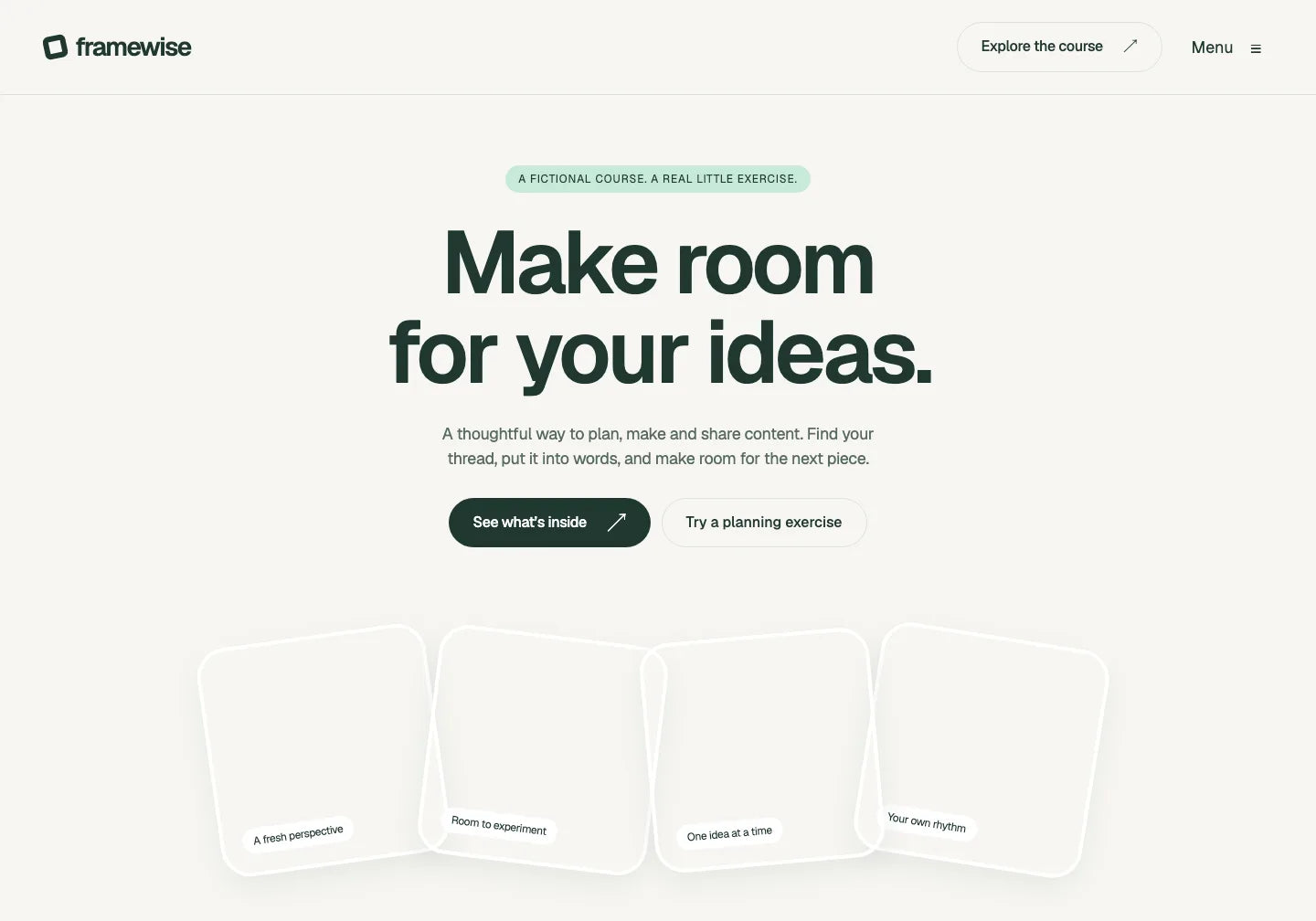
Framewise and a prepared customisation for the fictional ContentSprint offer. The ad, conversation and page versions are examples; this module is not connected to live AI.
Bring the ad’s message into the first screen of your page. Add the offer details and a button linking to the right form, programme or purchase.
Tell AI what the ad offers and who it is for. Replace the template’s sample copy with a headline for your offer.
Add your materials and describe changes to colours, images and layout. See your campaign as a page you can continue refining.
Decide where the CTA should lead and give AI the right link. Connect the required service, then check the full journey after the click before launching.
Keep the base design. Prepare a separate headline, introduction and CTA for each ad message. Compare the versions and choose what to publish.
Plan content for your clients.

Check the full preview and included files. Choose a starting point you can adapt to your campaign’s copy.
Start with a course website design. Change the name, headline, introduction and CTA, as in the ContentSprint example.
Check this design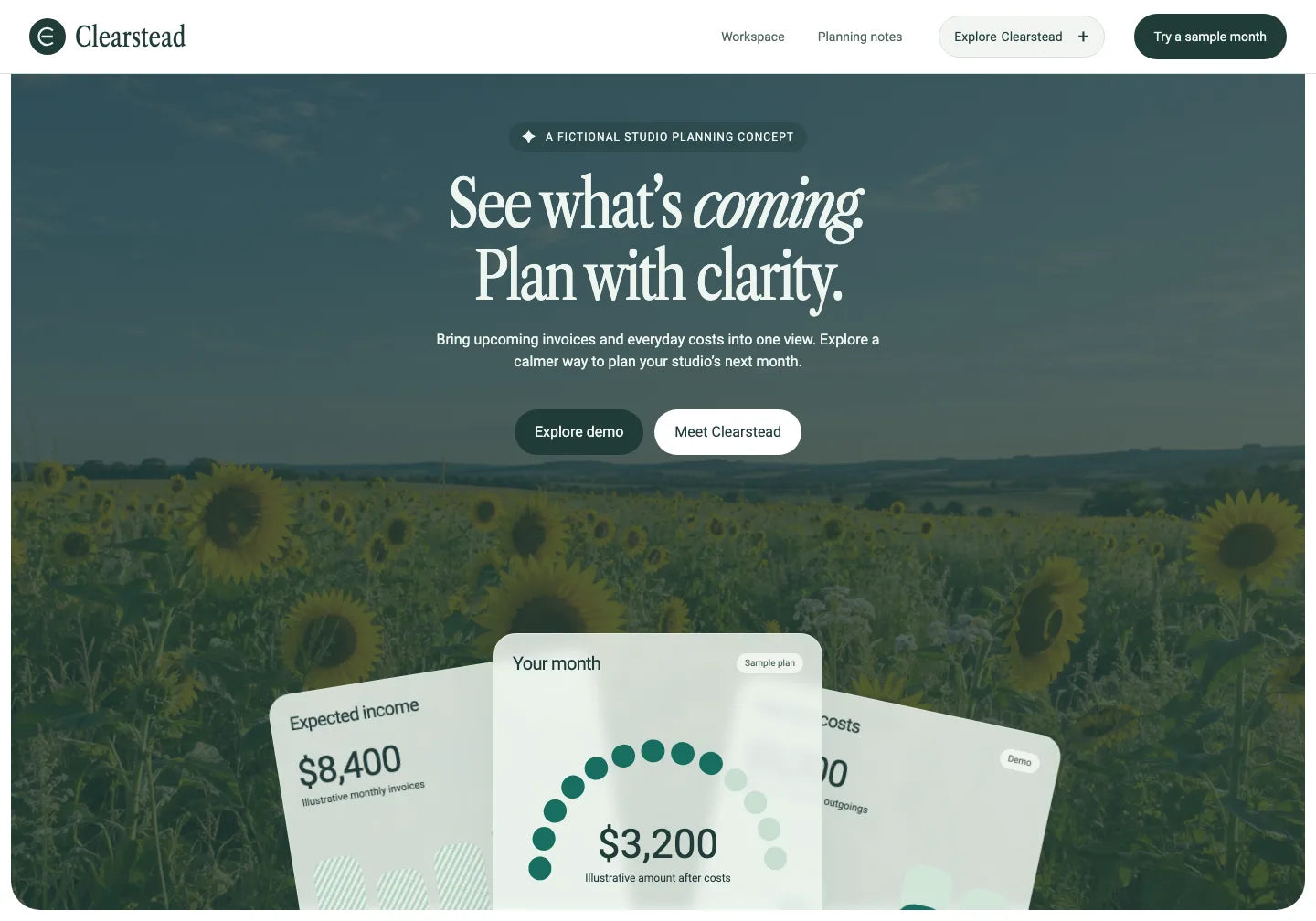
Start with a large photo and visual dashboard examples. Adapt the copy to your own tool or offer.
Check this design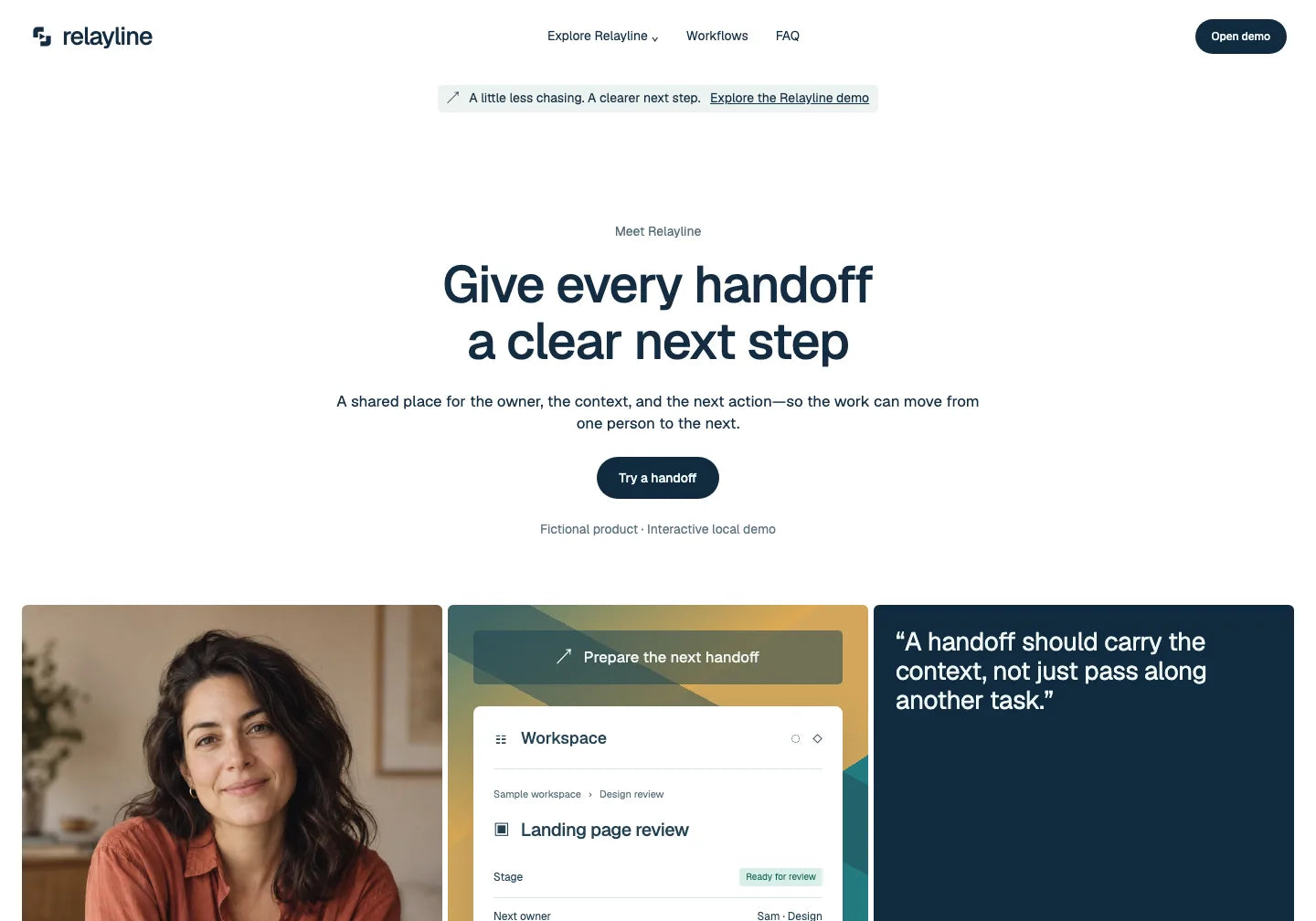
Start with a design showing team workspace views. Replace the sample brand and copy with your own product description.
Check this designDownload the project, adapt it with AI and review the finished version before sending traffic to it.
Check the preview and template scope. Download your chosen project and instructions.
Add the page files, ad copy and offer. Describe changes to the headline, images, colours and CTA.
Check the page on mobile and a larger screen. Keep its files; develop further messages in separate versions.
Set the correct links and required services. Check the form or purchase and the measurement you’ve implemented, then publish on your chosen hosting.
Download free Formwell. Adapt it to a sample offer and see your own landing page in the preview.
THE TEMPLATE LIBRARY
Adapt a ready-made layout to your offer with Claude, Codex, Gemini or another AI tool.
82 website templates
CHOOSE YOUR ACCESS
Choose one design for your current offer or a library for future campaigns.
For the offer you’re promoting in your current campaign.
$29.00 USD/ template
For the campaigns you plan this year. The full PRO library while your subscription is active.
$149.99 USD/ year
For ongoing campaigns. Access to the PRO library with one payment.
Previous price$599.00 USD
$199.00 USD/ once
Commercial Use pricing. Prices and taxes are confirmed at checkout. Your AI tool, domain and hosting are separate.
Start with a ready design and instructions. Give them to an AI tool that edits files and describe changes to copy, appearance or layout. Check the result in the preview. More complex features may need additional implementation.
You can prepare separate project versions with different headlines, descriptions, images and CTAs. Keep the current files for each version. The template itself does not split traffic or run an automatic A/B test.
Check the selected product’s scope. A form design or purchase button does not mean a service is connected. Lead handling, payments and measurement need implementation or a connection to suitable tools.
The template gives you a design and files to build your own page. You can adapt the offer and further versions, but results also depend on the ad, audience, offer itself and implementation. Measure the campaign in your own tools.
A single template gives you your selected project. Yearly and Lifetime include the full template library plus photos, mockups, presets, LUTs and textures. Yearly renews each year; Lifetime is one payment. AI, your domain and hosting are separate. Check the Commercial Use licence terms for client campaigns.
Choose a ready design and work with AI on the page for your next campaign.
See how to start with one offer, prepare further pages or work on a client’s campaign.
Choose a ready page design and adapt it to your campaign idea.
Prepare a landing page series by adapting ready designs to further campaigns.
Turn a client’s materials and offer into a personalised campaign landing page.

OneDollarStock is implementing a project to prepare the platform for entry into the German market under the “Go Global” acceleration track of the “Unicorn Hub Startup Booster” programme, project no. FENG.02.28-IP.02-0013/23. The project is co-financed by the European Funds for Smart Economy 2021–2027 under the priority “Innovation-friendly environment”, Measure FENG.2.28 Startup Booster Poland. Learn more about the project →


