Strony
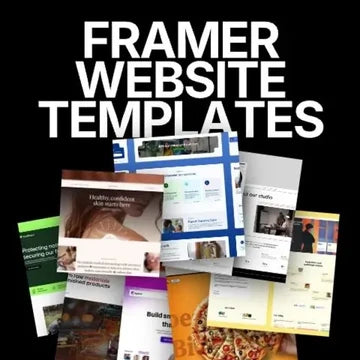
Framer website templates
Choose a Framer layout for a business site, portfolio or product. Return to the template for another launch when your plan includes the category.
Browse website templates ↗

If you return for photos, mockups or campaign assets month after month, compare Lifetime with a subscription. Pay once for a plan and revisit its included categories without another renewal.

OneDollarStock brings together creative materials for websites, product presentations, photo editing and campaigns. Explore more than 100,000 downloadable products in a library that continues to grow. Your plan sets the available categories; Lifetime sets how long you can access them.
A monthly or annual subscription can suit a project with a clear end date. Lifetime may fit the way you work when you keep returning to creative assets over time: one payment, with no recurring renewal to track. Compare price and category access on the plans page, then choose based on how often you use the library.
Choose a Framer layout for a business site, portfolio or product. Return to the template for another launch when your plan includes the category.
Browse website templates ↗Place a design on packaging, a screen, apparel or a poster. Browse more PSD scenes included in your plan as new briefs come in.
Browse mockups ↗
Find 4K+ stock photography for websites, stores and campaigns. Come back for a different image when the next project calls for it.
Browse photos ↗
Add an illustration, composition or graphic element to your brand materials. Check category access before choosing a plan.
Browse graphics ↗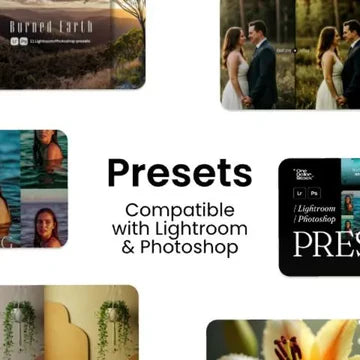
Start a photo series with a Lightroom or Photoshop preset, then tune it to your images. Preset access depends on your plan.
Browse presets ↗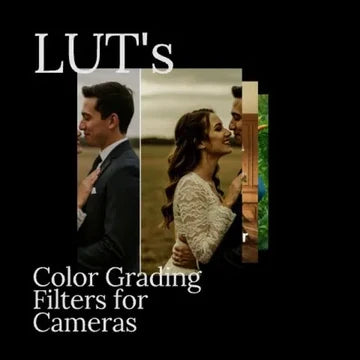
Use a CUBE file as a starting point for color grading in compatible software. Check the file format and product requirements.
Browse video assets ↗
Bring paper, wood, stone or fabric texture into a layout or composition. Textures are part of the base catalog range.
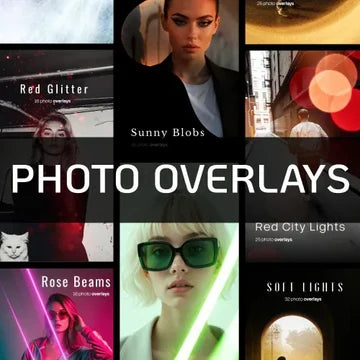
Browse textures ↗Add light, a flare or bokeh to a photo with an overlay layer. Choose a file that works with your editor and license.
Browse photo overlays ↗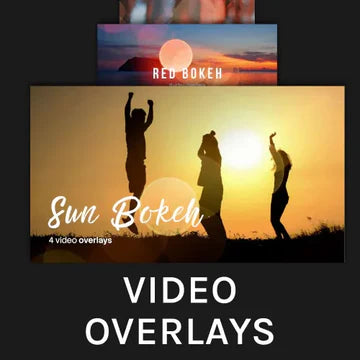
Add light, grain or smoke effects in your edit. Video overlays are included in eligible Pro access.
Browse video overlays ↗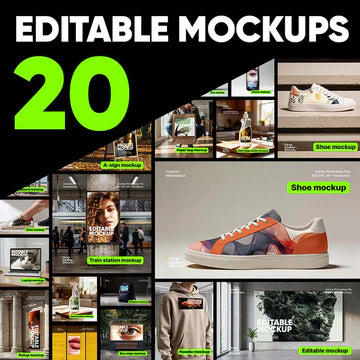
Combine related files around a theme or use case. Review the bundle contents before downloading.
Browse bundles ↗Preview files from the library. Lifetime describes the access period; your plan determines which categories you can download.
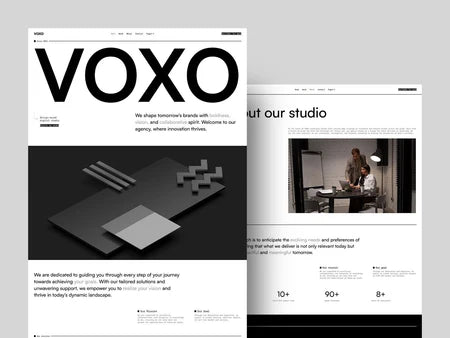
A Framer agency site you can revisit for a future launch.
Explore this category ↗Use a PSD scene to present a new product version without rebuilding the whole presentation.
Explore this category ↗A starting point for retouching portraits in compatible software.
Explore this category ↗A CUBE pack for editors that support LUT files.
Explore this category ↗An image overlay layer to adjust for your own composition.
Explore this category ↗A video effect to try in an upcoming edit or campaign.
Explore this category ↗Choose Standard, Premium or Pro, then compare Lifetime with monthly and annual access. Download as many eligible files as your plan allows and use each file under its license. Future additions are covered only where the plan terms say so.
Start with a Framer site, present the product in a PSD mockup, and find campaign photography or textures when the next brief calls for them. Projects need different materials, so choose a category when the work requires it.
Bring together a Framer template, photography, graphics and mockups for a website and brand presentation.
Use photography, editable PSD scenes and textures across your store, ads or client work.
Refine images with presets, LUTs, and photo or video overlays in compatible software.
Lifetime does not change what a plan includes. Identify the categories you need, then compare a one-time payment with a subscription.
Plan details can change. Check current access terms and licensing on the pricing page ↗.
Before using a downloaded file, check whether its license covers a personal project, commercial work, a product for sale or business use.
For non-commercial projects such as a personal blog, moodboard or unpaid post. It does not cover work for a business or client.
For websites, ads, social media, campaigns and client projects, subject to the license terms.
For eligible physical and digital products where the asset becomes part of a larger design.
For enterprise use as defined by the plan. Check the permitted uses and seat limits.
Your plan determines which categories you can download. The license determines how you may use each file. You cannot resell or redistribute an unmodified source file. Read the full license terms ↗
Compare the access period, included categories and the license for your intended project.
Yes. Lifetime does not renew monthly or annually. It covers the categories and eligible future products defined by the selected plan and its current terms.
Not every tier includes every category. Standard, Premium and Pro differ in coverage. Check the current plans comparison before buying.
Commercial use is available under the appropriate license. Personal Use is for non-commercial projects. You cannot resell or share a raw file as a standalone asset.
If you only need access for a month or a year, a renewing plan may suit a short project. Compare the period, asset coverage and price.
Lifetime access follows the terms of the selected plan. Check which categories and future additions that tier covers.
Compare what each plan includes, how long access lasts and the license terms.

OneDollarStock is implementing a project to prepare the platform for entry into the German market under the “Go Global” acceleration track of the “Unicorn Hub Startup Booster” programme, project no. FENG.02.28-IP.02-0013/23. The project is co-financed by the European Funds for Smart Economy 2021–2027 under the priority “Innovation-friendly environment”, Measure FENG.2.28 Startup Booster Poland. Learn more about the project →
