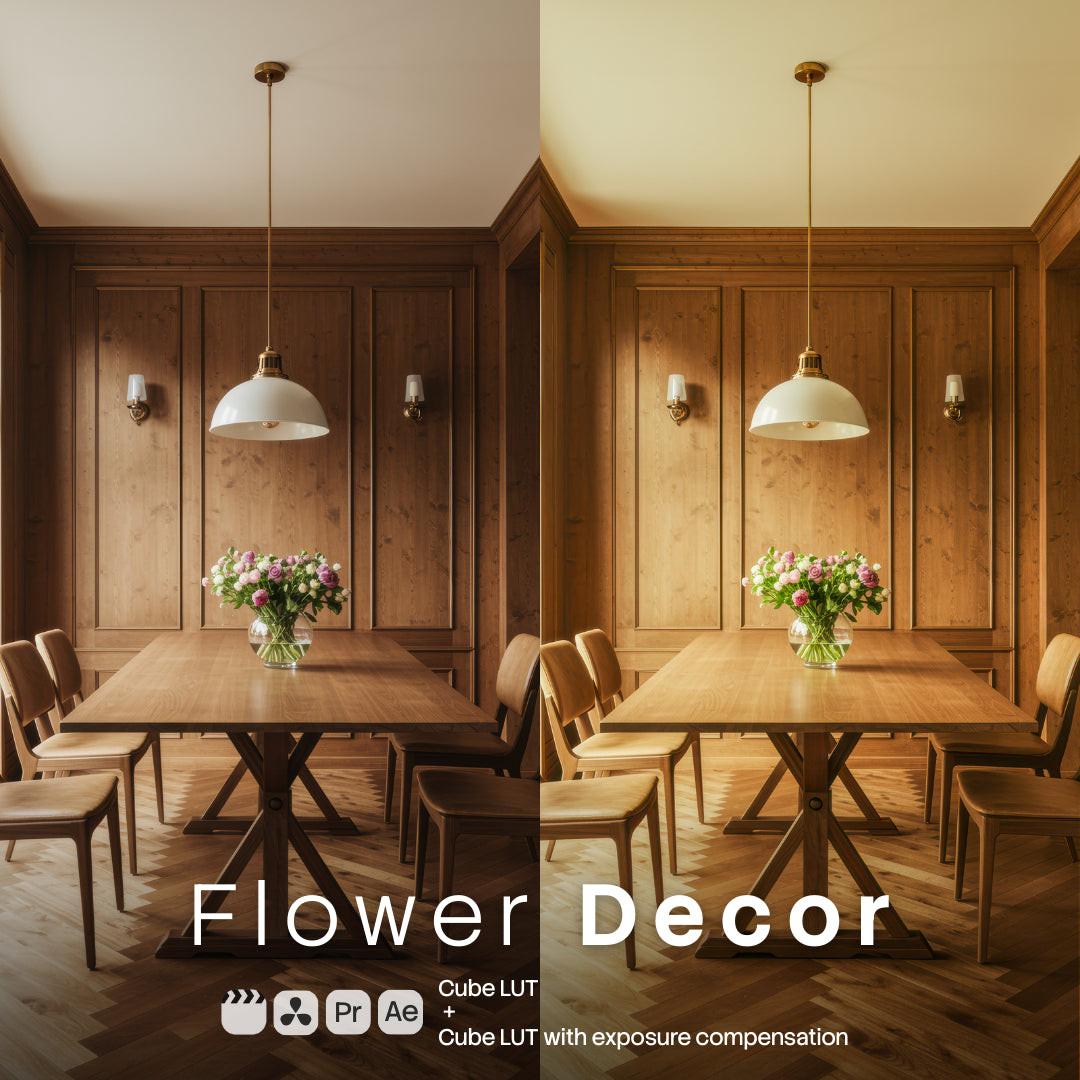
Cinematic LUTs for video color grading

Explore LUT packs for filmmakers and content creators: cinematic teal-orange, moody urban night, warm portrait tones, neon cyberpunk and clean documentary looks. They work with LOG and standard footage in Premiere Pro, DaVinci Resolve, Final Cut and CapCut.

Drop a LUT on your timeline, adjust intensity and your whole edit gets a consistent, professional grade. Instant download from $1.

Consistent color across every cut

Color is what separates phone footage from film. These LUT packs cover the most requested looks — street reportage, golden sunset, winter light, sport, pets, retro rain and night city neon — so you can match the mood of the story instead of fighting the white balance scene by scene.

How to use them

Import the .cube files into your editor (Premiere: Lumetri → Creative; Resolve: LUT browser), apply to a clip or adjustment layer and dial the intensity. Full walkthrough on the LUTs installation guide.

What you download

LUT files with instant delivery and licensing from $1. Editing photos as well? See Lightroom & Photoshop Presets, and add motion effects with Video Overlays.