

What Are Creative Assets and Why Do Brands Need Them?
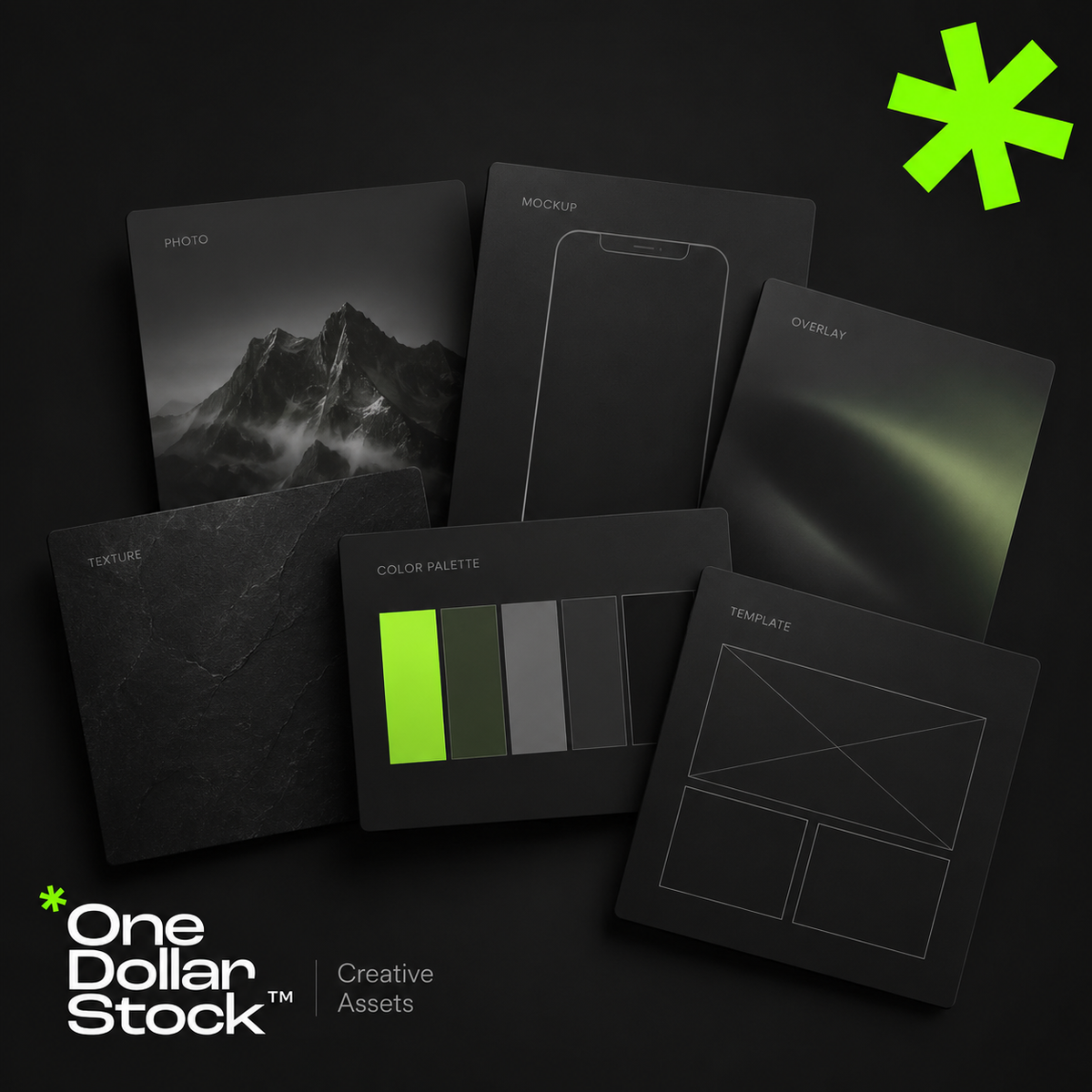
Creative assets are the visual and design files a brand uses to create marketing materials faster and more consistently. They include stock photos, mockups, Lightroom presets, LUTs, textures, overlays, Framer templates, website layouts, campaign graphics, and reusable design elements. For small brands, creators, startups, and agencies, creative assets reduce the need to start every project from a blank page. A well-organized creative asset library helps teams build websites, ads, social media posts, launch materials, presentations, and sales content with a clearer visual style and a faster workflow. What are creative assets? Creative assets are reusable files that support visual communication. They can be finished designs, editable templates, raw visual materials, campaign graphics, or production tools. Examples include stock photos for websites and ads, mockups for presenting products, Lightroom presets for consistent photo editing, LUTs for video color grading, textures for backgrounds, photo overlays for visual effects, and Framer templates for websites. The key point is simple: creative assets are building blocks. They help a brand create more visual output without rebuilding every image, layout, or effect manually. Why creative assets matter Small brands, creators, startups, marketers, and agencies usually work with limited time and budget. They need to publish content, test offers, build landing pages, create ads, update social channels, and prepare sales materials. Without a clear asset system, every task takes longer. A designer searches for images from scratch. A marketer rebuilds similar ad layouts. A founder prepares a sales deck without consistent visuals. A creator edits each photo or video manually. Creative assets solve part of this problem. One stock photo can support a blog image, landing page section, ad creative, and social post. One mockup can make a digital product easier to understand. One preset can help keep campaign photography feel connected. This matters because modern marketing is visual and repetitive. Brands do not need one perfect graphic. They need a repeatable system for creating many strong assets quickly. Creative assets are not just stock photos Many people hear creative assets and think only about stock photos. Stock photos are useful, but they are only one part of a practical brand asset library. A stronger library can include: Stock photos for websites, ads, blogs, and social media Mockups for products, apps, digital downloads, packaging, and branding Lightroom presets for consistent photo editing LUTs for video color grading Textures for backgrounds, posters, thumbnails, and campaign graphics Photo overlays for effects such as light leaks, grain, dust, shadows, or atmosphere Framer templates for faster website production Social media templates for posts, stories, carousels, and promotions Campaign assets such as banners, CTA sections, launch graphics, and product visuals The best asset libraries combine several of these file types and organize them around campaigns or use cases rather than random downloads. Creative bundles are a practical way to start because they help you work from a focused set of matching assets. How a creative asset workflow works A creative asset workflow should be organized around real marketing needs, not random downloads. Start by listing the formats your brand creates most often: landing pages, Instagram posts, ads, newsletters, blog graphics, sales decks, product pages, or campaign visuals. Then group assets by use case, such as website visuals, product mockups, ad creatives, social templates, textures, overlays, presets, and LUTs. Next, choose a consistent visual direction. Your brand may be clean, warm, bold, editorial, premium, playful, or practical. The assets should support that direction instead of creating a disconnected look. Finally, reuse assets across channels. A mockup can appear on a landing page, in an email campaign, on social media, and in a sales deck. A texture can become a recurring background style. A preset can make campaign photography feel connected. The goal is not to collect as many files as possible. The goal is to build a practical system that helps you create better marketing materials faster. When to use creative assets Creative assets are useful whenever a brand needs to create visual content with speed and consistency. Use them when building landing pages, testing Meta ads, preparing social content, designing a product launch kit, creating website hero sections, making sales decks, showing digital products in mockups, editing photos or videos, or producing campaign graphics for multiple channels. For agencies, creative assets improve delivery. Instead of starting every client project from zero, the team can use strong visual building blocks and spend more time on strategy, messaging, layout, and conversion. For startups, they help create launch materials before there is a full internal design team. For creators, they make content production more consistent. How one asset library speeds up production A well-organized asset library creates leverage because the same files can support websites, ads, social media, email campaigns, and sales materials. For websites, stock photos support hero sections, blog visuals, landing pages, and category pages. Framer templates help move from idea to page structure faster. Textures can create visual contrast in sections that would otherwise feel flat. For ads, mockups make offers easier to understand. Overlays and textures help create stronger visual variations without redesigning every ad from scratch. For social media, presets keep photos consistent and templates keep layouts recognizable across posts and stories. The benefit is not only speed. It is consistency. When your visuals come from a clear asset system, your brand starts to feel more intentional across channels. What to avoid Creative assets only help if they are selected carefully. Poor choices can make a brand look generic, inconsistent, or disconnected from its offer. Avoid using stock photos that do not match your brand tone. Avoid mixing too many styles in one campaign. Avoid downloading files without organizing them. Avoid applying presets or LUTs too strongly. Avoid choosing templates only because they look good. A template should support the message, not distract from it. A creative asset should make the offer clearer. If it looks polished but does not help the audience understand the brand, product, or campaign, it is not the right asset. How OneDollarStock can help OneDollarStock offers digital creative assets built for real marketing workflows. The catalog covers stock photos, mockups, Lightroom presets, LUTs, photo overlays, textures, Framer templates, and creative bundles. A practical starting point is to build a small creative bundle for one campaign: website visuals, a product mockup, a background texture, and one consistent editing style. This gives you a focused system instead of a folder full of disconnected files. Start with one campaign and build from there. Browse OneDollarStock collections to create a flexible asset library for websites, ads, social media, and sales content. Final takeaway Creative assets help brands create faster, more consistent, and more professional-looking marketing materials. A useful asset library goes beyond stock photos. It includes mockups, presets, LUTs, textures, overlays, templates, and campaign-ready elements organized around real workflows. For small brands, creators, startups, and agencies, the advantage is practical: less blank-page work, faster production, easier content repurposing, and more consistent visuals across every channel. Before you use creative assets, keep this in mind What are creative assets in marketing? Creative assets in marketing are reusable visual and design files used to create campaigns, websites, social media content, ads, and sales materials. They can include stock photos, mockups, templates, textures, overlays, presets, LUTs, graphics, and product visuals. Are creative assets the same as brand assets? They overlap, but they are not identical. Brand assets usually refer to core identity files such as logos, colors, typography, and brand guidelines. Creative assets are broader because they include practical files used to produce marketing content. Why do small brands need creative assets? Small brands often have limited time, budget, and design capacity. A useful creative asset library helps them create websites, ads, social posts, newsletters, launch materials, and sales content without starting every project from scratch. What should be included in a creative asset library? A practical creative asset library can include stock photos, product mockups, social media templates, website templates, Lightroom presets, LUTs, textures, overlays, campaign graphics, and presentation visuals. The best library is organized around real use cases. Can creative assets make a brand look generic? Yes, if they are chosen randomly or used without a clear visual direction. Creative assets should match the brand's tone, audience, and message. Good selection and organization matter more than collecting a large number of files.

Build Once, Post Forever: The Creator Asset Stack
How to Build a Reusable Visual System for Content Creators Content creation doesn't have to mean starting from scratch every single day. The most successful creators understand that building a reusable visual system saves time, maintains brand consistency, and eliminates the daily scramble for fresh content. This tutorial breaks down how to create your own creator asset stack that works for you long-term. What Is a Creator Asset Stack? A creator asset stack is your personal library of reusable visual elements, templates, presets, and content frameworks that you can mix and match to produce consistent, high-quality content quickly. Instead of reinventing the wheel with every post, you're building a system that scales with your content needs. Step 1: Define Your Visual Identity Before building your asset stack, establish the core elements of your visual brand. Choose 3-5 primary colors, 2-3 fonts, and a consistent editing style. This foundation ensures everything you create feels cohesive, even when using different templates or formats. Document these choices in a simple style guide. Include hex codes for colors, font names and sizes, and notes about your preferred mood or tone. This reference becomes invaluable when you're creating content under deadline pressure. Step 2: Create Your Base Templates Start with the content formats you use most frequently. For most creators, this includes social media posts, video thumbnails, story templates, and email headers. Design 5-10 variations of each format that align with your visual identity. These templates should be flexible enough to accommodate different topics while maintaining your signature look. Leave space for text overlays, images, and other variable elements you'll swap out for each piece of content. Step 3: Build Your Preset Library Photo and video editing presets are game-changers for maintaining visual consistency. Create or acquire presets that match your brand aesthetic, then organize them by use case: portraits, products, landscapes, or indoor versus outdoor lighting conditions. Test your presets across different types of content to ensure they work in various scenarios. The goal is one-click editing that delivers consistent results without extensive manual adjustments. Step 4: Organize Your Asset Library A well-organized asset library is essential for efficiency. Create a folder structure that makes sense for your workflow: separate folders for templates, presets, stock photos, graphics, fonts, and any other resources you use regularly. Use consistent naming conventions so you can find what you need quickly. Include dates, project names, or descriptive keywords in file names. Cloud storage solutions ensure you can access your assets from any device. Step 5: Develop Content Frameworks Beyond visual assets, create frameworks for your actual content. Develop outlines for common video formats, blog post structures, or social media caption templates. These frameworks guide your creative process without restricting your unique voice. For example, a product review framework might include: hook, problem statement, solution overview, key features, demonstration, pros and cons, and call to action. Having this structure ready means you can focus on the content itself rather than figuring out the format each time. Step 6: Batch Create and Schedule With your asset stack in place, batch creation becomes significantly easier. Set aside dedicated time to create multiple pieces of content using your templates and presets. This approach is far more efficient than creating content one piece at a time. Schedule your batched content across your platforms using scheduling tools. This ensures consistent posting even during busy periods when you don't have time for daily content creation. Maintaining and Evolving Your Stack Your creator asset stack isn't static. Review and update it quarterly to keep your content fresh and aligned with current trends. Add new templates when you experiment with different formats, retire assets that no longer serve your brand, and refine presets based on what's working best. Track which assets get the most use and which gather digital dust. This data helps you understand what resonates with your audience and where to focus your creative energy. The goal is continuous improvement, not perfection from day one. The Long-Term Payoff Building a creator asset stack requires upfront investment, but the long-term benefits are substantial. You'll spend less time on repetitive tasks, maintain stronger brand consistency, and have more mental energy for strategic thinking and creative experimentation. Most importantly, you'll break free from the daily content treadmill. Instead of asking "What should I post today?" you'll have a system that supports sustainable, scalable content creation. That's the difference between burning out and building a lasting creator business.

