

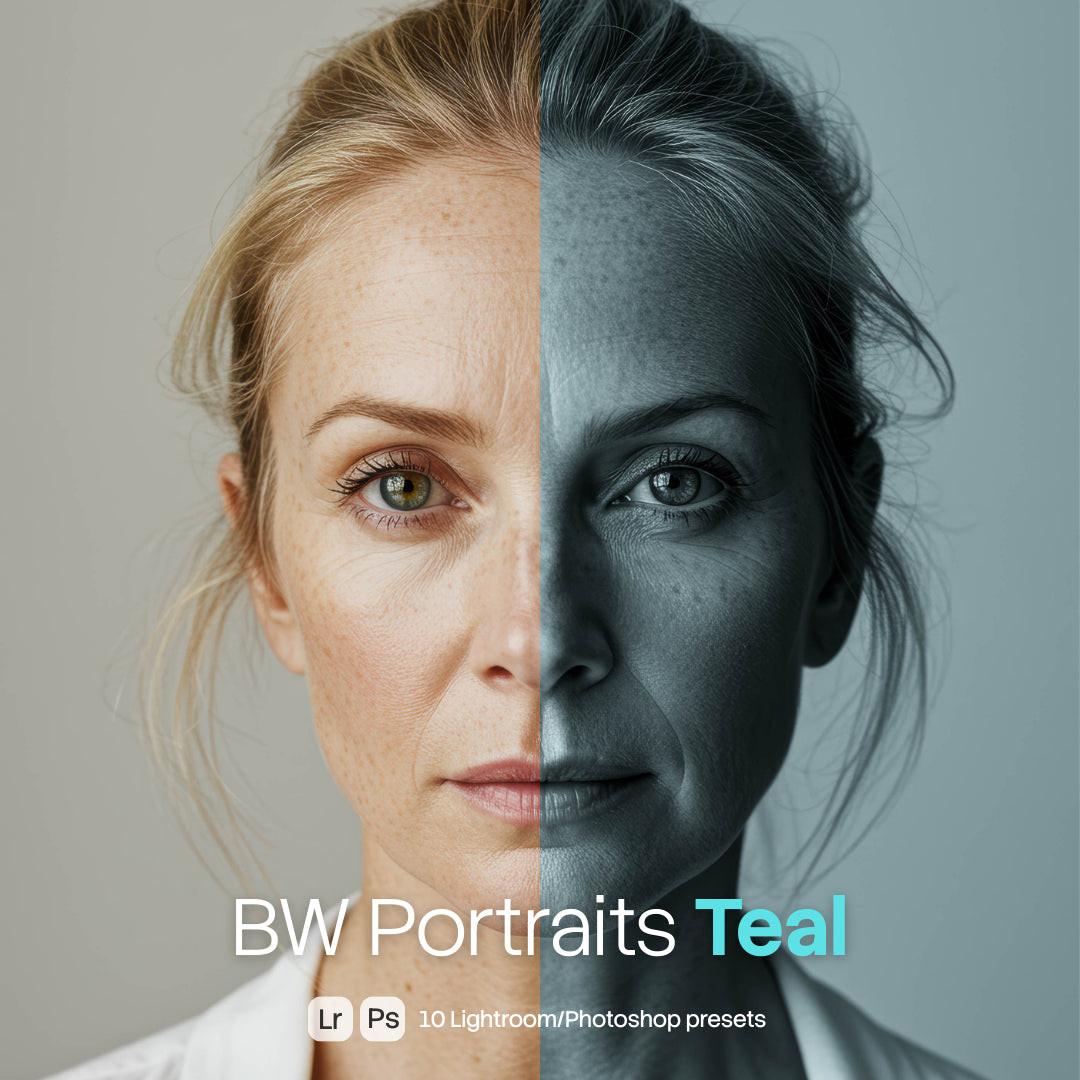
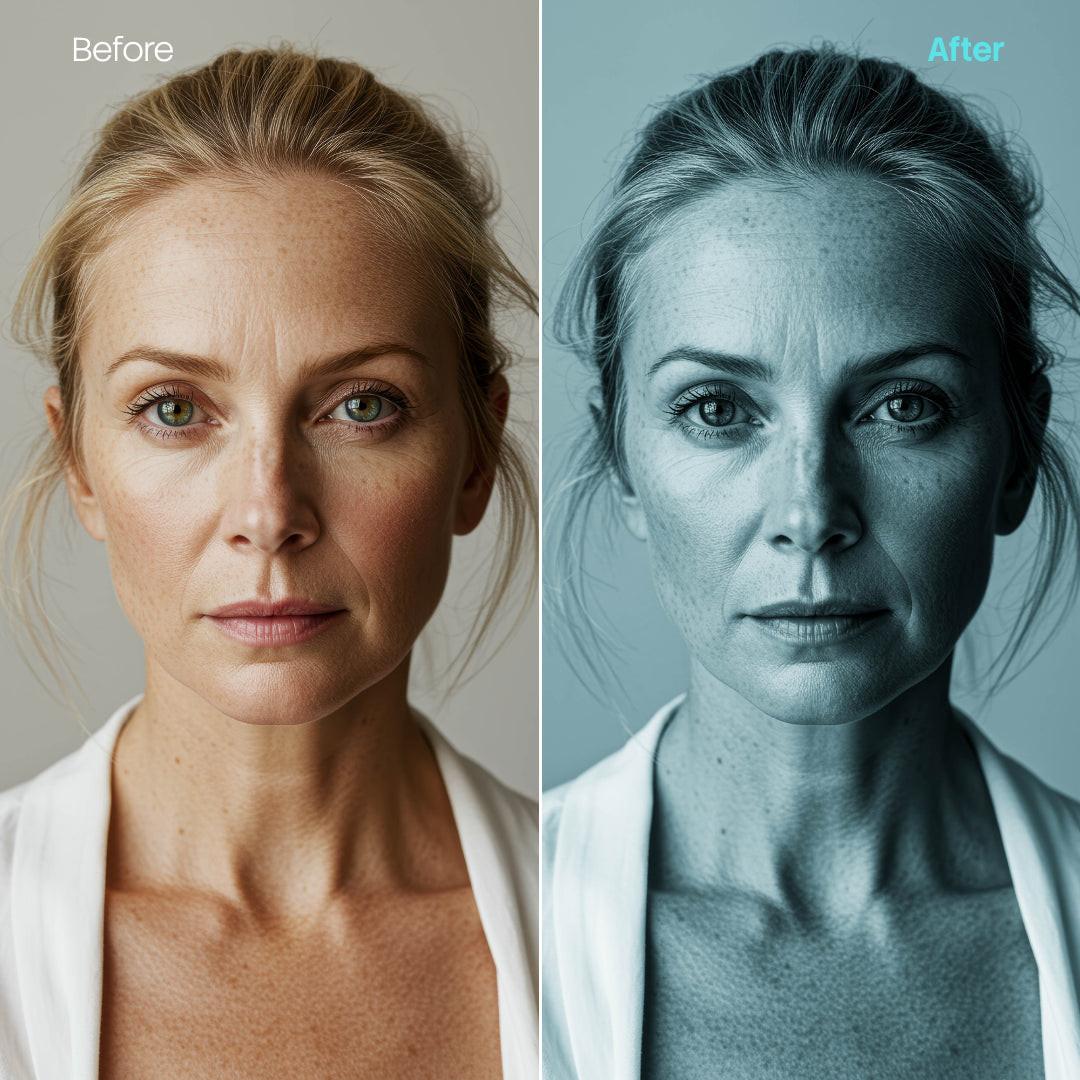
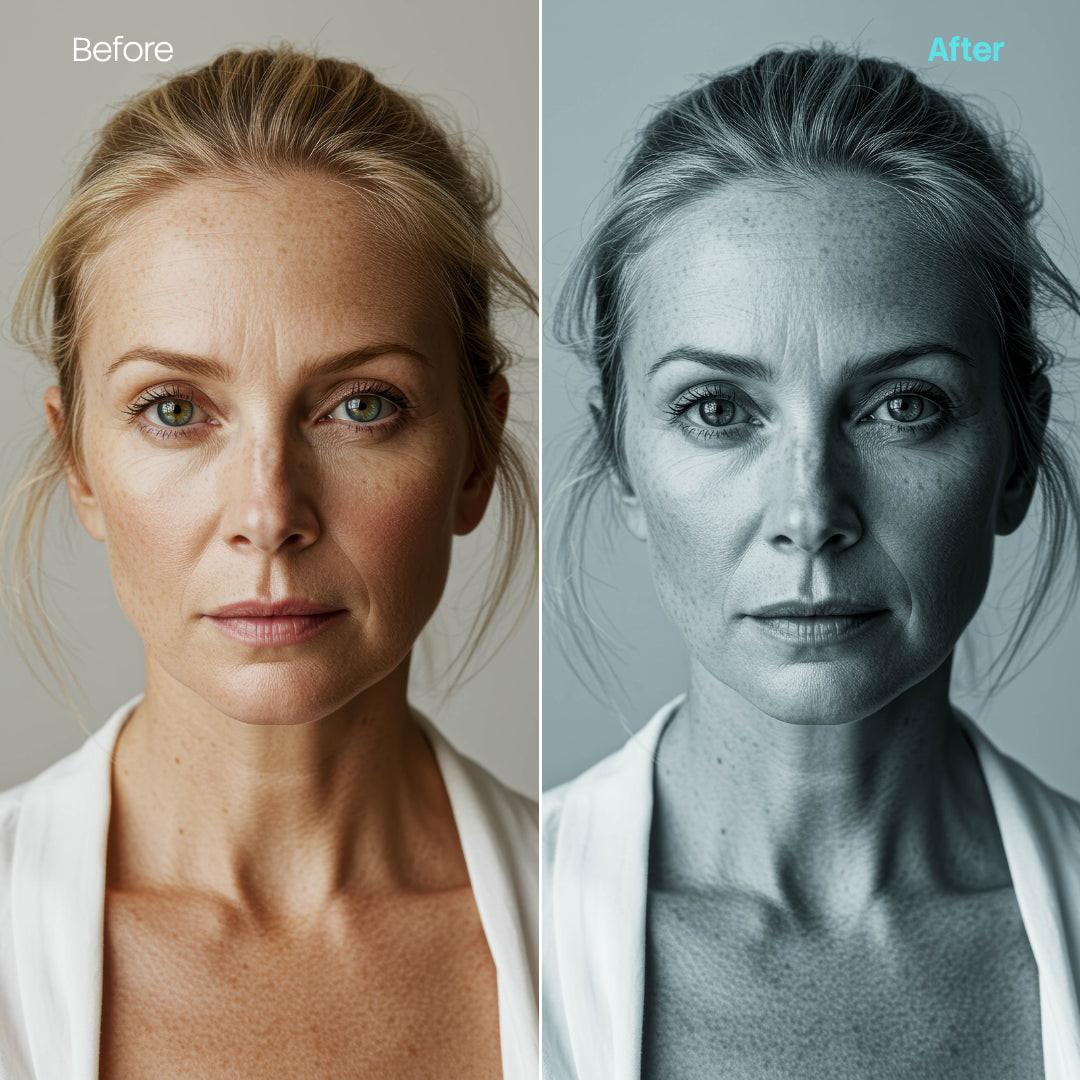
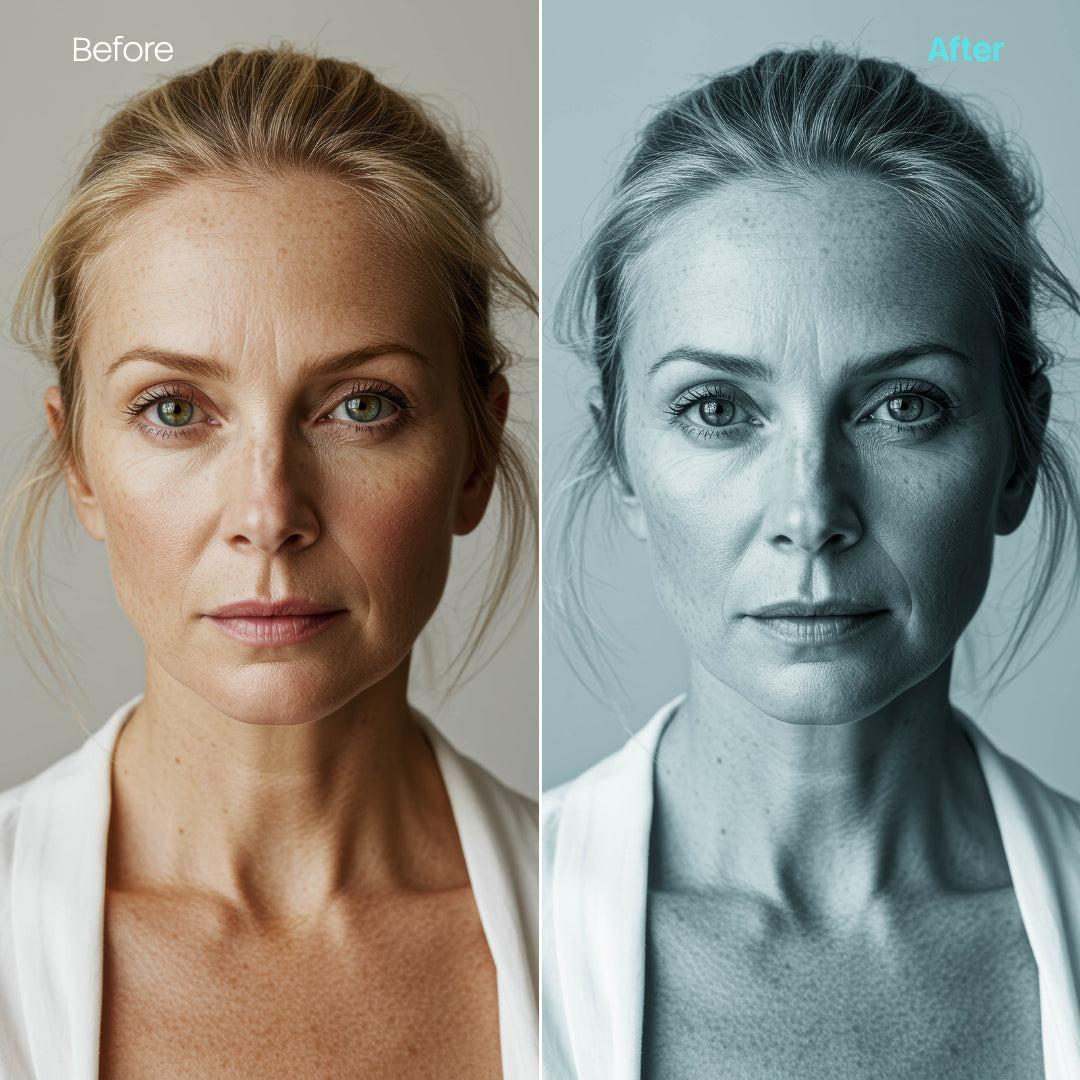

BW Portraits Teal Presets (10 XMP files)
Regular price
$9.00 USD
Sale price
$9.00 USD
We accept

We offer four license types:
- Personal Use – for private and non-commercial use (your blog, wallpaper, moodboard, private social media posts). No business use, no client work, no resale or redistribute purchased file itself of any kind.
- Commercial Use – for business or commercial projects (e.g. websites, ads), but not for resale products like merch or prints. No merch, templates, prints. No resale or redistribute purchased file itself of any kind.
- Creator Commerce Use – for creators selling products that use the image (e.g. merch, digital templates, posters, ebooks). No resale or redistribute purchased file itself of any kind.
- Corporation Use – for larger companies (50+ employees). Still no resale or redistribute purchased file itself of any kind.
Important: No license allows you to resell or redistribute the image as a standalone file — modified or not. That includes uploading it to other marketplaces, using it in stock platforms, or sharing it in free/premium download packs.
You can read the full license terms here.
If this tutorial is outdated, you can find latest version here.
How to install presets in the Adobe Lightroom Classic:
1. Open Adobe Lightroom.
2. Go to your "Develop" module in the top right corner and click it.
3. Once you are in develop, navigate to your left where you will find presets window.
4. Click on the "+" button and "Import Presets".
5. Find presets pack you downloaded and import it. You don't need to extract the files from ZIP, you can import a whole pack.
6. Your preset group should appear under "User Presets" in presets tab.
How to install presets in the Adobe Lightroom Mobile:
1. Open Adobe Lightroom.
2. Go to presets in the bottom on the left (two circles icon).
3. Enter "Yours" section.
4. Click options (top right corner) then "Import presets".
5. Find presets pack you downloaded and import it. You don't need to extract the files from ZIP, you can import a whole pack.
6. Your preset group should appear under "Yours" in presets tab.
How to install presets in the Adobe Photoshop:
1. Click on "Filter" in top right corner and "Camera Raw Filter".
2. On the right part of the screen and left side of the tool window, find the presets button (two circles icon) and click it.
3. Click on three dots icon next to title "Presets" and "Import Profiles & Presets".
4. Find presets pack you downloaded and import it. You don't need to extract the files from ZIP, you can import a whole pack.
5. Your preset group should appear on top part of "Presets" tab.
Keep in mind that you can adjust the intensity of the preset to your liking. Enjoy :)
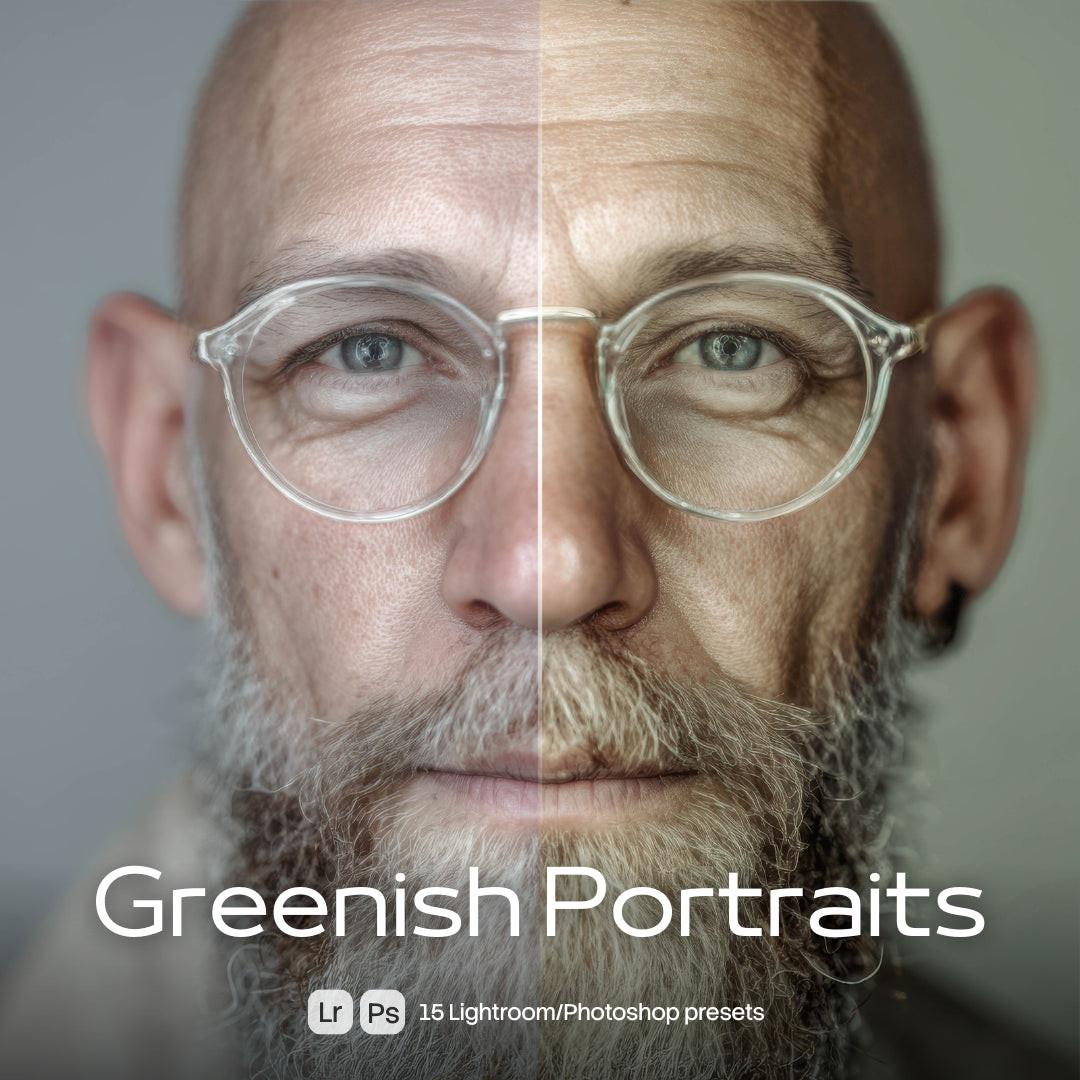
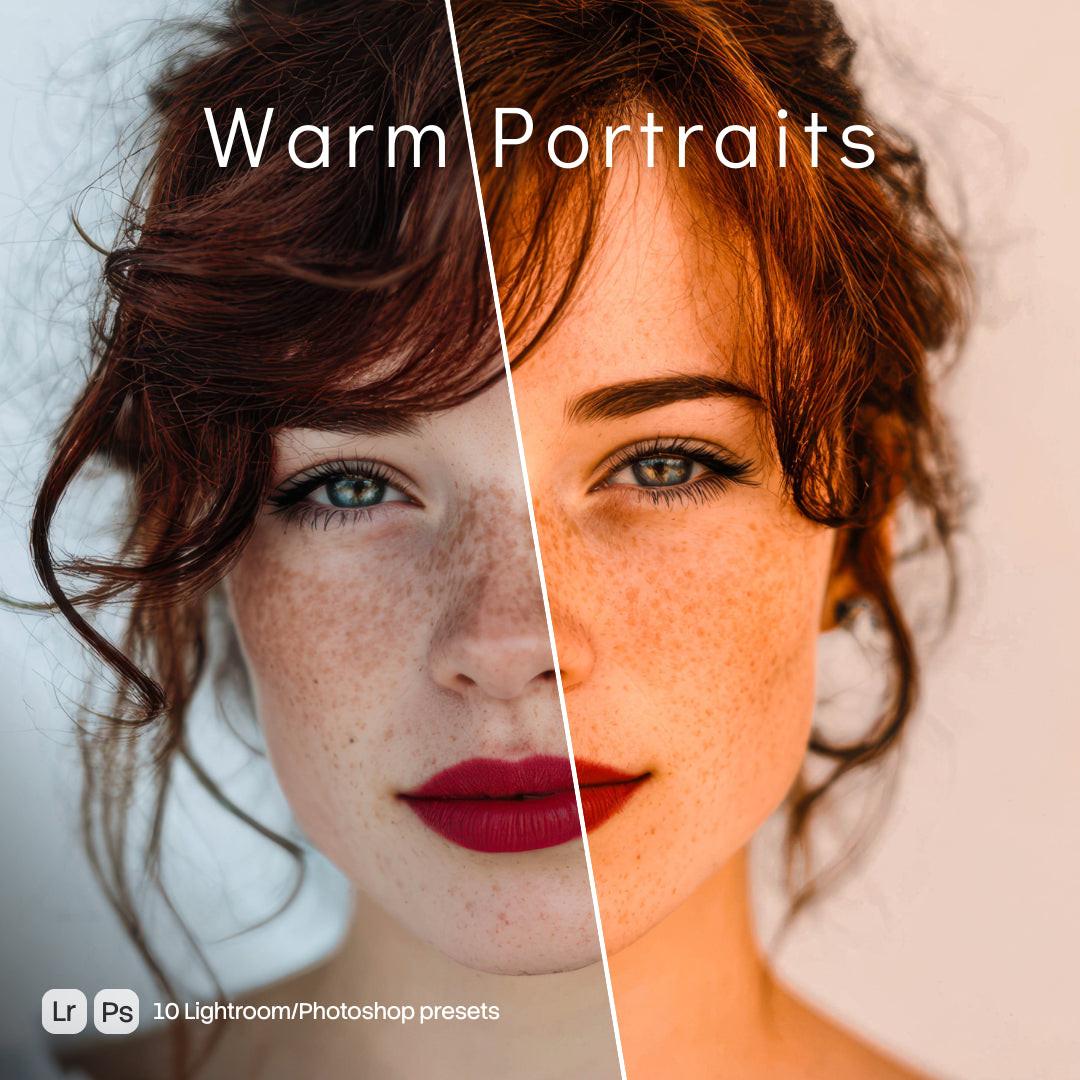
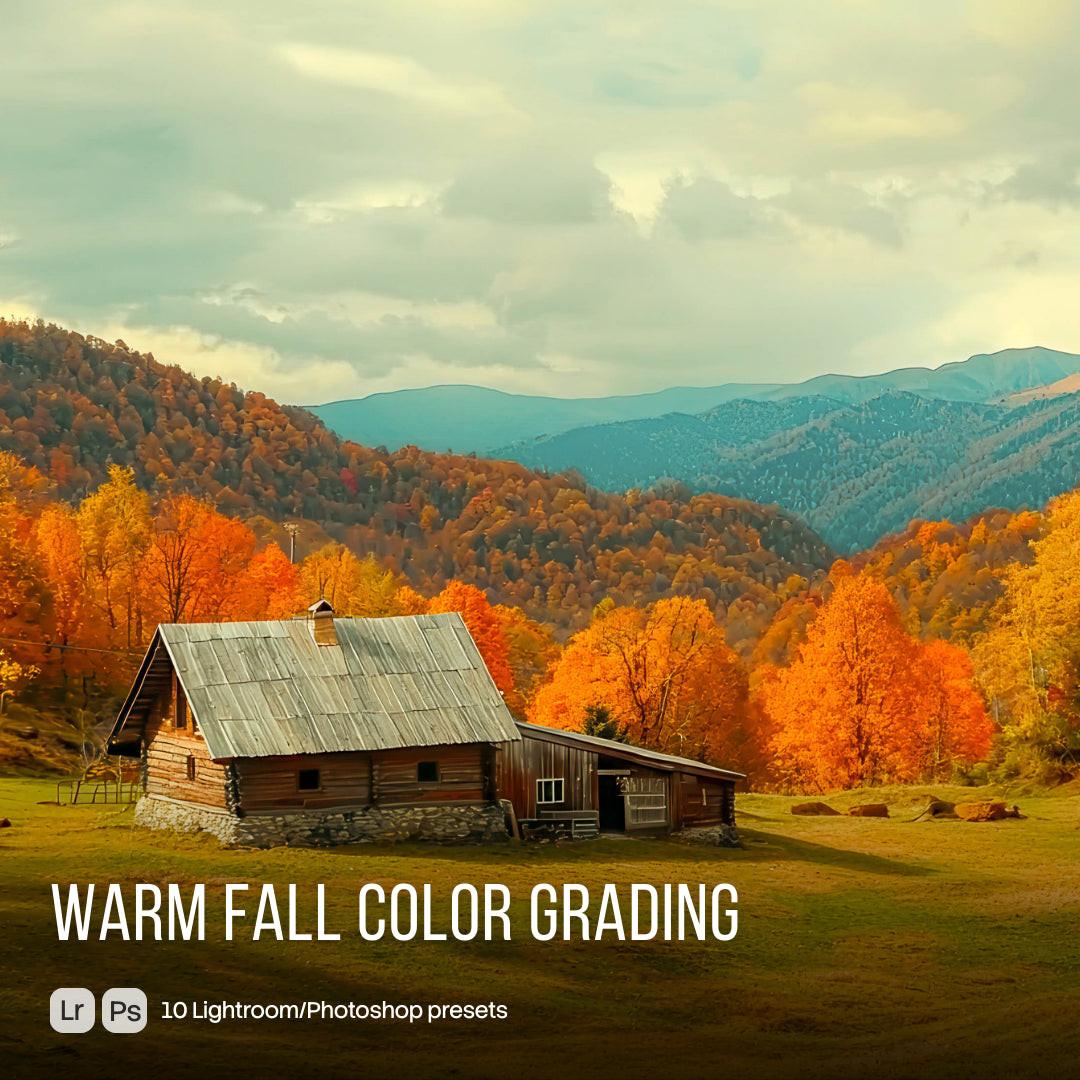
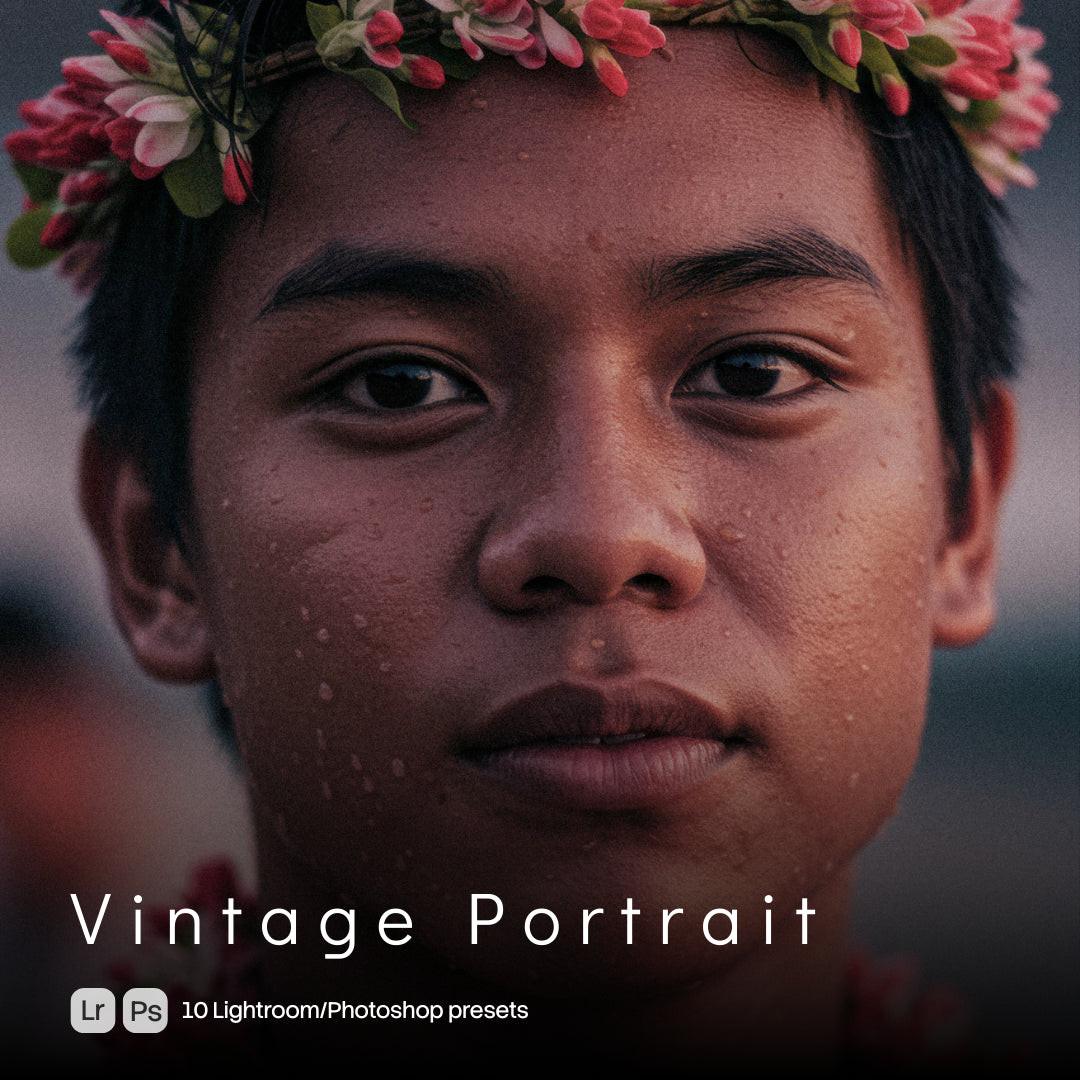
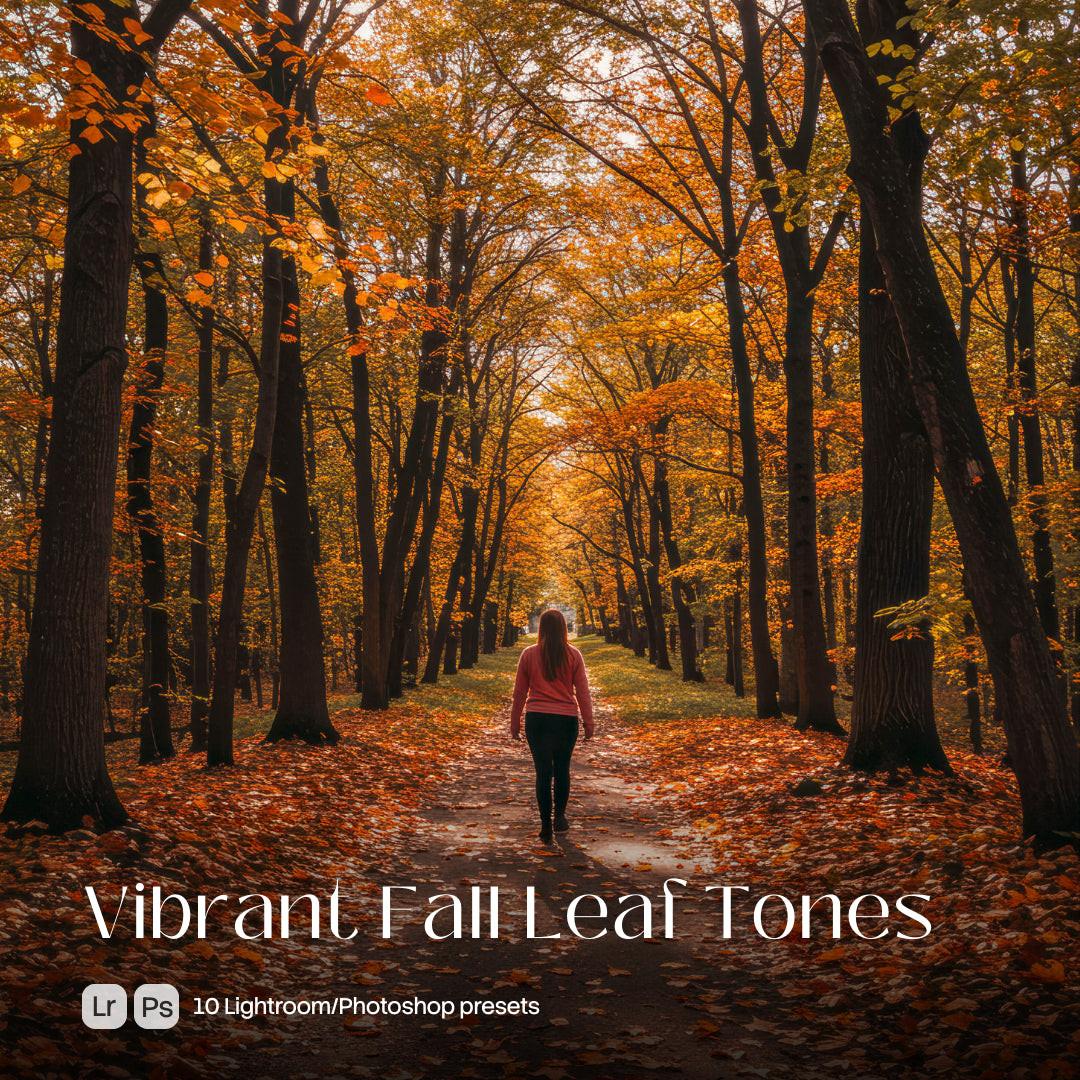
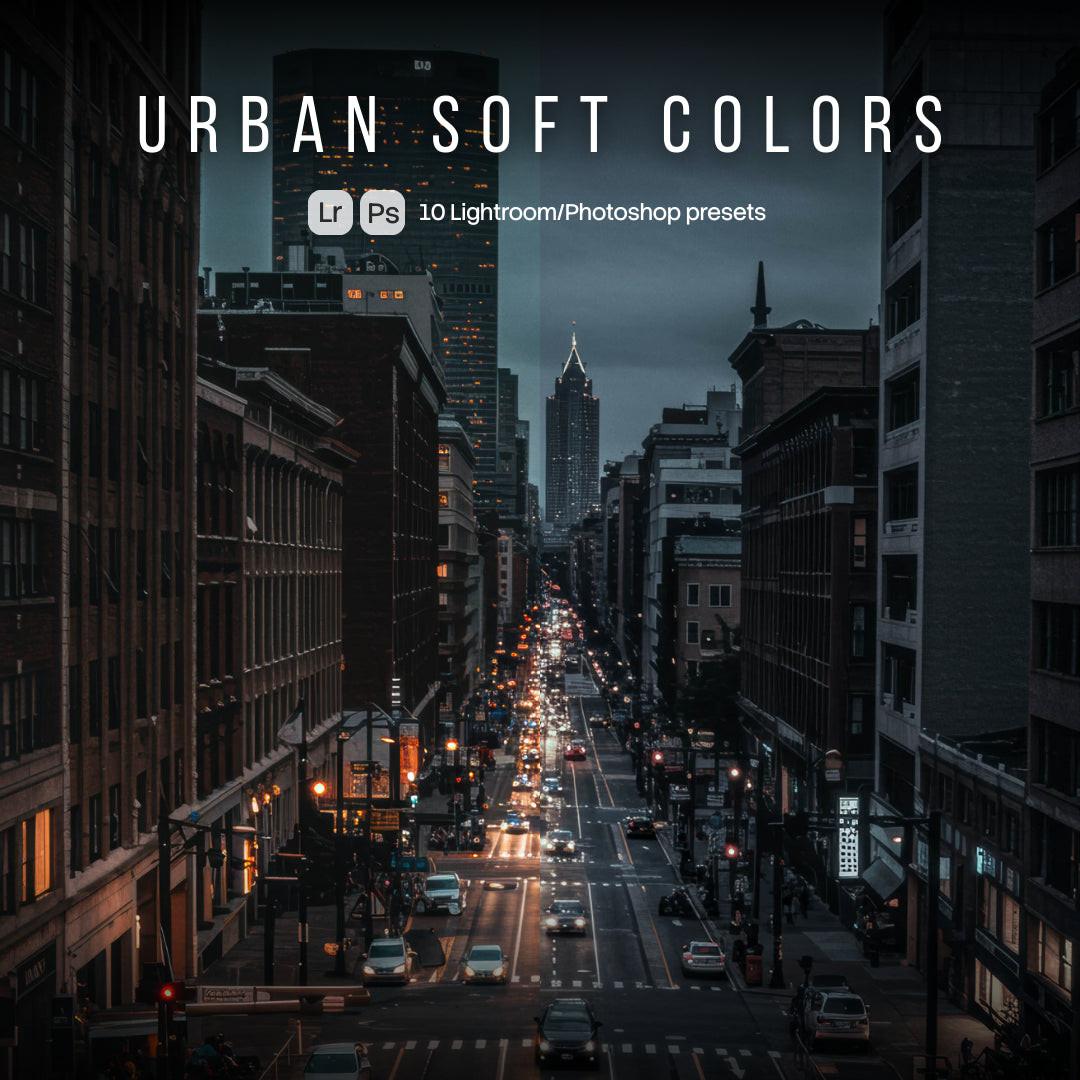
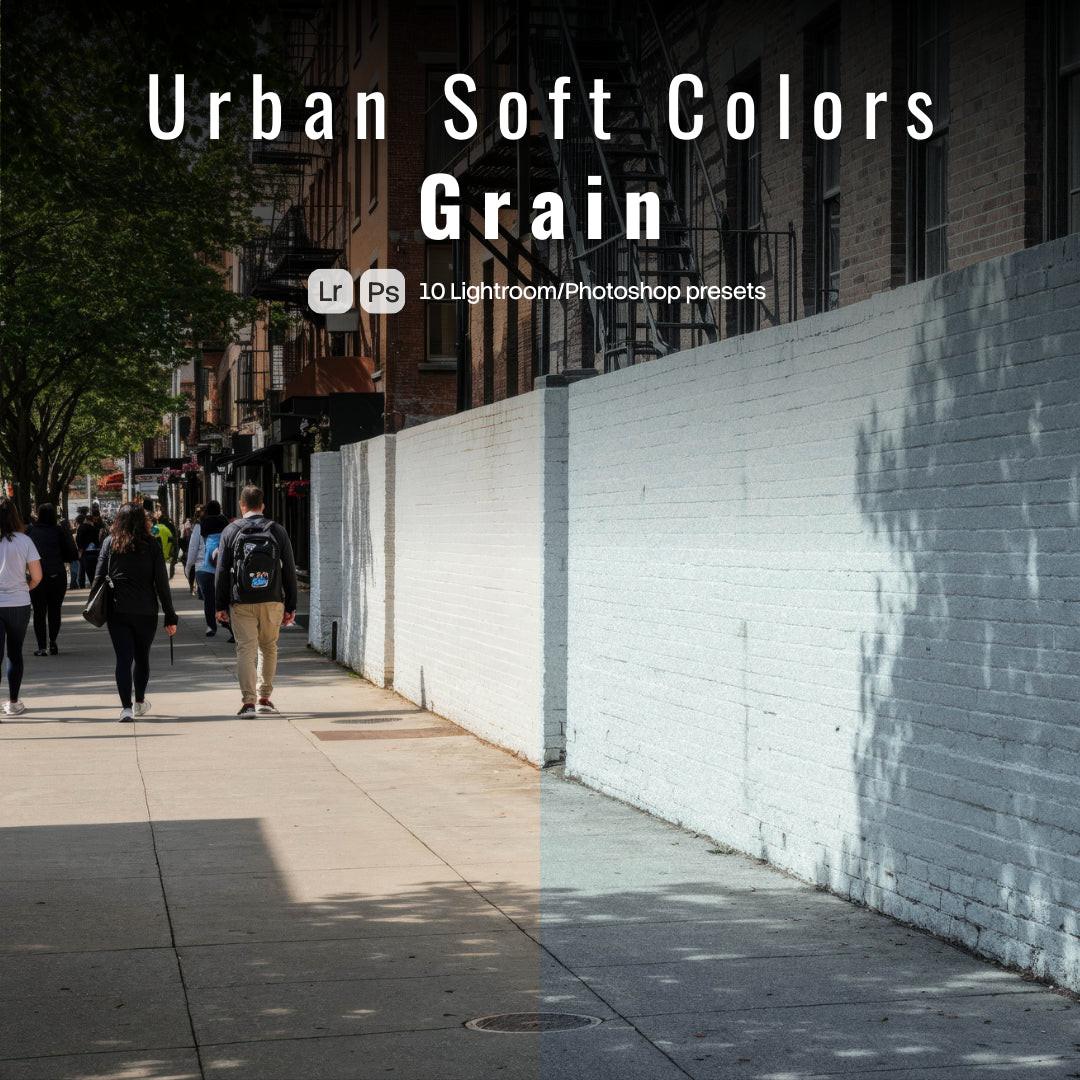
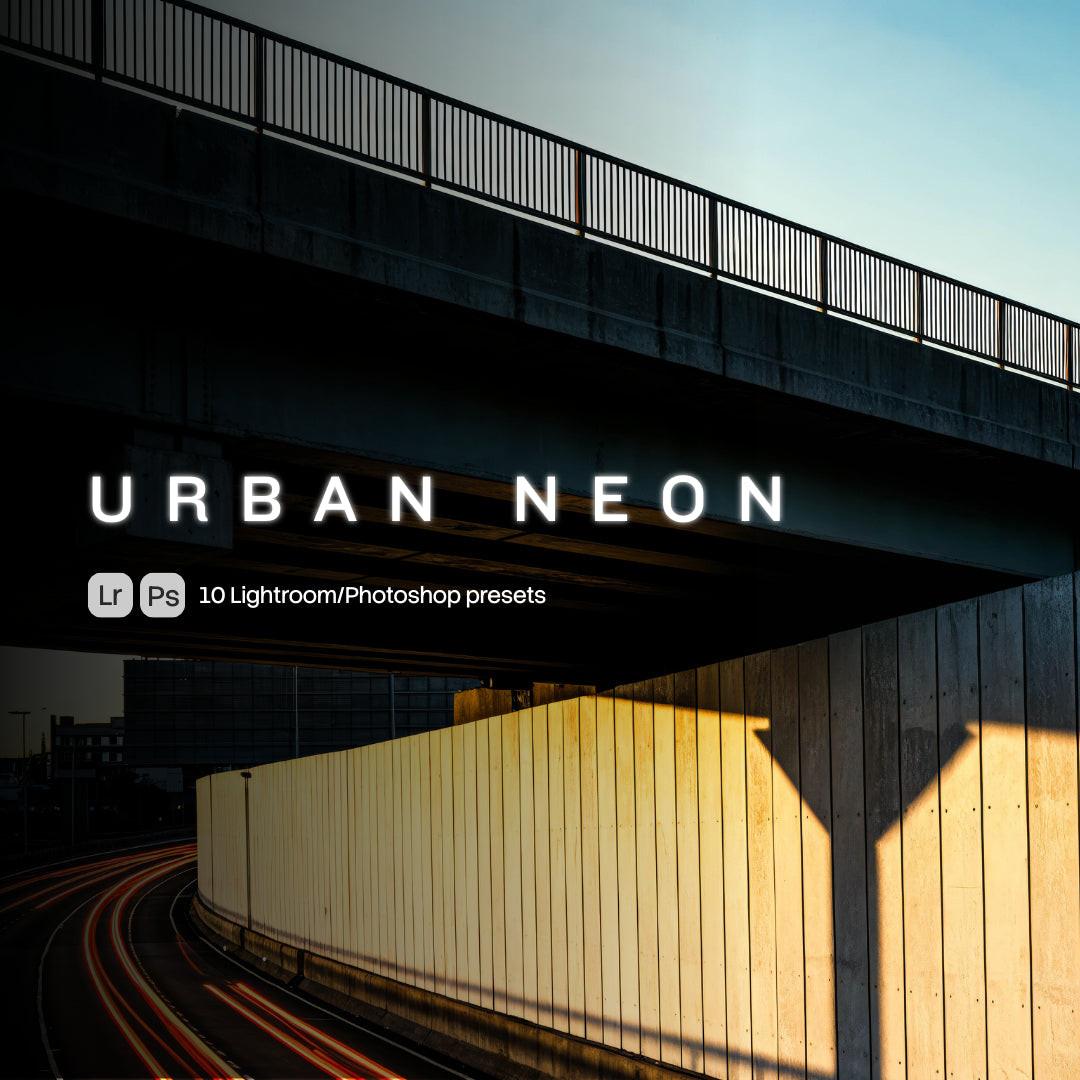
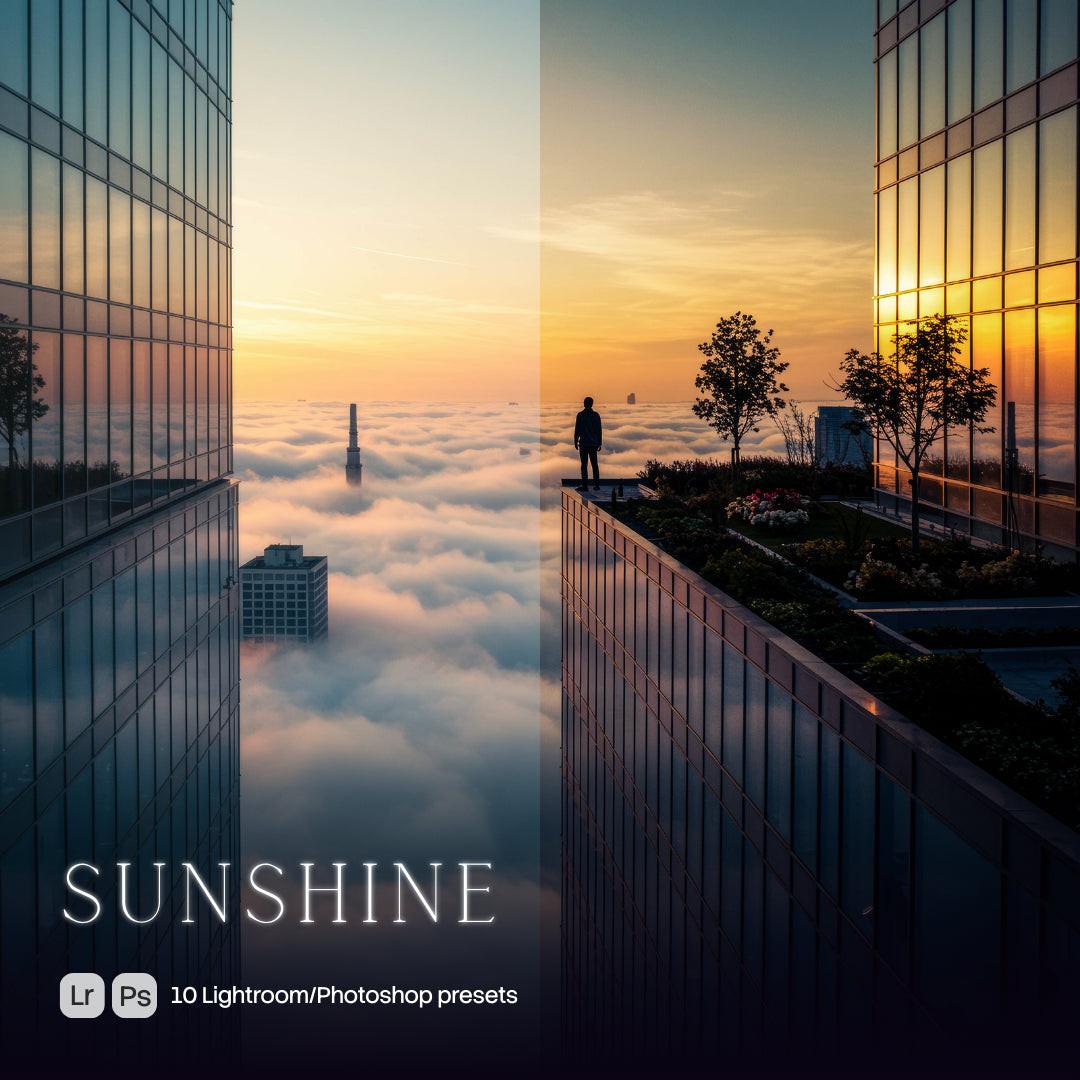
You will receive a ZIP file containing high-quality XMP presets crafted for cinematic color grading and modern visual styling. With one click, you can transform flat images into polished, professionally graded visuals — adjusting color balance, contrast, saturation, light, and mood. Fully compatible with Adobe Lightroom and Photoshop via Adobe Camera Raw.
This asset is an original digital visual created with advanced imaging tools, and is not based on any recognizable person, place, brand, or property. Any resemblance to real individuals or property is purely coincidental and entirely unintended.
Vendor:
One Dollar Stock
Share












Bundle
0
Buy 2, Get 1 FREE
Select product
Select product
Select product

