

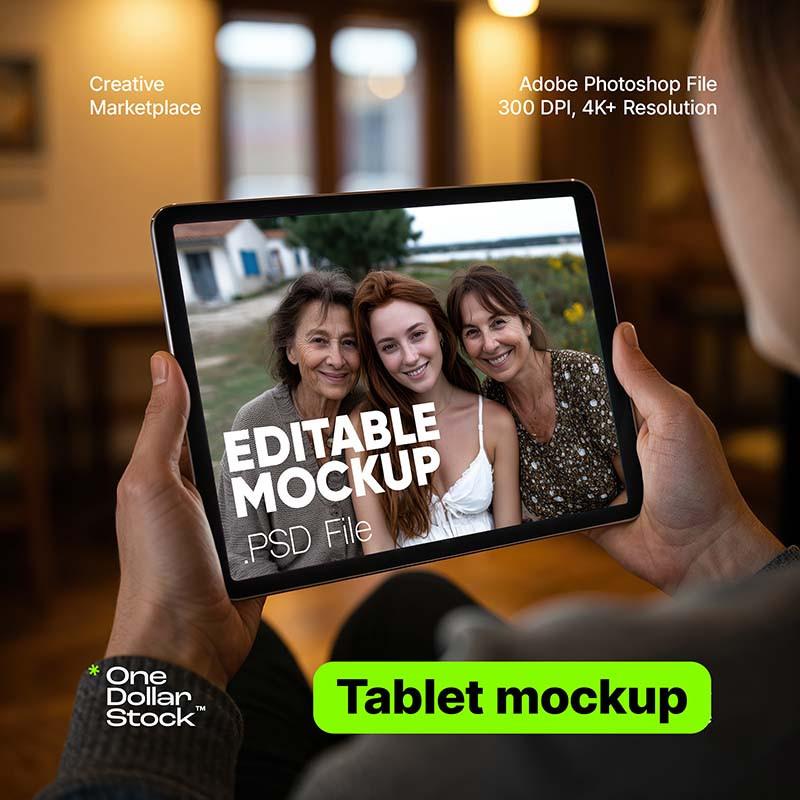


Mężczyzna trzymający tablet mockup
Cena regularna
42,09 PLN
Cena sprzedaży
42,09 PLN
We accept

We offer four license types:
- Personal Use – for private and non-commercial use (your blog, wallpaper, moodboard, private social media posts). No business use, no client work, no resale or redistribute purchased file itself of any kind.
- Commercial Use – for business or commercial projects (e.g. websites, ads), but not for resale products like merch or prints. No merch, templates, prints. No resale or redistribute purchased file itself of any kind.
- Creator Commerce Use – for creators selling products that use the image (e.g. merch, digital templates, posters, ebooks). No resale or redistribute purchased file itself of any kind.
- Corporation Use – for larger companies (50+ employees). Still no resale or redistribute purchased file itself of any kind.
Important: No license allows you to resell or redistribute the image as a standalone file — modified or not. That includes uploading it to other marketplaces, using it in stock platforms, or sharing it in free/premium download packs.
You can read the full license terms here.
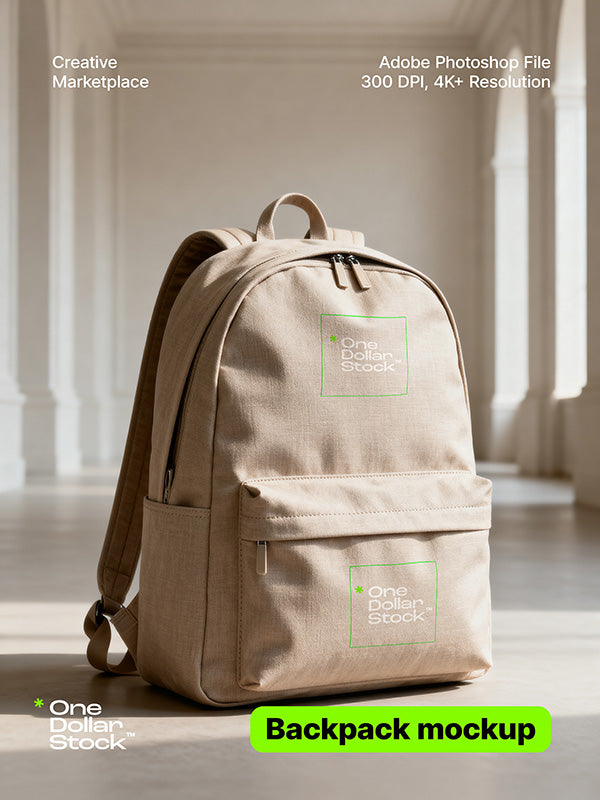
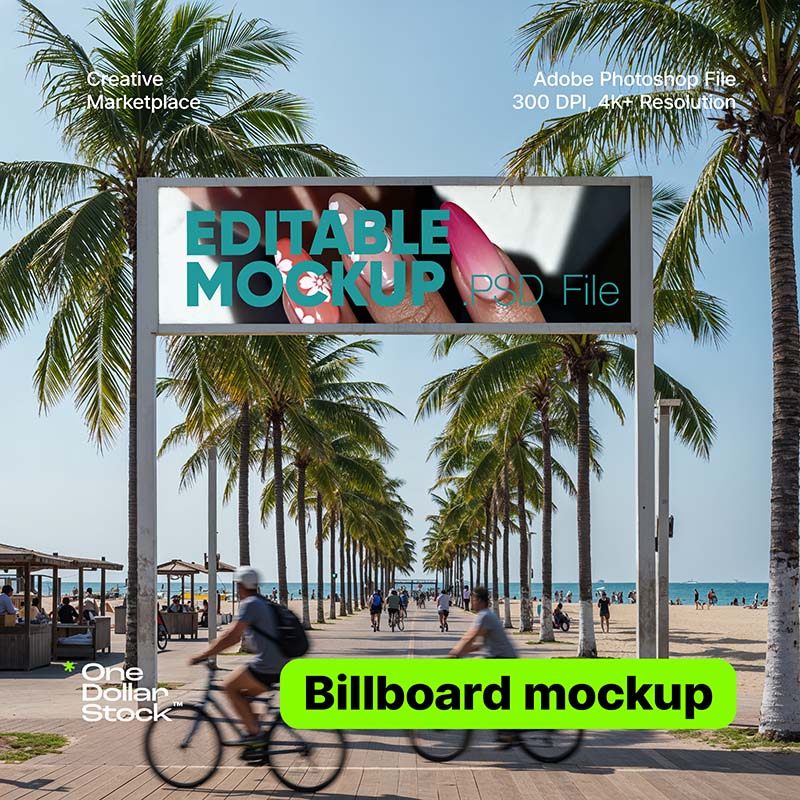
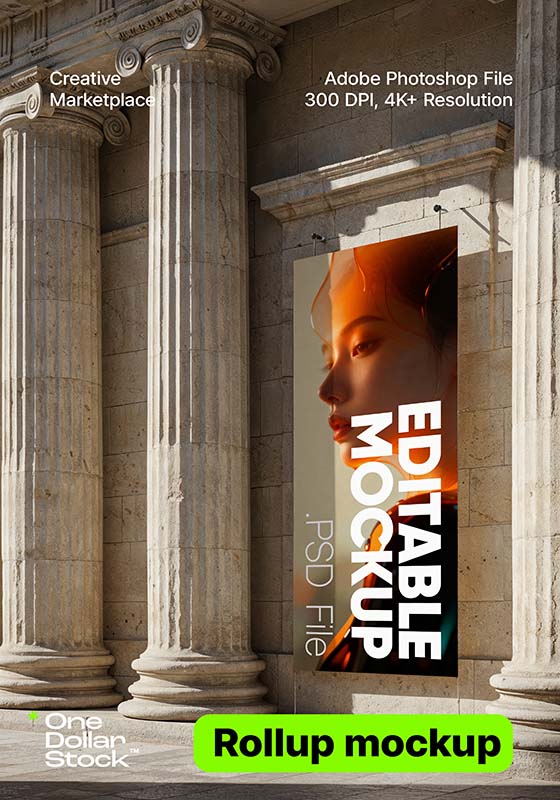
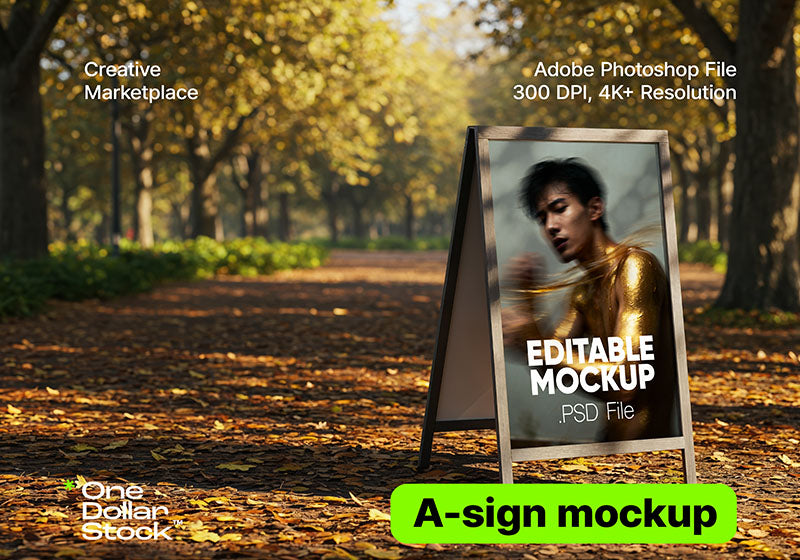
- Open the PSD mockup file.
- In the Layers panel, find the smart object layer (usually labeled "Your Design Here" or "Double-click thumbnail to change design" or similar). Double-click on it to open it in a new tab.
- Place your design inside the smart object — paste your logo, packaging artwork, or any graphic you want to showcase. Save and close the smart object tab (Ctrl+S / Cmd+S). Your design will automatically appear on the mockup.
- When you're happy with the result, export your final image via File → Export → Export As (PNG or JPG).
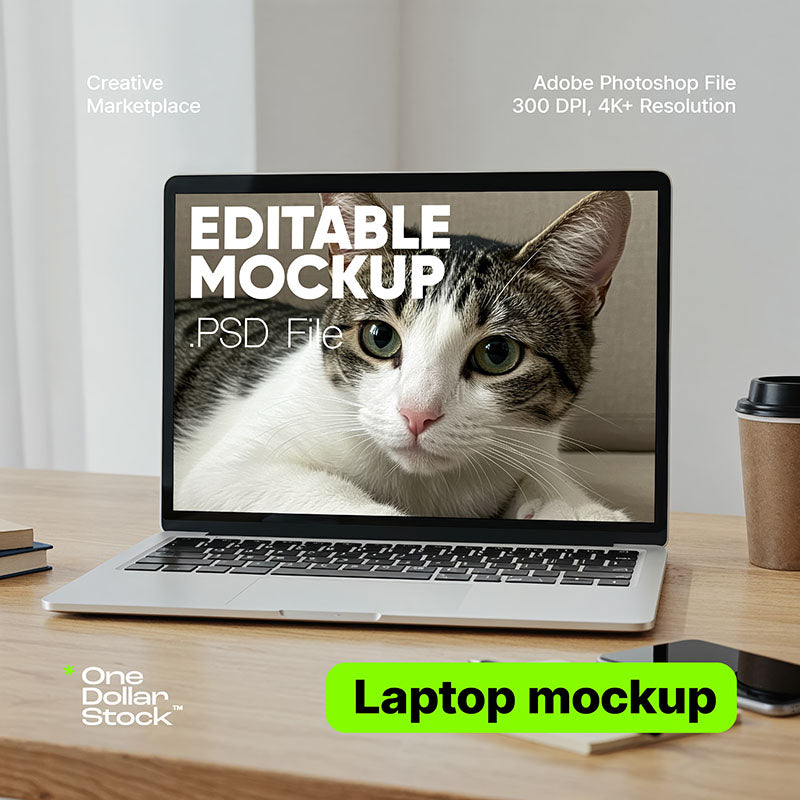
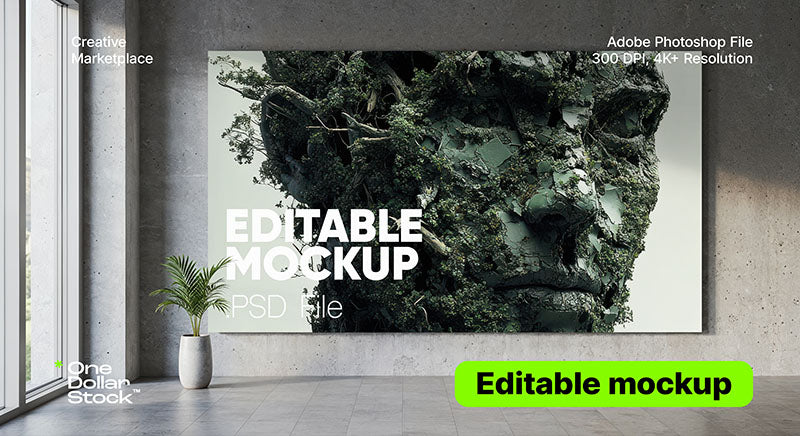
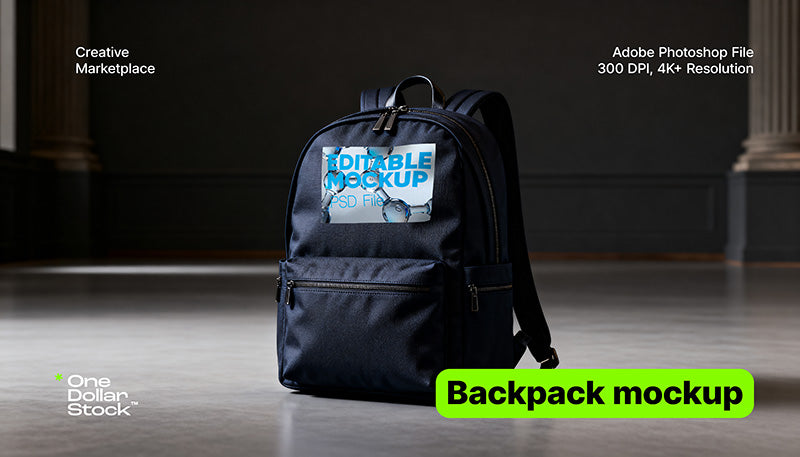
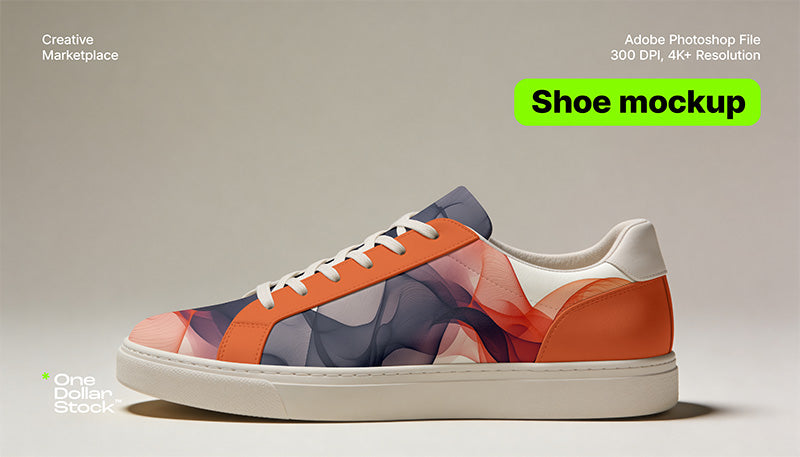
You receive a PSD file(s) with organized layers and smart objects. It is compatible with any graphic software that supports PSD files (mainly Adobe Photoshop).
This asset is an original digital visual created with advanced imaging tools, and is not based on any recognizable person, place, brand, or property. Any resemblance to real individuals or property is purely coincidental and entirely unintended.
Sprzedawca:
One Dollar Stock
Udostępnij

Pakiet
0
Buy 2 + Get 1 FREE
Wybierz produkt
Wybierz produkt
Wybierz produkt


