Get PRO →
Prelaunch preview · PRO bonus tools

Tools that turn downloaded assets into finished work faster.

Creative free tools only for OneDollarStock PRO plan subscribers: crop social formats, apply presets, edit video, process PDFs, watermark images and videos, build brand look directions, and estimate campaign costs from one practical toolkit.

OneDollarStock Creative Tools workspace preview
8creative tools planned as a PRO bonus
Tools for what?

OneDollarStock PRO becomes more than an asset library.

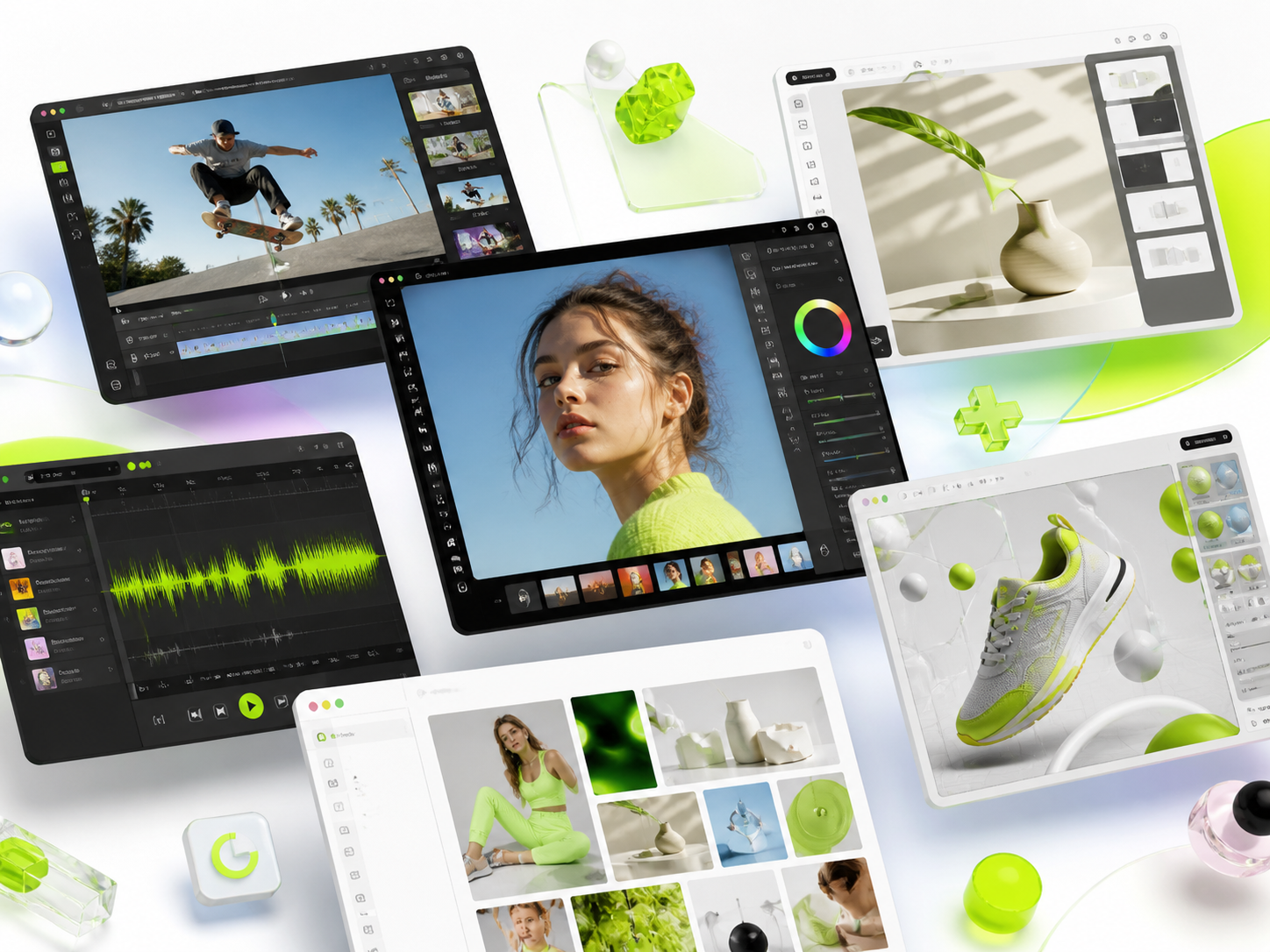
These tools are designed to reduce the repetitive work that happens after someone downloads creative assets. The page now uses full screenshots inside fixed-size preview blocks, so the UI stays consistent while every image remains fully visible.

Creative Tools product mockups with floating interface windows
01

PRO creative tools in one place

Edit photos, videos, graphics, and marketing assets without switching between multiple apps. Everything works inside one connected workspace.

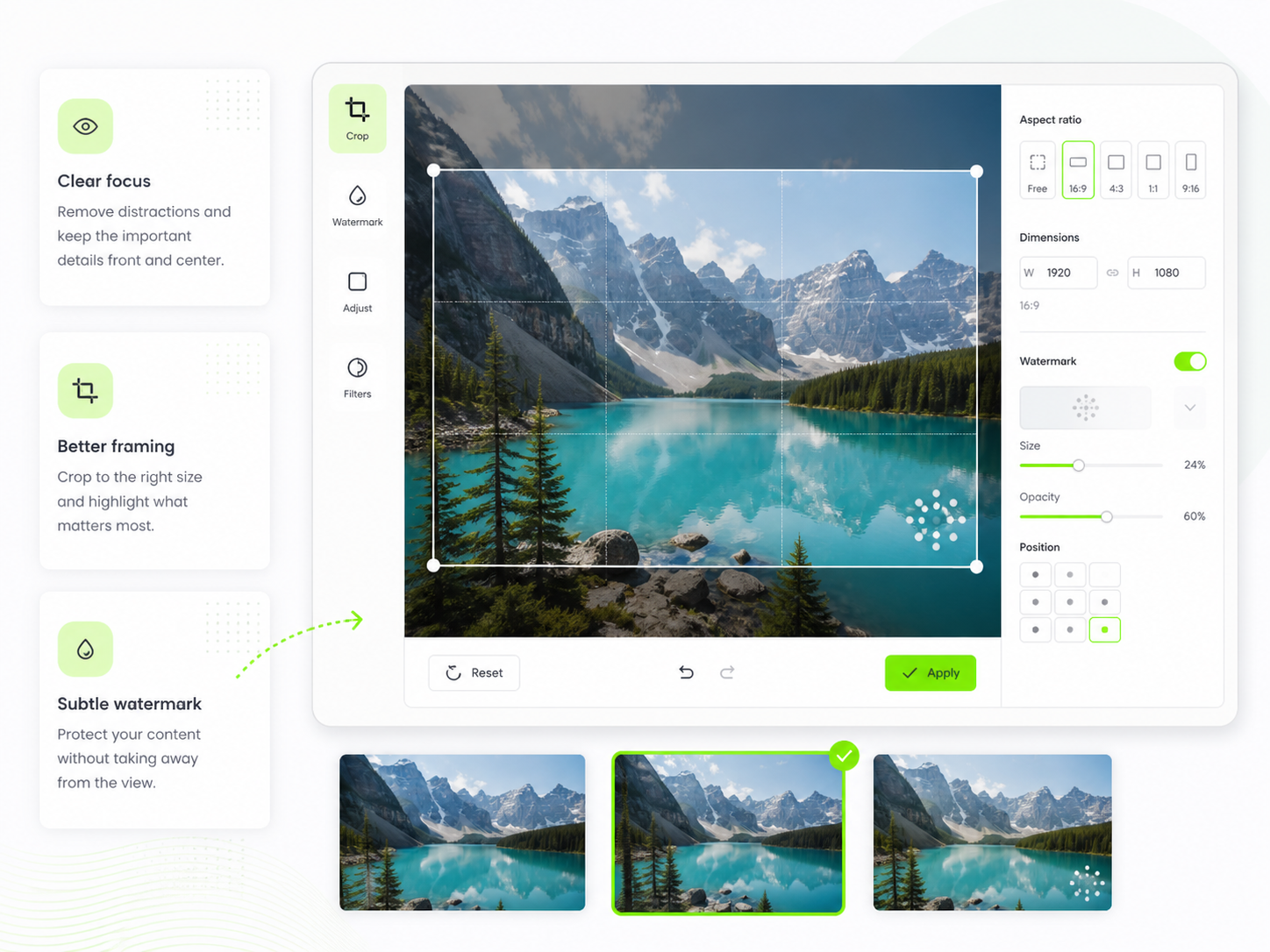
Readable crop and watermark interface preview
02

A smoother workflow from idea to export

Create, refine, and publish faster with an intuitive interface, ready-to-use settings, and AI-powered tools that simplify everyday production.

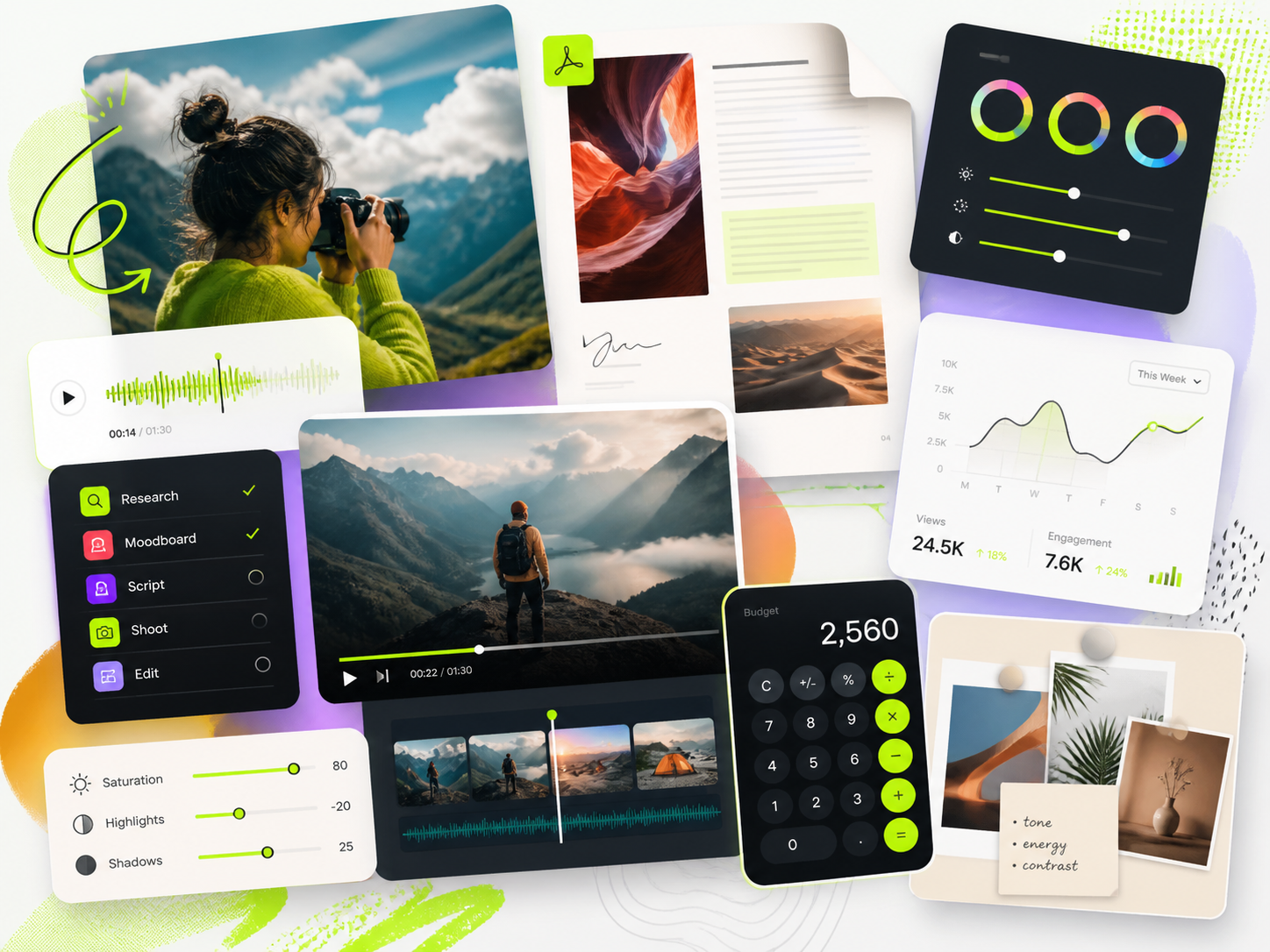
Dynamic creative workflow collage with media and analytics cards
03

More room for visual creativity

Use effects, templates, animations, and design elements to create professional-looking content without needing advanced design skills.

Creative Tools workspace dashboard preview
04

A PRO toolkit for creators and teams

Unlock advanced features, better project control, and tools built for social media content, campaigns, brands, clients, and growing teams.

PRO toolkit

Eight workflow tools, each built around a different bottleneck.

Use the quick navigation below or scroll through the product sections. Every gallery opens in a large preview modal.

01Social formats

Social Media Crop Tool

Turn one image into a complete set of ready-to-post social media formats. Add an optional logo, apply a brand color overlay, preview every platform crop, and export the full pack without manually resizing the same visual again and again.

Home dashboard firstPlatform cropsLogo and brand colorZIP export
02Preset batching

Image Presets Studio

Apply visual presets to one image or a full image set. Use one consistent look for a campaign, compare preset directions, or generate a larger batch of styled variations when you need more creative options quickly.

One or many imagesPreset selectionRandom effect batchesDownload results
03Simple video work

Video Media Editor

Handle practical video edits without opening heavy software. Speed up, slow down, join clips, split clips, adjust basic color and brightness, mute audio, compress video, and prepare cleaner files for social, ads, landing pages, and quick campaign work.

Timeline workflowSpeed and split toolsAudio controlsVideo export
04Document utilities

PDF Toolkit

A practical set of PDF tools for everyday production work. Merge files, split documents, remove or reorder pages, compress PDFs, convert images into PDFs, export PDF pages as images, and prepare documents faster without jumping between disconnected tools.

PDF home firstReorder pagesPDF to WordImages to PDF
05Batch image branding

Image Watermark Kit

Add a logo or watermark to multiple images at once and preview the results before exporting. Adjust placement, size, opacity, format, and quality, then download selected files or the whole batch as a clean ZIP package.

Batch preview gridPosition and opacitySingle image editJPG, PNG, WebP
06Batch video branding

Video Watermark Kit

Place a logo or watermark on one video, multiple videos, or a whole folder. Control the overlay, preview the result, process selected files or all videos, and keep branded output consistent without rebuilding the same setup file by file.

Bulk video watermarkingWatermark controlsProcessing statusDownload ready
07Look direction

Branding Presets Generator

Create an estimated preset direction from a source image and a visual reference. Use it to explore consistent brand looks, test tonal directions, and translate a reference mood into a reusable visual starting point.

Source and referenceEstimated look profilePreset exportBrand visual direction
08Planning and cost

Marketing Campaign Calculator

Plan paid campaigns with clearer assumptions. Estimate media budget, impressions, blended CPM, channel mix, team or delivery cost, and export a clean report for internal approvals, client conversations, or launch planning.

Media and all-in costChannel mixTeam costPDF and CSV reports
Included with PRO

Download assets. Adapt them. Publish faster.

The PRO tools are planned as an added value layer for OneDollarStock members, helping turn images, videos, documents, styles, and campaign plans into usable outputs with less friction.