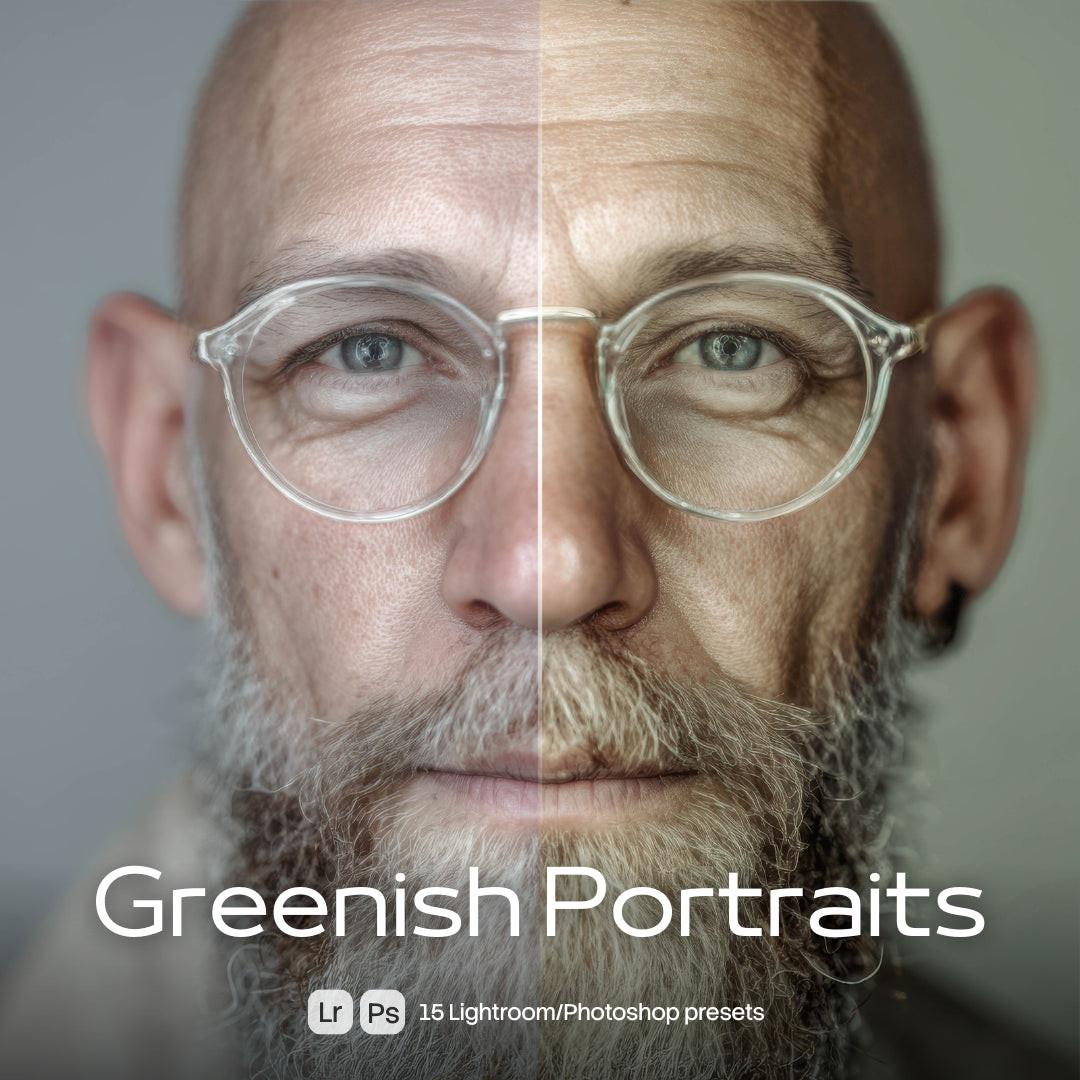
Lightroom and Photoshop presets for fast, consistent editing

Explore XMP presets that work in both Lightroom and Photoshop: cinematic tones, vintage film looks, clean portrait grades, moody black and white and vivid travel colors. One click sets the base — you fine-tune exposure and white balance to taste.

Built for photographers and creators who edit in volume and need a consistent style across whole shoots. Instant download from $1.

One style, every photo

A good preset is a repeatable recipe: it keeps a wedding gallery, a brand shoot or an Instagram feed visually coherent without grading every frame by hand. These packs cover portraits, street, travel, sport, food and retro film emulations — each tested on varied lighting so the result stays predictable.

How to use them

Import the XMP files into Lightroom (Develop → Presets) or Photoshop Camera Raw, apply, then adjust exposure and white balance per photo. Full walkthrough on the presets installation guide.

What you download

XMP preset files with instant delivery and licensing from $1. Editing video too? Check Cinematic LUTs; for film grain looks browse Analog Vibe and Photo Overlays.