


How to Avoid Generic AI-Looking Visuals in Brand and Marketing Content
Generic AI-looking visuals make brands harder to recognize. This guide explains how to avoid them using curated stock images, mockups, textures, overlays, presets and a clear visual direction -- so your marketing content feels intentional, not interchangeable.
What Is a Visual Asset Stack? A Practical Guide for Small Creative Teams
A practical guide for small businesses, agencies, marketers and creators who need faster websites, campaigns, social content and client work without managing scattered creative subscriptions. Learn what a visual asset stack is, what it includes, and how to build one that actually works.
What Are Creative Assets and Why Do Brands Need Them?
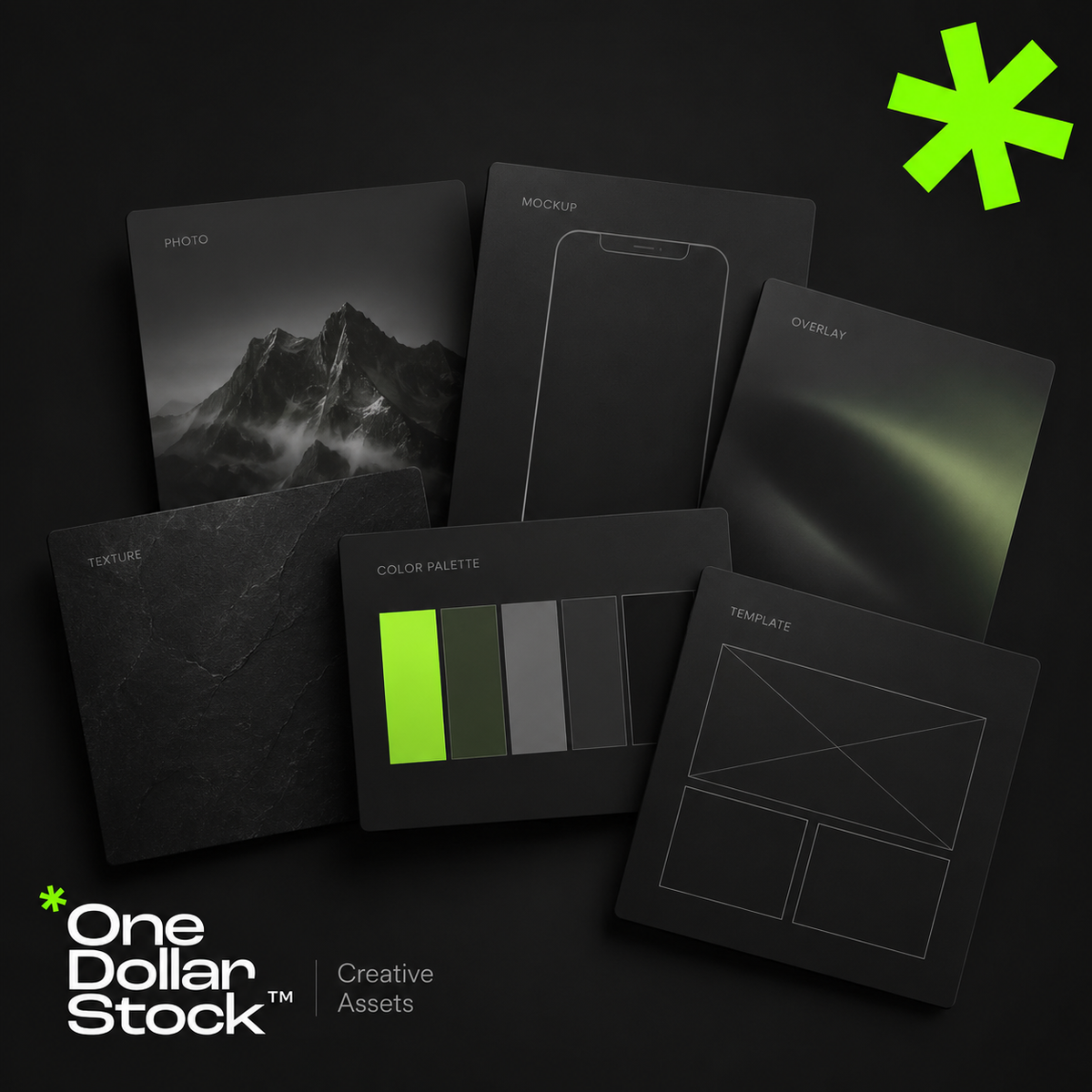
Creative assets are the visual and design files a brand uses to create marketing materials faster and more consistently. They include stock photos, mockups, Lightroom presets, LUTs, textures, overlays, Framer templates, website layouts, campaign graphics, and reusable design elements. For small brands, creators, startups, and agencies, creative assets reduce the need to start every project from a blank page. A well-organized creative asset library helps teams build websites, ads, social media posts, launch materials, presentations, and sales content with a clearer visual style and a faster workflow. What are creative assets? Creative assets are reusable files that support visual communication. They can be finished designs, editable templates, raw visual materials, campaign graphics, or production tools. Examples include stock photos for websites and ads, mockups for presenting products, Lightroom presets for consistent photo editing, LUTs for video color grading, textures for backgrounds, photo overlays for visual effects, and Framer templates for websites. The key point is simple: creative assets are building blocks. They help a brand create more visual output without rebuilding every image, layout, or effect manually. Why creative assets matter Small brands, creators, startups, marketers, and agencies usually work with limited time and budget. They need to publish content, test offers, build landing pages, create ads, update social channels, and prepare sales materials. Without a clear asset system, every task takes longer. A designer searches for images from scratch. A marketer rebuilds similar ad layouts. A founder prepares a sales deck without consistent visuals. A creator edits each photo or video manually. Creative assets solve part of this problem. One stock photo can support a blog image, landing page section, ad creative, and social post. One mockup can make a digital product easier to understand. One preset can help keep campaign photography feel connected. This matters because modern marketing is visual and repetitive. Brands do not need one perfect graphic. They need a repeatable system for creating many strong assets quickly. Creative assets are not just stock photos Many people hear creative assets and think only about stock photos. Stock photos are useful, but they are only one part of a practical brand asset library. A stronger library can include: Stock photos for websites, ads, blogs, and social media Mockups for products, apps, digital downloads, packaging, and branding Lightroom presets for consistent photo editing LUTs for video color grading Textures for backgrounds, posters, thumbnails, and campaign graphics Photo overlays for effects such as light leaks, grain, dust, shadows, or atmosphere Framer templates for faster website production Social media templates for posts, stories, carousels, and promotions Campaign assets such as banners, CTA sections, launch graphics, and product visuals The best asset libraries combine several of these file types and organize them around campaigns or use cases rather than random downloads. Creative bundles are a practical way to start because they help you work from a focused set of matching assets. How a creative asset workflow works A creative asset workflow should be organized around real marketing needs, not random downloads. Start by listing the formats your brand creates most often: landing pages, Instagram posts, ads, newsletters, blog graphics, sales decks, product pages, or campaign visuals. Then group assets by use case, such as website visuals, product mockups, ad creatives, social templates, textures, overlays, presets, and LUTs. Next, choose a consistent visual direction. Your brand may be clean, warm, bold, editorial, premium, playful, or practical. The assets should support that direction instead of creating a disconnected look. Finally, reuse assets across channels. A mockup can appear on a landing page, in an email campaign, on social media, and in a sales deck. A texture can become a recurring background style. A preset can make campaign photography feel connected. The goal is not to collect as many files as possible. The goal is to build a practical system that helps you create better marketing materials faster. When to use creative assets Creative assets are useful whenever a brand needs to create visual content with speed and consistency. Use them when building landing pages, testing Meta ads, preparing social content, designing a product launch kit, creating website hero sections, making sales decks, showing digital products in mockups, editing photos or videos, or producing campaign graphics for multiple channels. For agencies, creative assets improve delivery. Instead of starting every client project from zero, the team can use strong visual building blocks and spend more time on strategy, messaging, layout, and conversion. For startups, they help create launch materials before there is a full internal design team. For creators, they make content production more consistent. How one asset library speeds up production A well-organized asset library creates leverage because the same files can support websites, ads, social media, email campaigns, and sales materials. For websites, stock photos support hero sections, blog visuals, landing pages, and category pages. Framer templates help move from idea to page structure faster. Textures can create visual contrast in sections that would otherwise feel flat. For ads, mockups make offers easier to understand. Overlays and textures help create stronger visual variations without redesigning every ad from scratch. For social media, presets keep photos consistent and templates keep layouts recognizable across posts and stories. The benefit is not only speed. It is consistency. When your visuals come from a clear asset system, your brand starts to feel more intentional across channels. What to avoid Creative assets only help if they are selected carefully. Poor choices can make a brand look generic, inconsistent, or disconnected from its offer. Avoid using stock photos that do not match your brand tone. Avoid mixing too many styles in one campaign. Avoid downloading files without organizing them. Avoid applying presets or LUTs too strongly. Avoid choosing templates only because they look good. A template should support the message, not distract from it. A creative asset should make the offer clearer. If it looks polished but does not help the audience understand the brand, product, or campaign, it is not the right asset. How OneDollarStock can help OneDollarStock offers digital creative assets built for real marketing workflows. The catalog covers stock photos, mockups, Lightroom presets, LUTs, photo overlays, textures, Framer templates, and creative bundles. A practical starting point is to build a small creative bundle for one campaign: website visuals, a product mockup, a background texture, and one consistent editing style. This gives you a focused system instead of a folder full of disconnected files. Start with one campaign and build from there. Browse OneDollarStock collections to create a flexible asset library for websites, ads, social media, and sales content. Final takeaway Creative assets help brands create faster, more consistent, and more professional-looking marketing materials. A useful asset library goes beyond stock photos. It includes mockups, presets, LUTs, textures, overlays, templates, and campaign-ready elements organized around real workflows. For small brands, creators, startups, and agencies, the advantage is practical: less blank-page work, faster production, easier content repurposing, and more consistent visuals across every channel. Before you use creative assets, keep this in mind What are creative assets in marketing? Creative assets in marketing are reusable visual and design files used to create campaigns, websites, social media content, ads, and sales materials. They can include stock photos, mockups, templates, textures, overlays, presets, LUTs, graphics, and product visuals. Are creative assets the same as brand assets? They overlap, but they are not identical. Brand assets usually refer to core identity files such as logos, colors, typography, and brand guidelines. Creative assets are broader because they include practical files used to produce marketing content. Why do small brands need creative assets? Small brands often have limited time, budget, and design capacity. A useful creative asset library helps them create websites, ads, social posts, newsletters, launch materials, and sales content without starting every project from scratch. What should be included in a creative asset library? A practical creative asset library can include stock photos, product mockups, social media templates, website templates, Lightroom presets, LUTs, textures, overlays, campaign graphics, and presentation visuals. The best library is organized around real use cases. Can creative assets make a brand look generic? Yes, if they are chosen randomly or used without a clear visual direction. Creative assets should match the brand's tone, audience, and message. Good selection and organization matter more than collecting a large number of files.

Jak stworzyć stronę internetową w 1 godzinę z OneDollarStock
Jak stworzyć stronę internetową w 1 godzinę z OneDollarStock Jeśli chcesz stworzyć stronę internetową w 1 godzinę z OneDollarStock, dobra wiadomość jest taka, że jest to całkowicie realne — pod warunkiem, że użyjesz odpowiednich materiałów kreatywnych we właściwej kolejności. Większość osób traci czas na decyzje projektowe, spójność wizualną i szukanie plików. Szybszy sposób to najpierw zbudowanie prostego workflow, a potem wykorzystanie gotowych assetów, które pozwalają przejść od pustej strony do dopracowanej witryny bez blokowania się. Ten poradnik pokazuje krok po kroku, jak stworzyć stronę internetową w 1 godzinę z OneDollarStock. Jest przeznaczony dla founderów, marketerów, twórców, freelancerów, agencji oraz małych firm, które potrzebują szybko uruchomić stronę. Zamiast traktować tworzenie strony jak ogromny projekt graficzny, rozbijamy go na konkretne etapy, które realnie da się wykonać. Dowiesz się, jak wykorzystać szablony stron, zdjęcia stockowe, mockupy, tekstury, overlaye, presety oraz LUT-y tak, aby Twoja strona wyglądała bardziej profesjonalnie, była spójna wizualnie i powstała znacznie szybciej. Dlaczego stworzenie strony w 1 godzinę jest możliwe przy odpowiednim workflow Głównym powodem, dla którego tworzenie stron trwa zbyt długo, nie jest kodowanie — tylko brak decyzji. Ludzie tracą godziny na wybór fontów, szukanie grafik, poprawianie słabych zdjęć i próby połączenia przypadkowych elementów w spójną całość. Tworząc stronę w 1 godzinę z OneDollarStock, omijasz ten chaos. Zaczynasz od gotowego systemu wizualnego i korzystasz z assetów, które rozwiązują najtrudniejsze elementy projektu. Zamiast budować wszystko od zera, składasz stronę szybciej i z mniejszą liczbą błędów. Szablony skracają czas budowy layoutu Zdjęcia natychmiast poprawiają jakość strony Mockupy zwiększają wiarygodność oferty Tekstury i overlaye budują głębię wizualną Presety i LUT-y zapewniają spójność Co przygotować przed stworzeniem strony Cel strony Wybierz jeden cel. Nie próbuj robić wszystkiego naraz: zbierać leadów, sprzedawać produktu, prezentować portfolio i budować markę. Skupiona strona jest szybsza do zrobienia i lepiej konwertuje. Teksty Nie potrzebujesz perfekcyjnego copy. Wystarczy: nagłówek, krótki opis, 3 kluczowe korzyści, jedno CTA i element zaufania (opinia, wynik, gwarancja). Kierunek wizualny Wybierz jeden styl: minimalistyczny, dynamiczny, premium, ciepły lub technologiczny. To przyspiesza dobór assetów i zapobiega chaosowi. Krok 1: Zacznij od szablonu strony Najgorsze co możesz zrobić to zaczynać od pustej strony. Najszybsza droga to gotowy szablon Framer, który ma już strukturę, hierarchię i układ. Szablon daje gotowy framework strony. Ty tylko podmieniasz treść i grafiki. Krok 2: Użyj zdjęć stockowych Zdjęcia to najszybszy sposób na podniesienie jakości strony. Dobre wizualia sprawiają, że strona wygląda profesjonalnie i wiarygodnie. Wybieraj zdjęcia dopasowane do branży. Spójność (światło, kolor, styl) ma większe znaczenie niż ilość. Krok 3: Użyj mockupów Mockupy pokazują produkt w kontekście. Dzięki temu użytkownik lepiej rozumie ofertę. Są szczególnie przydatne przy produktach cyfrowych, usługach, kursach czy aplikacjach. Krok 4: Presety i LUT-y dla spójności Presety Lightroom i LUT-y pomagają wyrównać wygląd zdjęć i wideo. Dzięki nim cała strona wygląda jak zaprojektowana, a nie złożona z przypadkowych elementów. Krok 5: Tekstury i overlaye Tekstury dodają głębi i charakteru. Overlaye mogą poprawić klimat sekcji. Używaj ich subtelnie — mają wspierać, a nie przeszkadzać. Krok 6: Buduj sekcje w odpowiedniej kolejności Hero Oferta Zaufanie O marce CTA Footer Najważniejsze elementy zawsze na początku. To one decydują o konwersji. Krok 7: Upraszczaj Największy błąd to dodawanie za dużo. Za dużo sekcji, stylów i efektów spowalnia budowę i pogarsza efekt końcowy. Najważniejsze produkty OneDollarStock Szablony Zdjęcia Mockupy Tekstury Overlaye Presety LUT-y Najczęstsze błędy Za dużo stylów, za dużo tekstu i brak spójności wizualnej. Podsumowanie Najlepszy sposób na stworzenie strony w 1 godzinę to wykorzystanie gotowego systemu assetów. Szablon + obrazy + mockupy + spójność wizualna = szybka, dobra strona.

